MRD 5800 – User Manual
Page 21 (116)
4.1 MRD 5800 Web Interface Overview
4.1.1 Logging into the MRD 5800 Web Interface
To open the MRD 5800 web interface use one of the following supported browsers and
navigate to the unit’s IP address:
• Internet Explorer 7 & above
• Firefox 3.5 & above
• Google Chrome
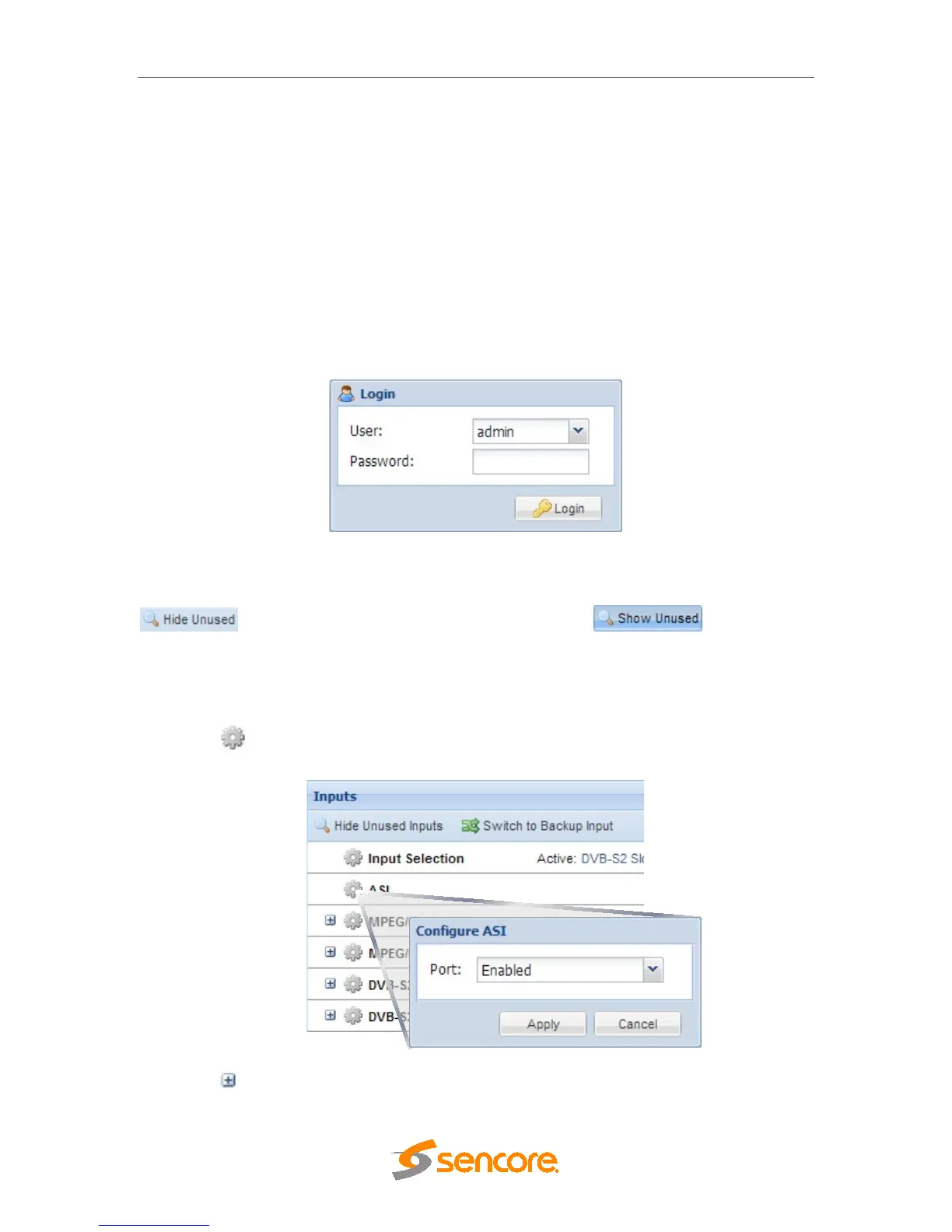
The user will need to login to the web interface. By default the admin user account is
available without a password. Press the login button in order to login to the web
interface.
4.1.2 Hiding Unused Inputs
The MRD 5800 web interface allows the user to hide inactive inputs using the
button or show all available inputs by click the button. Only
the inputs configured as the Primary Input and Backup Input (see Section 4.2.1) will be
displayed when unused inputs are hidden.
4.1.3 Buttons and Status Indicators
When the icon is shown user configuration is available. Clicking this button will open
menus where settings can be changed by the user.
When the icon is shown additional status information can be viewed. Click this button
will expand the menu to display the additional status information. All text in status menus



 To Next Page