MRD 5800 – User Manual
Page 45 (116)
Characters
If Teletext Subtitles overlays are enabled this
setting choosing the page (language) of
which subtitles are displayed. Only the pages
present in the stream are given.
SCTE 35
Decode Failure
Always Active
This setting will enable or disable the image
overlay in the video output. The SCTE 35
option will insert based on an event ID. The
decode failure option will overlay the image if
the video not decoding error is raised.
Always active will always overlay the image
in the video output.
Specify the SCTE35 Event ID that will cause
the image overlay to trigger.
Disabled
Enable or Disable dithering of the uploaded
image
Cut
Specifiy if the image should fade in and out
or cut in and out when using SCTE 35 or
Decode Failure options
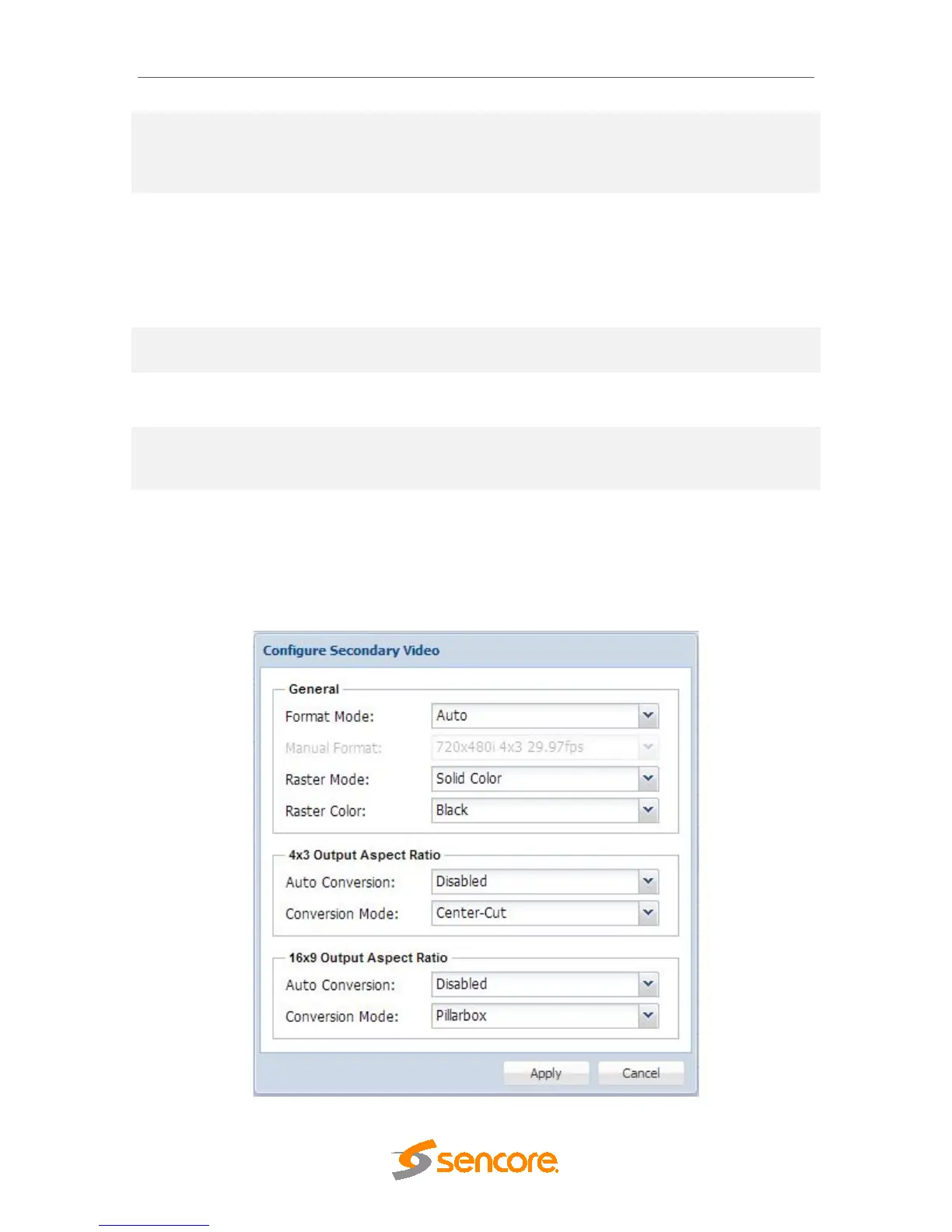
4.2.12 Configuring Secondary Video Services
This menu, if applicable, allows the user to configure the simultaneous SDI, and the
second Composite output of the MRD 5800. Please note the simultaneous SDI output is
limited to SD only. Also note the simultaneous SDI and simultaneous Composite outputs
will output the same selected service as the primary video output.



 To Next Page