MRD 5800 – User Manual
Page 76 (116)
4.3.1 Changing Unit Password
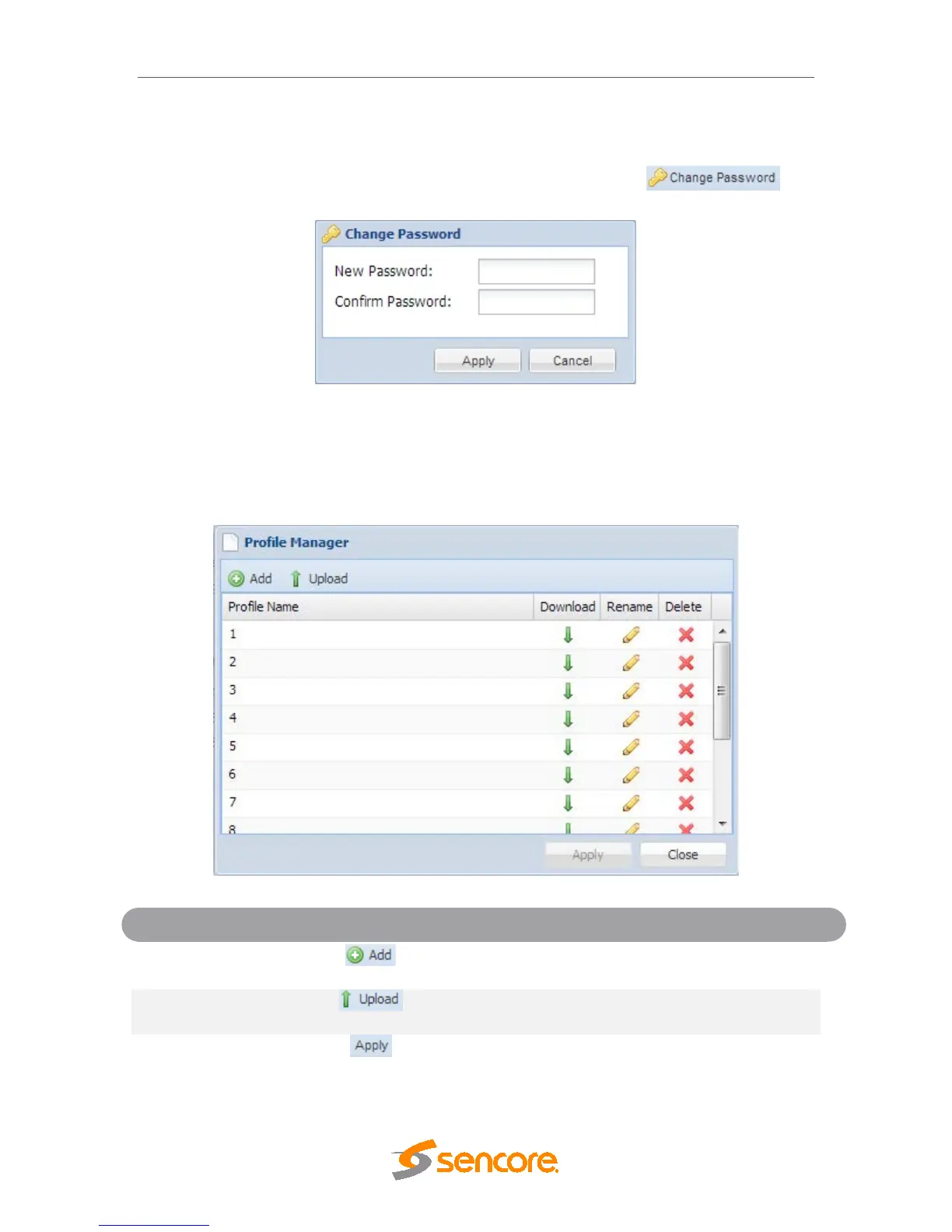
The MRD 5800 can be assigned an access password and the current access password
can be changed. In order to make changes to passwords, click the
button. A window will appear to enter the current password and new password.
4.3.2 Profiles
The MRD 5800 has the ability to save all configured settings to multiple profiles. Profiles
can be saved locally, renamed and saved to external storage to be used on other MRD
5800s. Profiles can be used to quickly and easily change the configuration of an MRD
5800 to suit different inputs and decoding requirements.
Adds a new profile from current settings. User must
name profile before creation is complete.
Allows the user to browse to external storage or
workstation to upload profile to MRD 5800.
Select a profile from the drop down menu and click
this button. The MRD 5800 will apply all settings
contained in the profile selected.



 To Next Page