MRD 5800 – User Manual
Page 82 (116)
4.3.8.2 SNMP Trap Managers
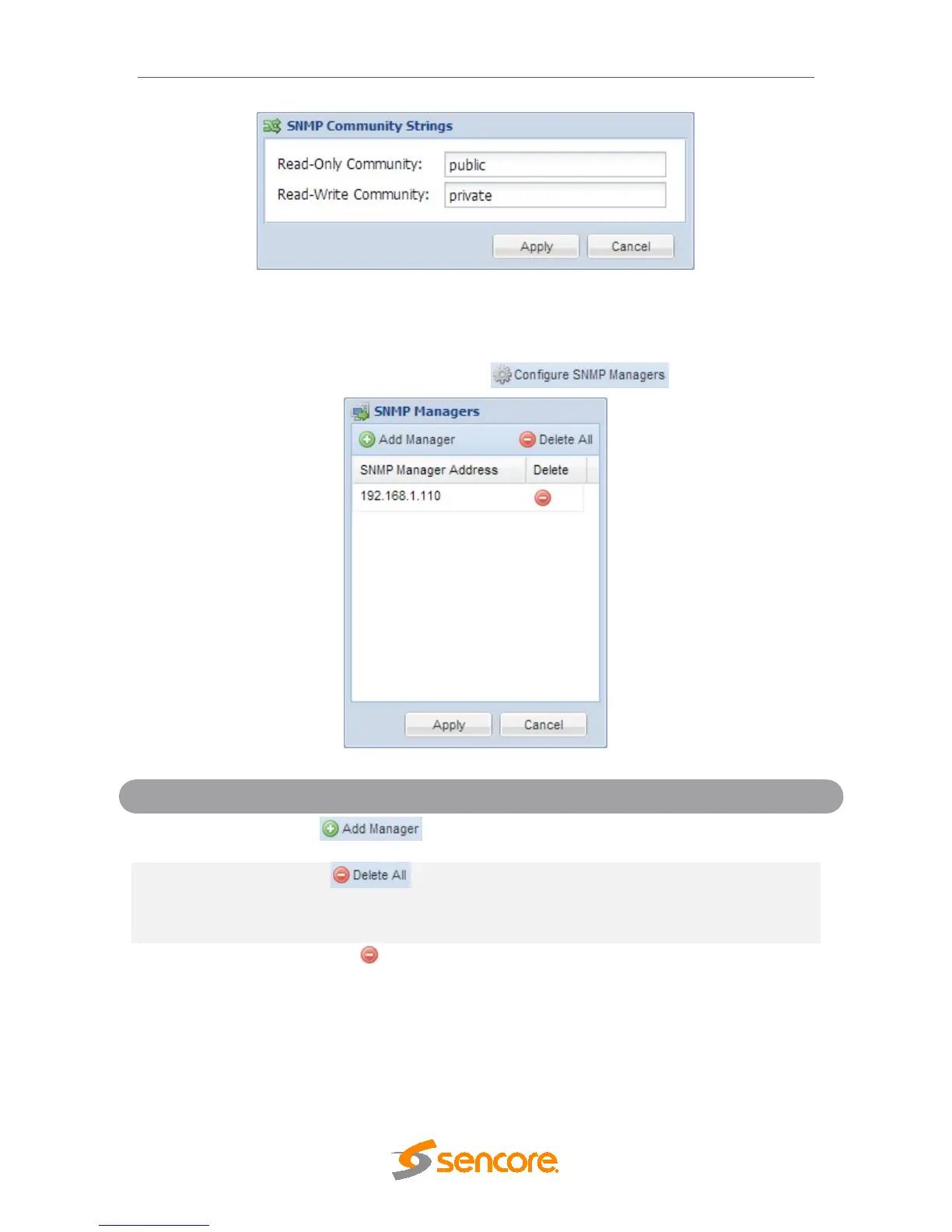
The SNMP trap managers are recipients of SNMP traps sent from the MRD 5800. The
following menu allows the user to configure the recipient’s IP addresses. To add and
remove recipients of the SNMP traps click the button.
Clicking this button prompts the user for the IP
address of the SNMP trap manager.
Clicking this button prompts the user to confirm the
deletion of all SNMP trap manager IP addresses. If
the user confirms deletion all SNMP trap manager
IP addresses will be removed.
Highlight a single SNMP trap manager IP address
and click this button to delete the entry. A prompt
will appear confirming the deletion of IP address.
4.3.8.3 Download SNMP MIB Files
The MRD 5800 stores the SNMP MIB files for the currently installed version of software
on the unit. These files can be downloaded directly from the MRD 5800 by clicking on



 To Next Page