MRD 5800 – User Manual
Page 65 (116)
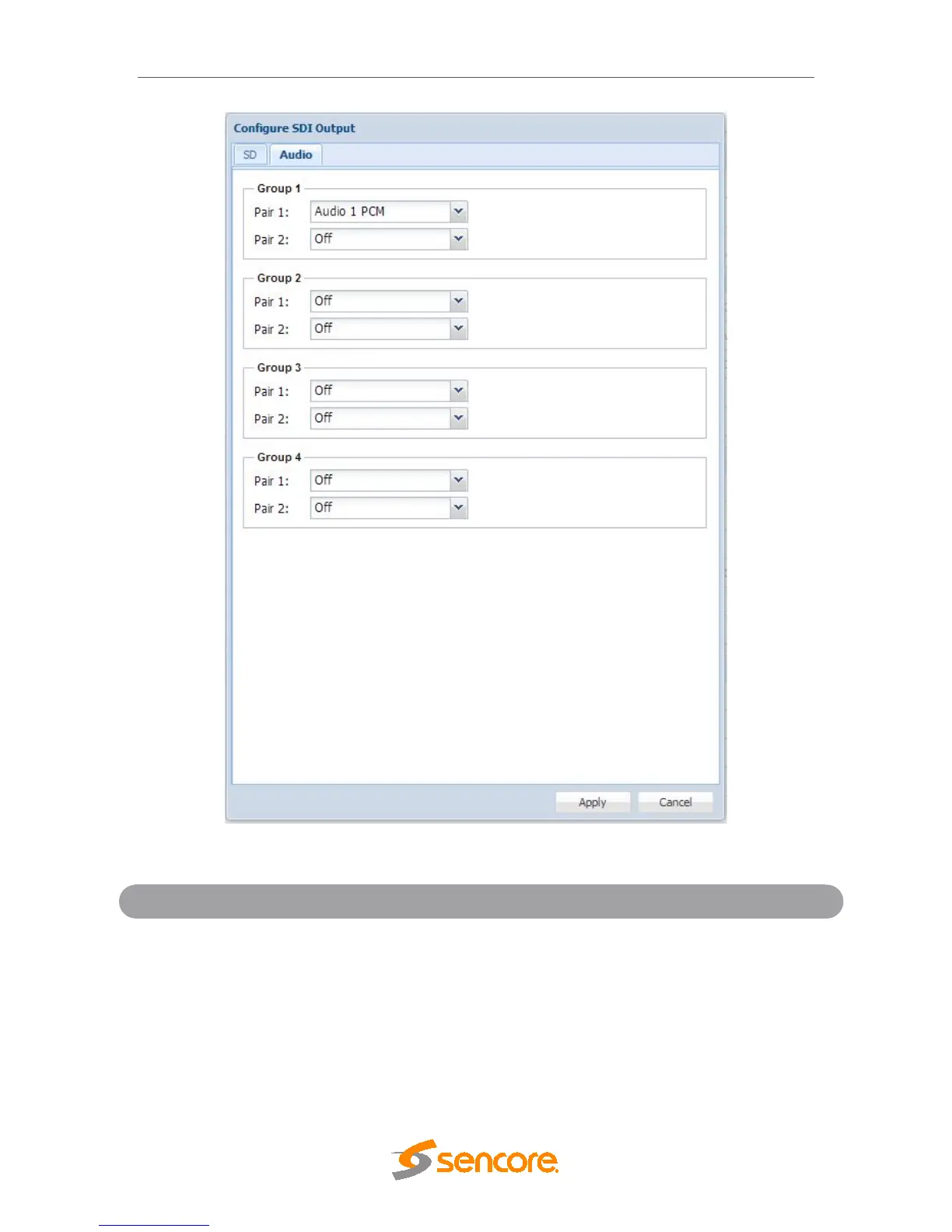
Secondary SDI Embedded Audio Configuration Menu
Pair 1-2
Audio 1-8 PCM
Audio 1-8 Pass-through
Assigning a PCM audio to a Group Pair will embed
the decoded or downmixed two channel audio using
the settings defined in
Section 4.2.10. Assigning
Pass-Through to a Group Pair will embed
unprocessed compressed audio in the SDI VANC.
Selecting Off disables the Group Pair completely.



 To Next Page