MRD 5800 – User Manual
Page 71 (116)
Disabled
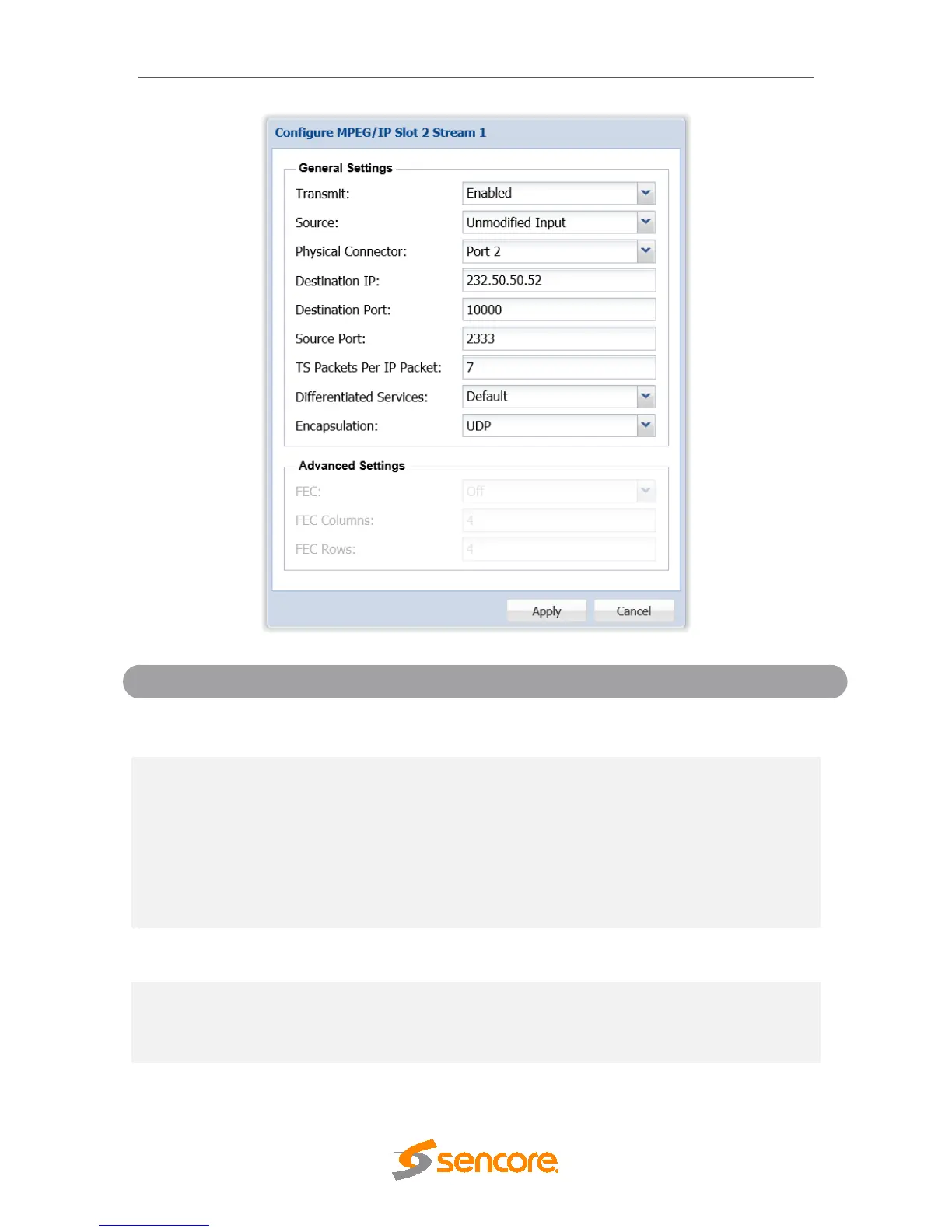
Enable or disable the MPEG/IP transmit group.
Descrambled
Descrambled and
Processed
Pid Filter 1-10
Unmodified Input will pass the incoming TS to the
output without applying any BISS or DVB-CI
decryption.
Descrambled (or Descrambled and Processed) will
output the TS with any applied BISS or DVB-CI
decryption.
PID Filter will output the TS from the PID filter
menu option.
Connector
Port 2
The physical connector on the MPEG/IP card that
will be used to transmit the output.
239.255.255.255
When sending to a unicast address the destination
IP address must match the receiving device’s IP
address. When sending a multicast the address
must be sent within the multicast IP range.
When sending to a unicast address, the destination
port must match the receiving device’s port. When
sending a multicast, any port within the accepted



 To Next Page