MRD 5800 – User Manual
Page 85 (116)
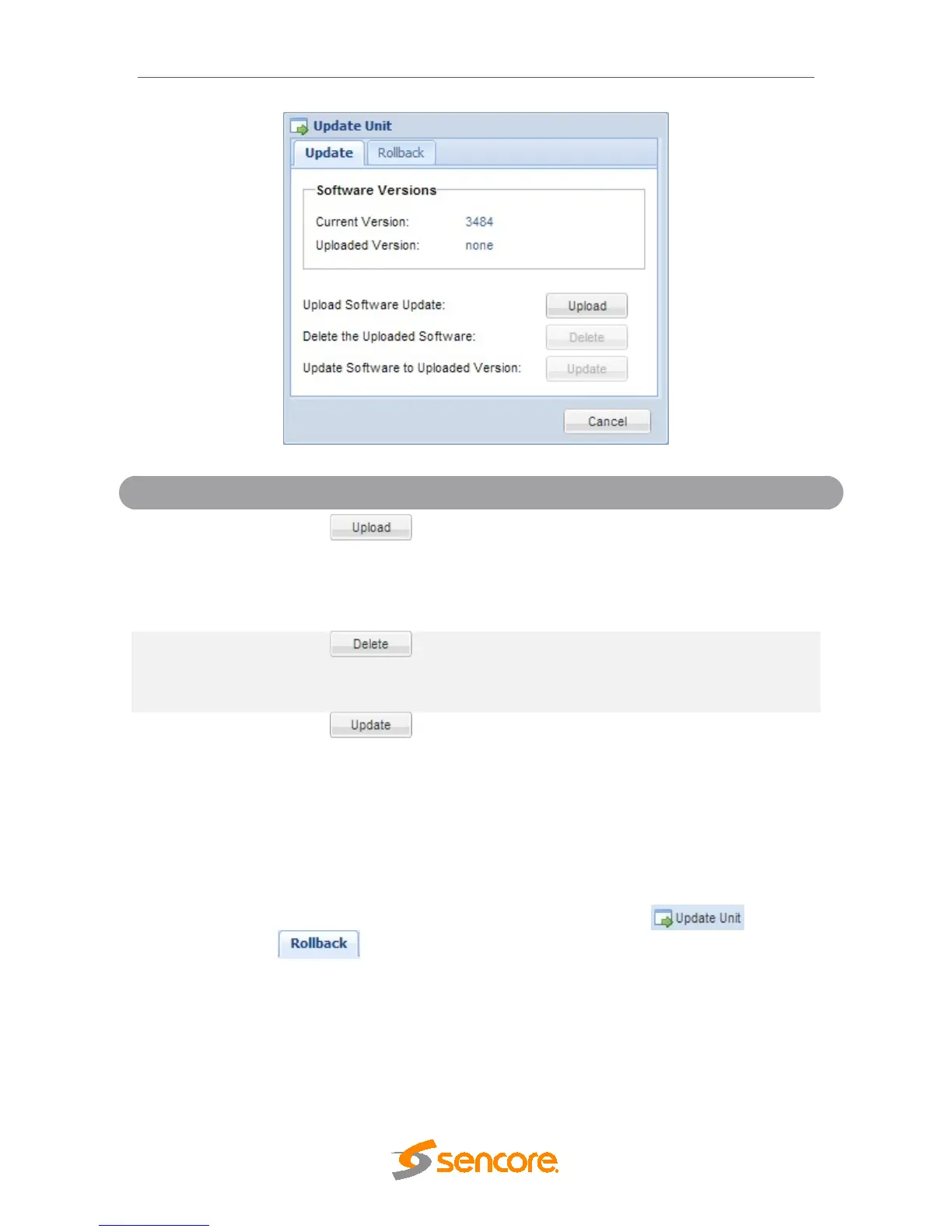
Update
To upload software updates to the MRD 5800 click
this button. The user will be prompted to navigate
to an update file. The file will then upload to the
MRD 5800. When complete the MRD 5800 with
prompt the user to either apply the update or
cancel
Uploaded Software
Clicking this button prompts the user to confirm the
deletion of the software update from the MRD
5800. This will also clear the Uploaded Version
status of the Software Versions section.
Uploaded Version
Clicking the button starts the software update
process. The MRD 5800 will prompt the user to
confirm the update. Click Yes to continue or No to
cancel.
4.3.11.2 Rollback Software Updates
The MRD 5800 is capable of reverting back to a previous version of software using the
Rollback feature. The MRD 5800 maintains two separate software images; one is the
most current version of software with all current settings and the other is the previous
version of software with all settings. To perform a rollback, click the button
and then click the tab. The MRD 5800 will reboot after the rollback process is
complete.



 To Next Page