OmniHub 6/6D– User Manual
Page 133 of 182
Defines the encryption passphrase
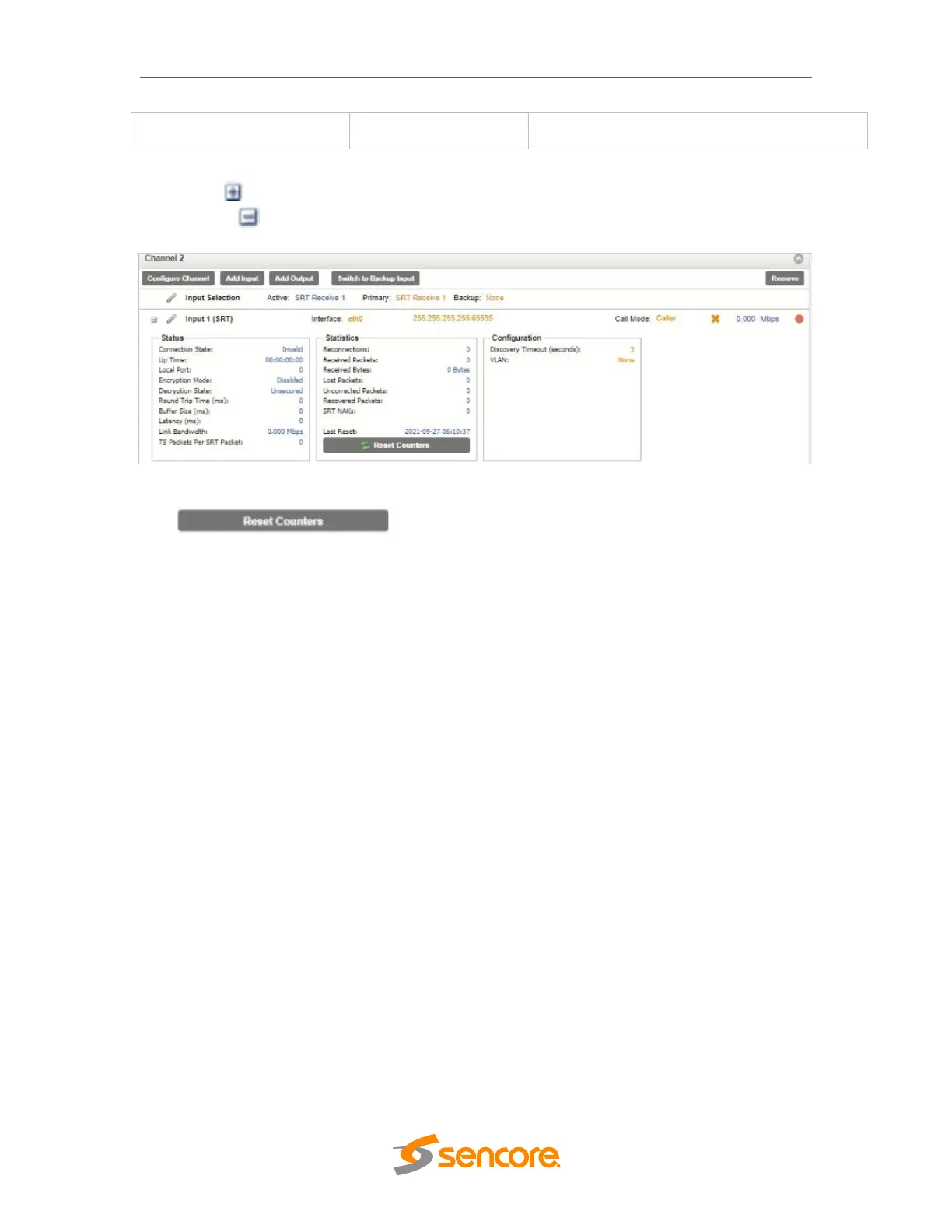
Click the icon by the SRT input to view information about the incoming stream.
Clicking the icon will hide the SRT receive statistics.
SRT Receive Statistics
The button is used to reset all the statistics for incoming
SRT packets and establish a new point of reference.
Zixi Receive Settings
The figure below shows the options available when the “Receive Type” is set to “Zixi”.



 To Next Page