OmniHub 6/6D– User Manual
Page 136 of 182
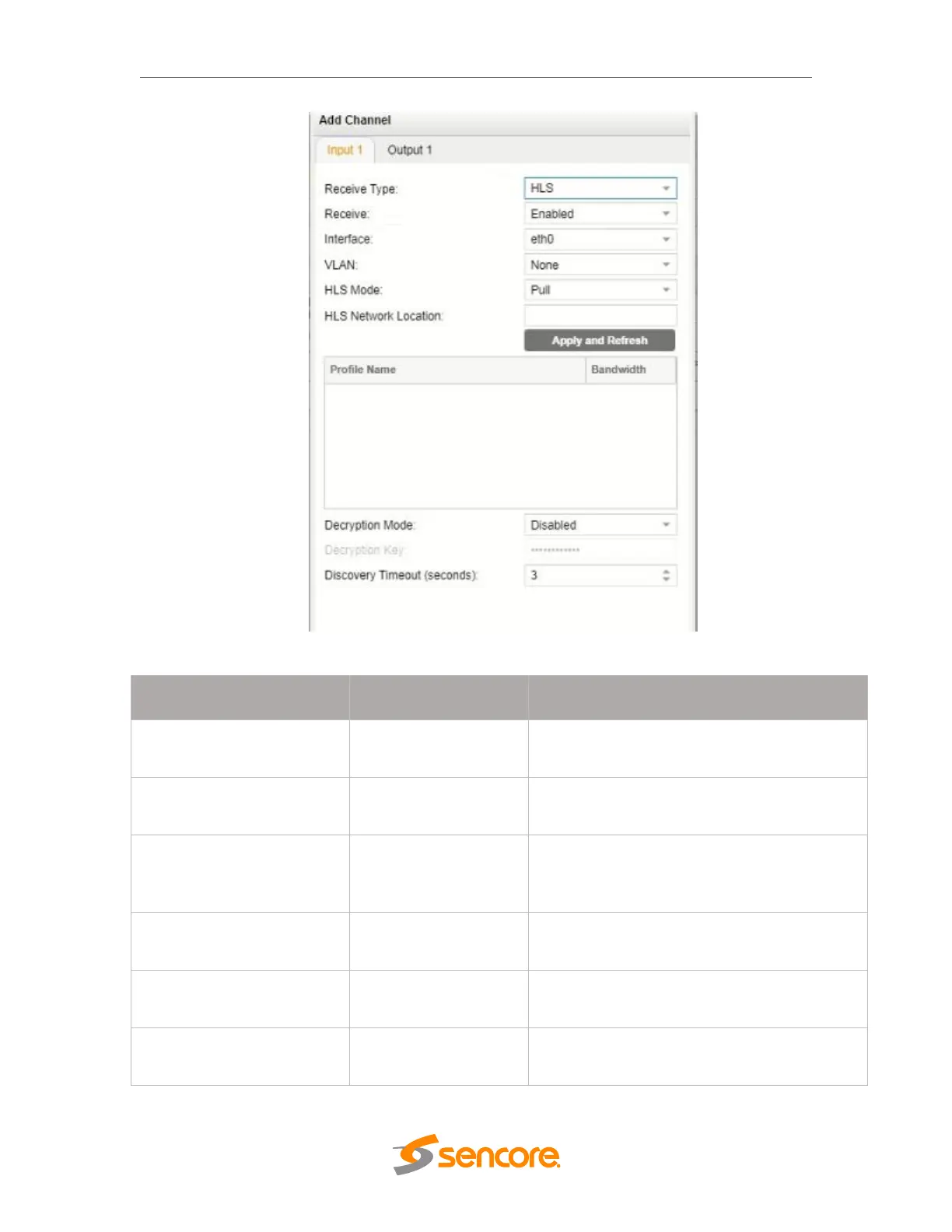
HLS Receive Settings
Determines if the HLS receives through a local
or network location
Defines address of the HLS stream to be
received
After entering an HLS network location and
clicking “Apply and Refresh”, a list of available
profiles will be displayed
Defines if a decryption of the received signal is
needed, AES 128 standard
Provides the key to allow signal processing if
decryption is to be done
Discovery Timeout
(seconds)
1 – 100, use 0 for infinite
Defines the length of time to wait for the
stream to be discovered



 To Next Page