OmniHub 6/6D– User Manual
Page 161 of 182
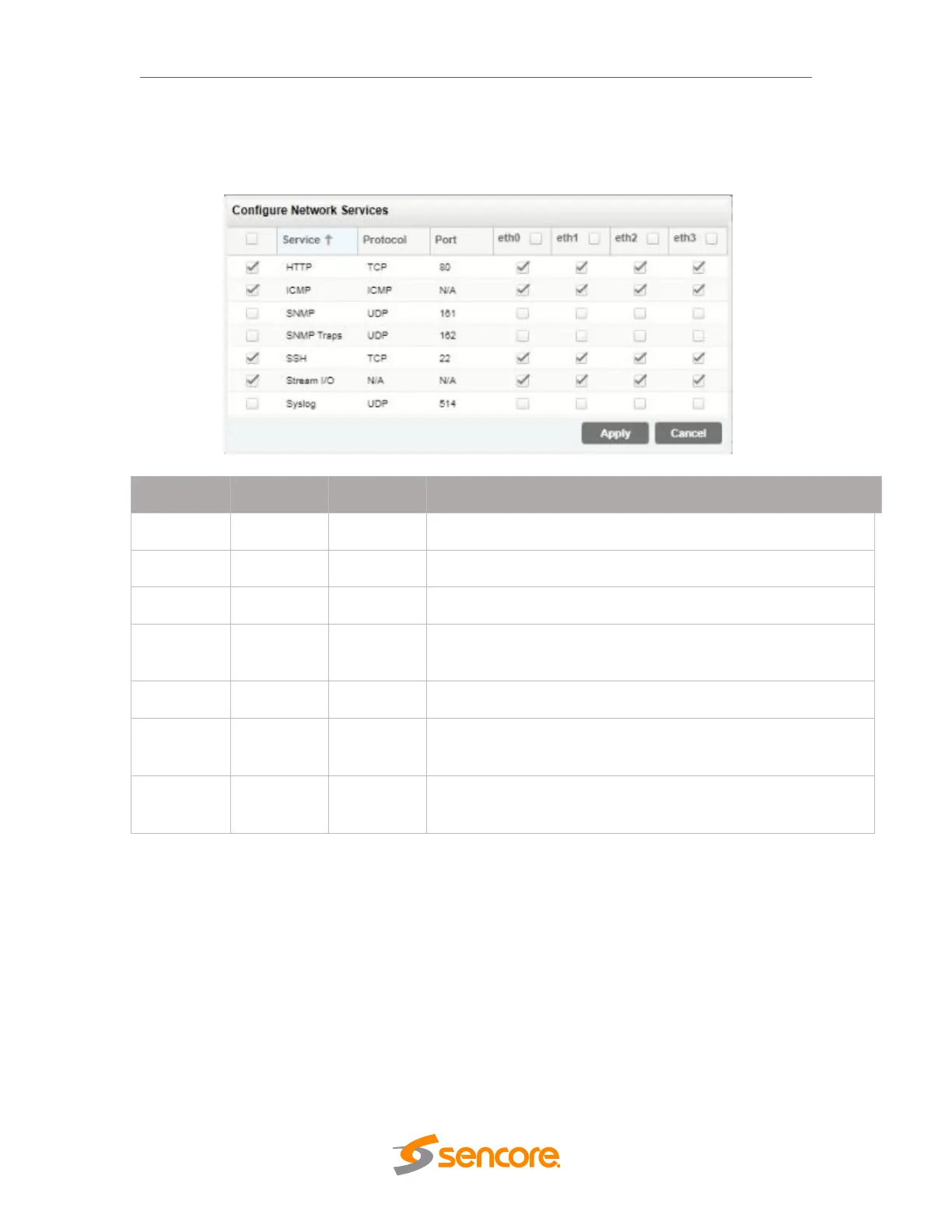
input and output traffic. To enable or disable further settings, click to check the leftmost
box as well as the box corresponding to the physical NIC (eth0, eth1, eth2,eth3) in the
row of the intended service.
Allows access to the web interface via browser
Allows access to ICMP responses (such as pinging)
Allows SNMP GET/SET commands
Enables SNMP traps to send upon system change
Allows for SSH access through port 22
Enables and disables all stream traffic for the physical
interface (Zixi, MPEG/IP, SRT, HLS)
Allows configuration of a syslog server for state triggered
messages.
License Information
Certain features of the OHP-IP-00 require licenses in order to be functional. The
interface displays all licenses available as well as the following status:
License Locked or Unlocked
License is Supported or Unsupported by the installed hardware
If licenses need to be applied to the module, click Apply License Key button. The menu
below will appear where the user can copy and paste the provided license key from
Sencore.



 To Next Page