Performing a walk test (reception quality)
166
ed.
▷ Click Stop to end the walk test.
If the result of the walk test is not satisfying, you can take the
following remedial measures:
• If possible, position the receiver so that there is always a di-
rect line of sight between the antennas (directly on the re-
ceiver or remotely mounted) and the paired transmitter.
• If possible, remove obstacles between the transmitter and
the antennas.
• Pay attention to the notes about antenna installation: „Rec-
ommendations on antenna mounting“
• If necessary, adjust the manually selected transmission
power in the Control Cockpit under RF power mode on the
RF settings tab. You can find more information under
„Multi-room mode“.
Performing a walk test with the
SL Rack Receiver DW on the device
To perform a walk test on the device:
▷ Switch on the transmitter and the receiver of the radio link
you want to check.
▷ In addition, switch on all other devices that you want to use
in the operating environment.
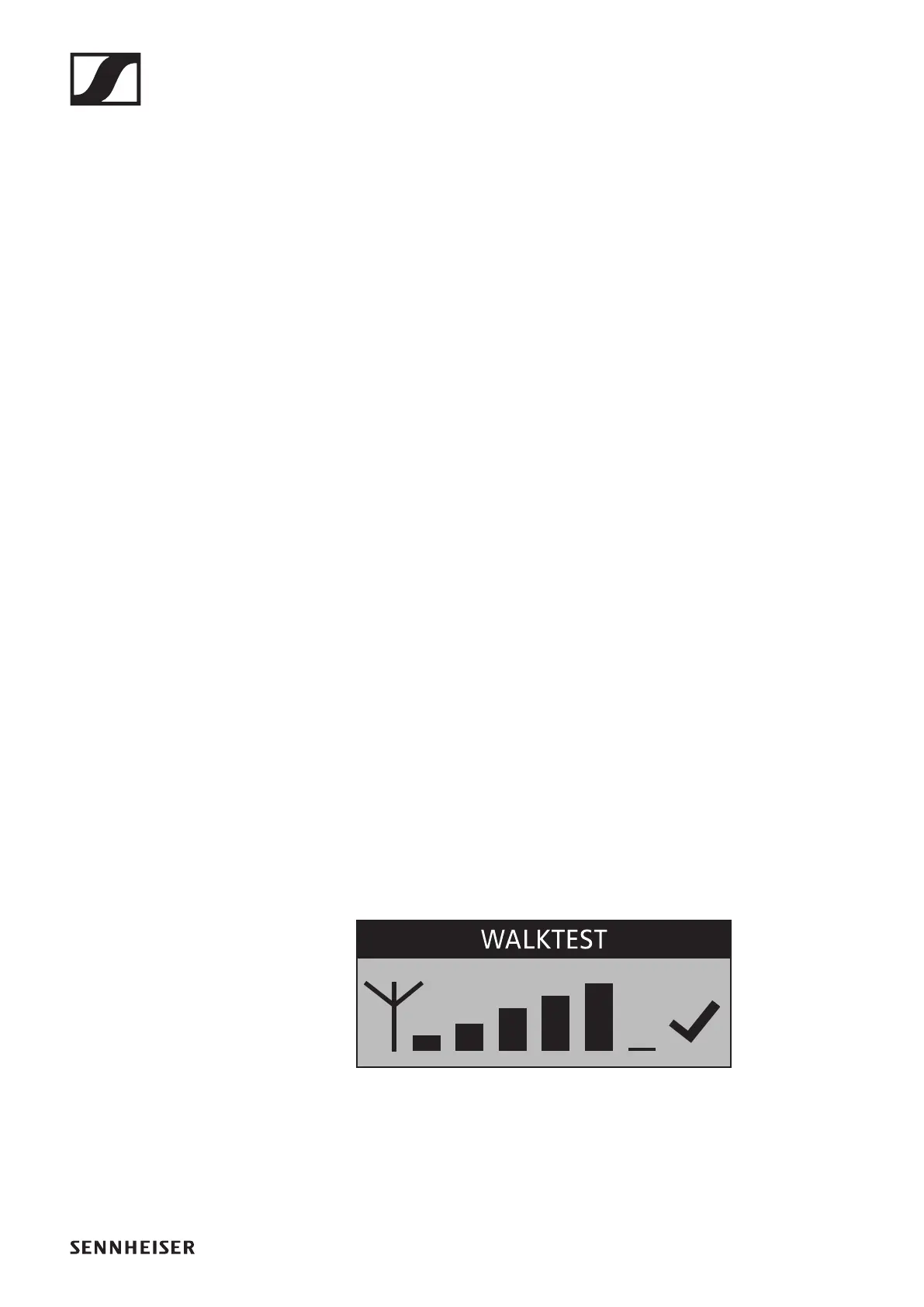
▷ From the receiver's System Settings menu, select the
Walk Test menu item.
The RF signal level display appears on the display panel of
both the receiver and the transmitter.
►
▷ Walk the operating environment with the transmitter.
The RF signal level display on the display panel of both the
receiver and the transmitter is continuously updated.
▷ Check the RF signal level display for more detailed informa-
tion on the reception quality:




 To Next Page