DVR Setup
700-1014 R002 2–3
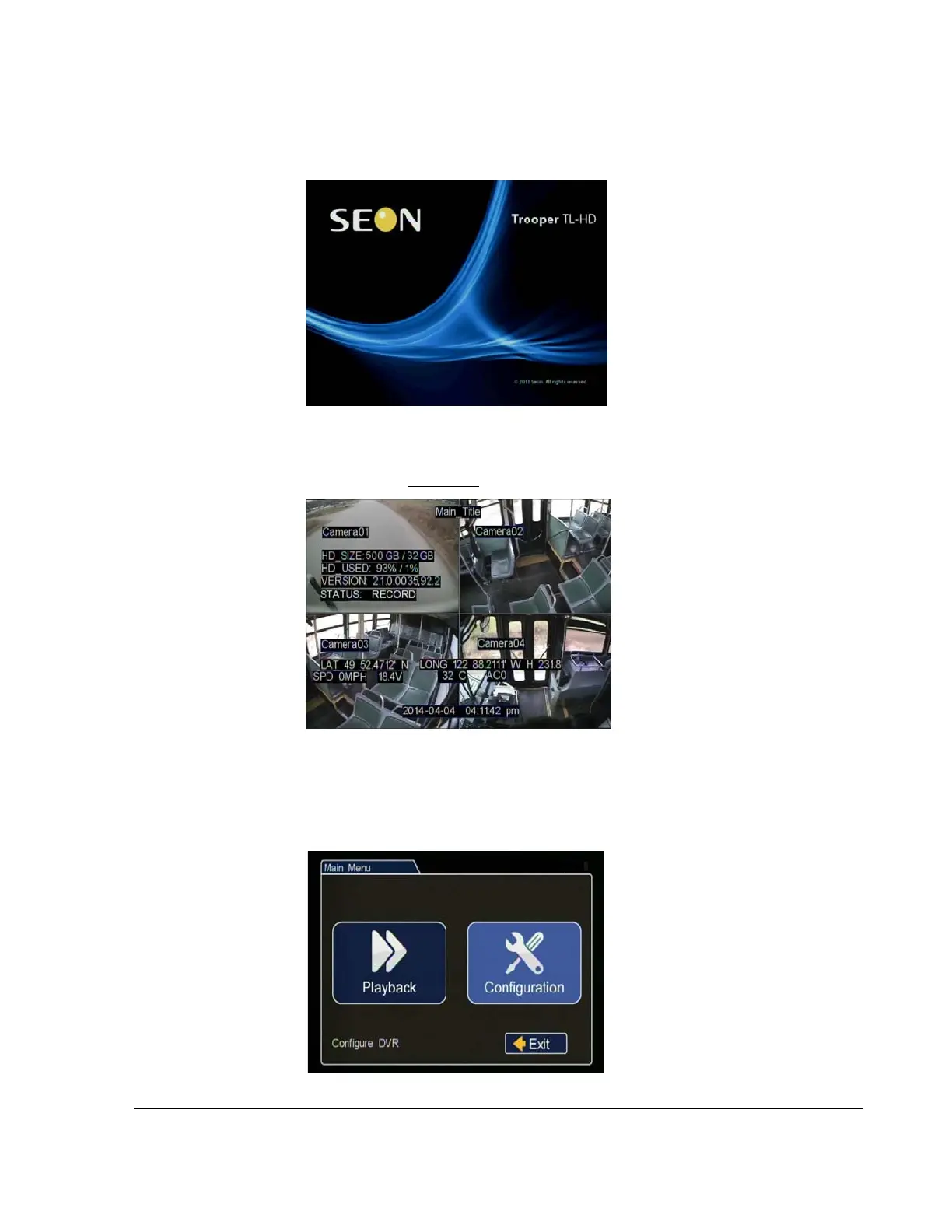
On power-up, with a monitor and USB mouse connected to the DVR, the TL-HD
splash screen appears briefly before the DVR enters live view.
During recording and live viewing, the screen information is dynamic and can include
the items shown in Figure 2-2
.
Basic DVR configuration settings:
1. In the live view, right click anywhere to show the DVR Main menu. Click on
Configuration.
Figure 2-1
TL-HD Splash Screen
Figure 2-2
On-Screen Display during Live Viewing and Recording
Figure 2-3
Main Menu



 To Next Page