DVR Setup
2–4 700-1014 R002
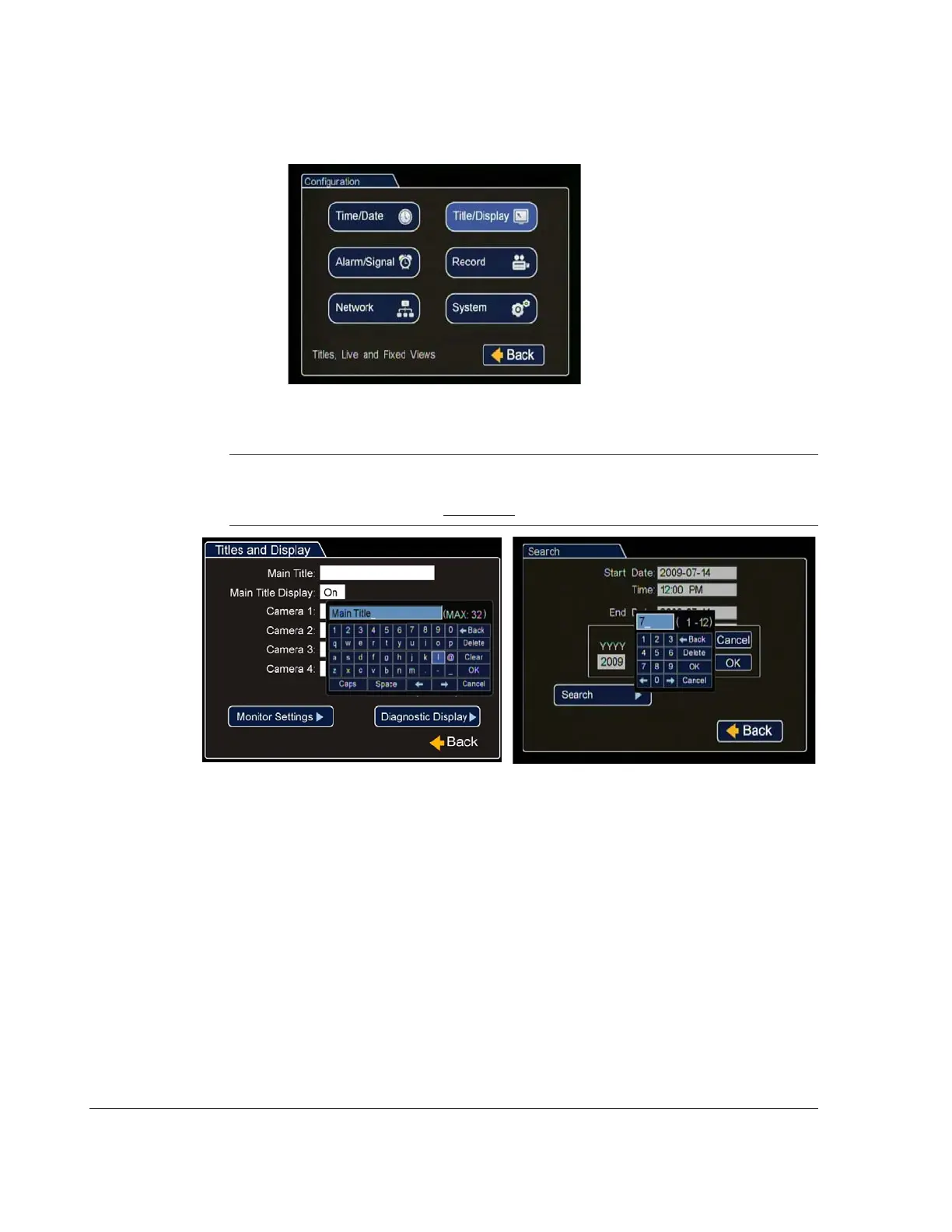
2. In the Configuration menu, click Time/Date.
Figure 2-4
Configuration Main Menu
Note: To enter data in OSD fields, click with the mouse to display a keyboard. Use
the on screen popup keyboard to select letters or numbers to input to fields.
Examples are shown in Figure 2-5
.
Figure 2-5
On-screen Keyboard with Text or with Numbers



 To Next Page