4 5Chapter 1: Getting Started
Sequential Prophet X User’s Guide
Chapter 1: Getting Started
Sound Banks
The Prophet X contains a total of 1024 programs. Banks U1-U4 are user
banks that can be overwritten. Banks F1-F4 are factory banks that are
permanent. As shipped, user banks U1-U4 are identical to permanent
factory banks F1-F4. Each bank has 128 programs (x 4 banks = 512
programs each). You can edit the programs of either bank, but you can
only save them to user banks U1-U4.
We include banks of non-rewritable permanent sounds so that they are
always available, to be used as is, or as templates for new sounds of your
own. It’s easy to design a new sound by tweaking an existing one.
Banks A1-A4 are “add-on” banks. Programs included with sample expansion
libraries from sound developers will load here. If you purchase expansion libraries
then edit any of the programs in banks A1-A4, you must save them to user banks
U1-U4, as you would with any user-created sounds.
U1
Prophet Evolution
P1 120
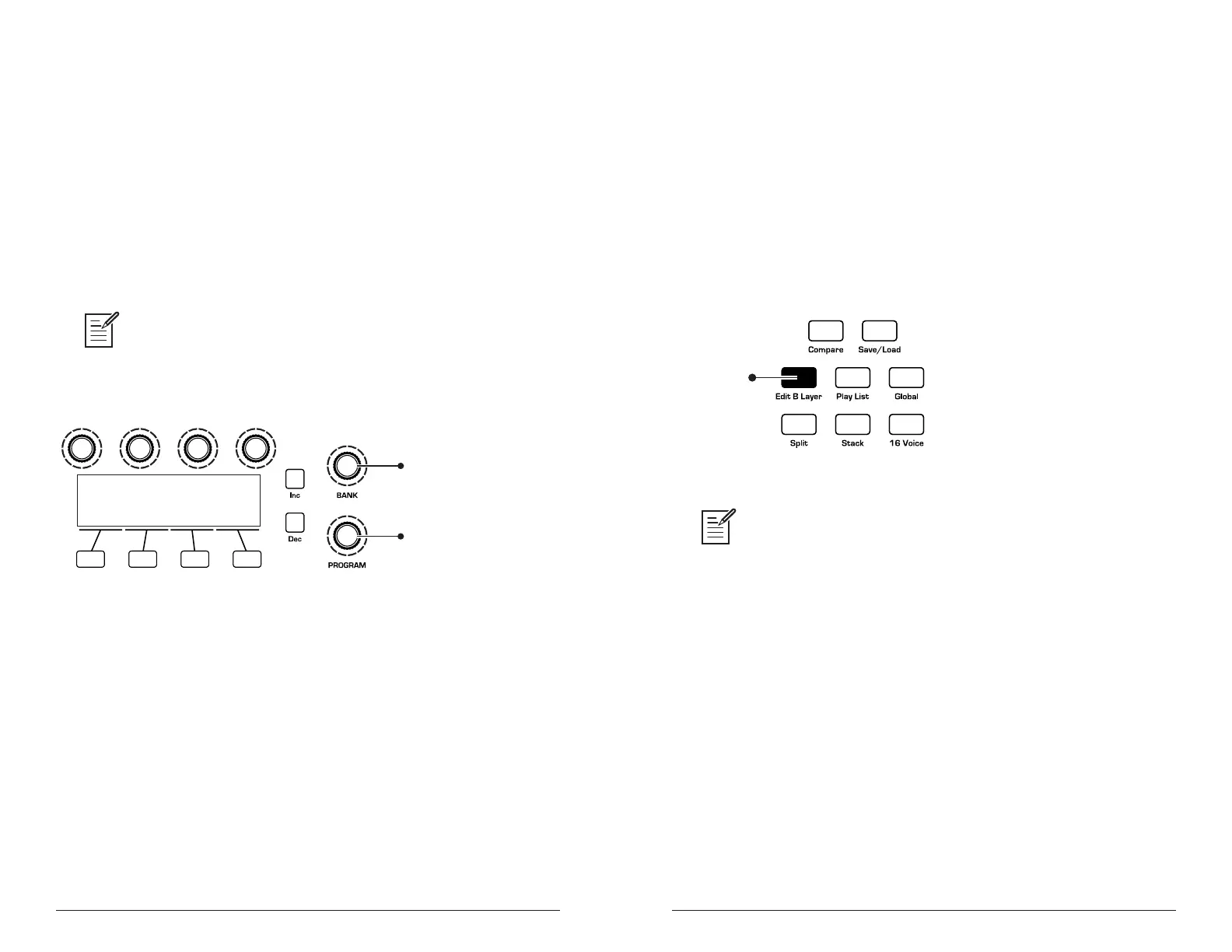
Turn to scroll through
User and Factory banks
Turn to scroll through
programs 1-128 in each bank
Bank and Program controls
Selecting Programs
Use the bank and program knobs to select and recall programs.
To choose a program:
1. Turn the bank knob to select the bank you want.
2. Turn the program knob to select a program within that bank.
Editing Programs
Because the majority of the sound-shaping controls of the Prophet X appear
on its front panel, editing an existing program is simple: turn a knob and
listen to its effect. Keep turning knobs and pressing buttons. If you like what
you’ve created, save the program. (See “Saving a Program” on page 7.)
Any edits you make are made to Layer A. You can also edit Layer B if you
want.
To hear and edit Layer B:
1. Press the edit b layer button.
Bank and Program controls
The rotary controls on the front panel are a mixture of “endless” rotary encod-
ers (which have no position indicator) and potentiometers or “pots,” which have a
position indicator and a nite travel range from left to right. You can choose between
three different modes that determine how the synth reacts when you edit its param-
eters with a pot. For details, see “Pot Mode” on page 124.
Comparing an Edited Program to its Original State
When editing a program, it’s often useful to compare its edited state to
its original state to evaluate your edits.
To compare an edited program to a saved version:
1. Edit a program, then press the compare button.
2. Play the keyboard to hear the saved version of the sound.
3. To disable the compare function and return to the edited sound, press
the compare button again to turn it off. Programs can’t be written while
in compare mode.















 To Next Page