26 27Oscillators
Sequential Prophet X User’s Guide
Oscillators
Key Follow: Off, On—When Key Follow is on, the oscillator tracks the
keyboard or note data received via MIDI. When off, the oscillator plays
at its base frequency setting, though the pitch may be affected by modu-
lation from other sources.
TAB 2 Osc Shape
SHAPE
Shape Shape Mod Sync Wave Reset
SHAPE MOD
0Pulse
WAVE RESET
SYNC
Osc1 MiscOsc1 Tune Osc Select
Osc1 Shape
Shape: Sine, Sawtooth, Pulse, Super Saw —This selects the waveshape
generated by the oscillator. You can also turn the sound of the oscillator
off by selecting no waveshape.
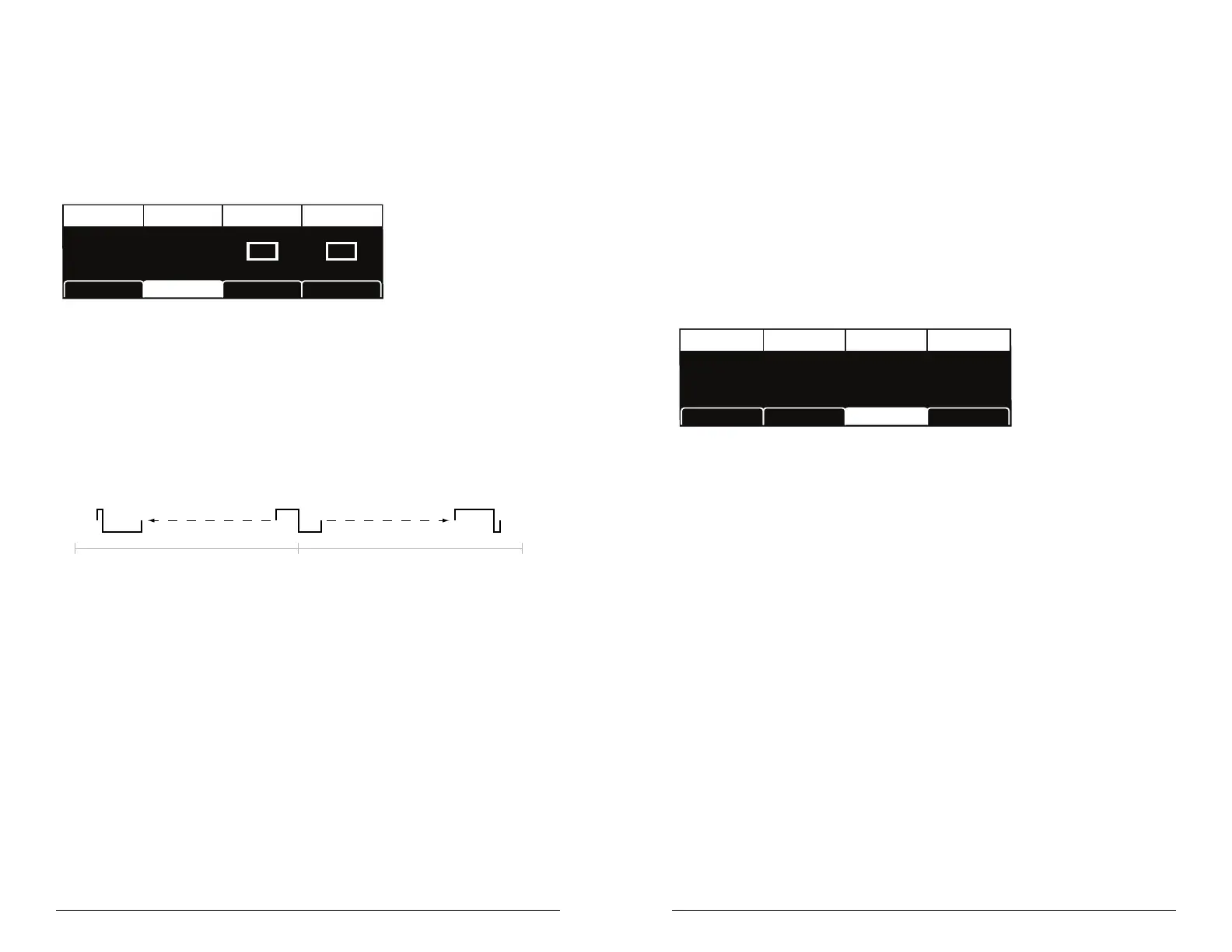
Shape Mod: -64…+63 – Changes the “pulse” width of the selected
waveform, which modies its harmonic content and timbre. To generate a
square wave when pulse is selected as the waveform, set this parameter to 0.
0-64 63
Oscillator pulse width (square wave)
Sync: Off, On—Turns Oscillator 1 hard sync on. Sync forces Oscillator 1
(the slave) to restart its cycle every time Oscillator 2 (the master) starts
a cycle. This provides a way to create more complex, harmonically rich
shapes from simple waveforms—especially when the frequency of Oscil-
lator 1 is set to a different interval than Oscillator 2.
Wave Reset: Off, On—(In the osc1 shape tab in the display) When
Wave Reset is off, the Prophet X oscillators are free running. That is, the
oscillators are running whether a note is being gated on or not. When
the amplier envelope is set for a fast attack, this can cause a soft, but
detectable, pop or click at the beginning of a note because the note might
be gated on at a point in the wave’s cycle other than a zero crossing. The
rst cycle to play might be truncated. For some sounds, like monophonic
basses, this may actually be desirable. It adds a bit of randomness to the
attack that can make it sound more organic. When wave reset is on, the
wave is always reset to zero—the start of its cycle—when a note is triggered.
TAB 3 - Osc Misc
GLIDE RATE
Glide Rate
17
Osc1 MiscOsc1 Tune Osc SelectOsc1 Shape
Glide Rate: 0...127—Sets the oscillator glide (portamento) amount.
Glide can be set independently for each oscillator. Low values are
shorter/faster. The glide switch must be on to hear the effect of glide
rate. For a detailed explanation, see “Glide” on page 77.
TAB 4 - Osc Select
Soft Key 4 toggles between Osc 1 and Osc 2 so that you can edit their
parameters from the display.















 To Next Page