32 33Filter
Sequential Prophet X User’s Guide
Filter
3. Return the cutoff knob to its halfway position, hold down a note again
then turn the resonance knob about halfway up. Notice how the sound
changes as a band of frequencies near the cutoff is amplied.
4. Rotate the lter’s cutoff knob again and listen to a classic resonant
lter sweep.
In the previous example, you controlled the lter cutoff by hand. In most
cases, you will use the Filter Envelope to do this. To learn more about the
Filter Envelope see page 37.
Filter Parameters (Front Panel)
Drive: 0...127—Increases signal input to the lter, boosting volume and
adding harmonic saturation and warmth.
Sampled instruments have a Boost parameter (in the inst misc tab) that is useful
for increasing signal level to the lter if necessary. This can enhance lter Drive.
Cutoff: 0...164—Sets the lter’s cutoff frequency. Frequencies are
reduced from the top down, cutting the high frequencies and passing the
low frequencies, hence the name “low-pass.”
Resonance: 0...255—Emphasizes a narrow band of frequencies around
the cutoff frequency. High levels of resonance can cause the lter to self-
oscillate and generate its own pitch.
High levels of resonance can sometimes cause the Prophet X outputs to clip.
Monitor your outputs carefully to ensure optimal, clean signal levels.
Key Track: 0...127—Sets the amount of modulation from the keyboard
to the lter’s cutoff frequency. Any setting above zero means that the
higher the note played on the keyboard, the more the lter opens. This
is useful for adding brightness to a sound as higher notes are played, which
is typically how acoustic instruments behave. When set to zero, keyboard
lter tracking is off, meaning that lter frequency is unaffected by playing
higher or lower notes on the keyboard. When set to 127, the lter will track
in half-step increments, which can be useful if you are using the lter to
generate a pitch through self-oscillation.
Additional Filter Parameters (Display Menus)
Additional Filter parameters are accessible through the menus in the
main display. To see these menus, adjust any of controls in filter section
of the front panel.
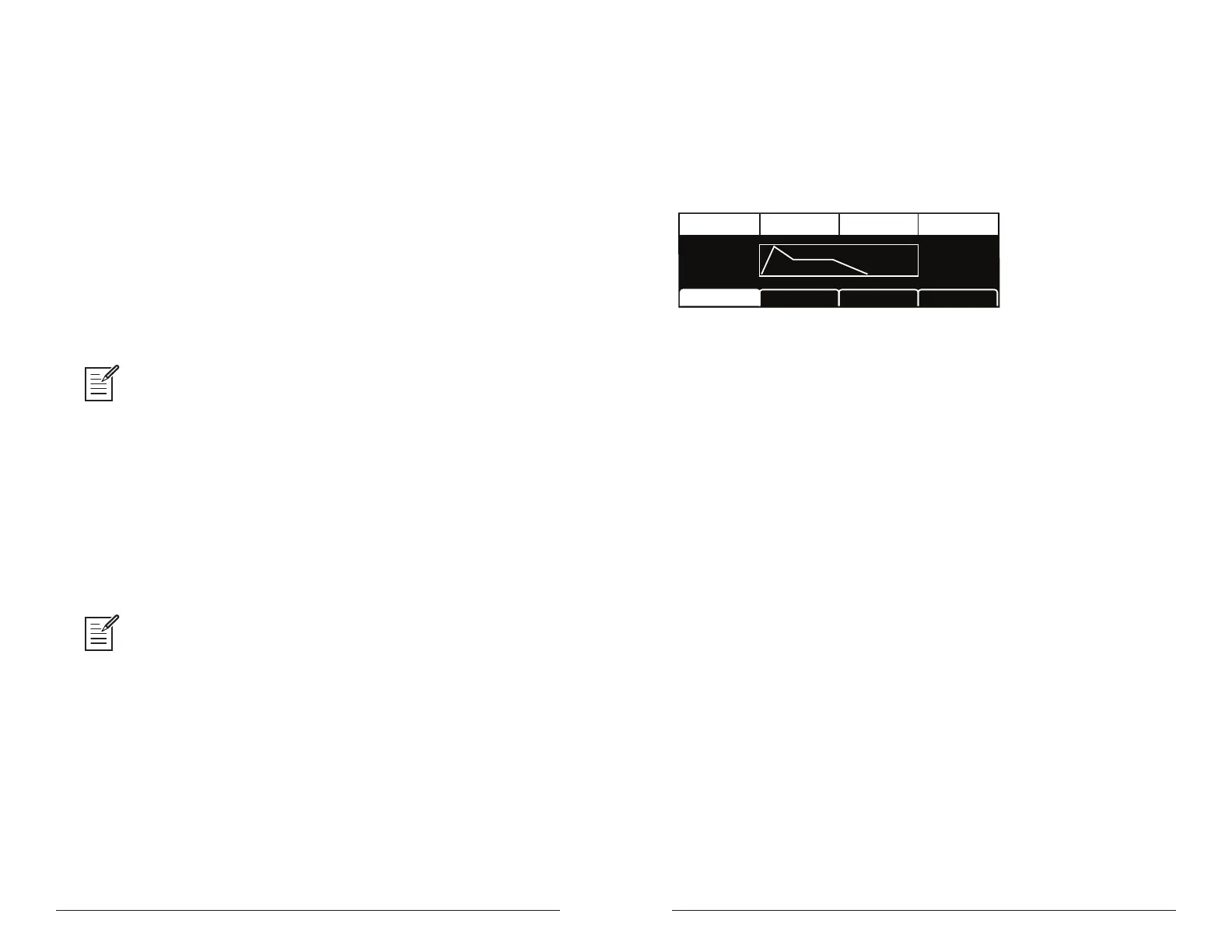
TAB 1 - VCF ADSR
A:25
Attack SustainDecay Release
D:36
R:44
S:52
LP Filter LPF MiscVCF Env AmtVCF ADSR
Attack: 0...127—Sets the attack time of the envelope. The higher the
setting, the slower the attack time and the longer it takes for a sound to
reach its full volume. Pads typically have softer (longer) attacks. Percus-
sive sounds have sharper (shorter) attacks.
Decay: 0...127—Sets the decay time of the envelope. After a sound
reaches its full volume at its attack stage, decay controls how quickly the
sound transitions to the level set with the sustain control. The higher the
setting, the longer the decay. Percussive sounds, such as synth bass, typi-
cally have shorter decays.
Sustain: 0...127—Sets the sustain level of the envelope. The higher the
setting, the louder the sustained portion of the sound will be. The sound
will stay at this level for as long as a note is held on the keyboard.
Release: 0...127—Sets the release time of the envelope. This controls
how quickly a sound dies out after a note is released.















 To Next Page