20 21Sample Playback
Sequential Prophet X User’s Guide
Sample Playback
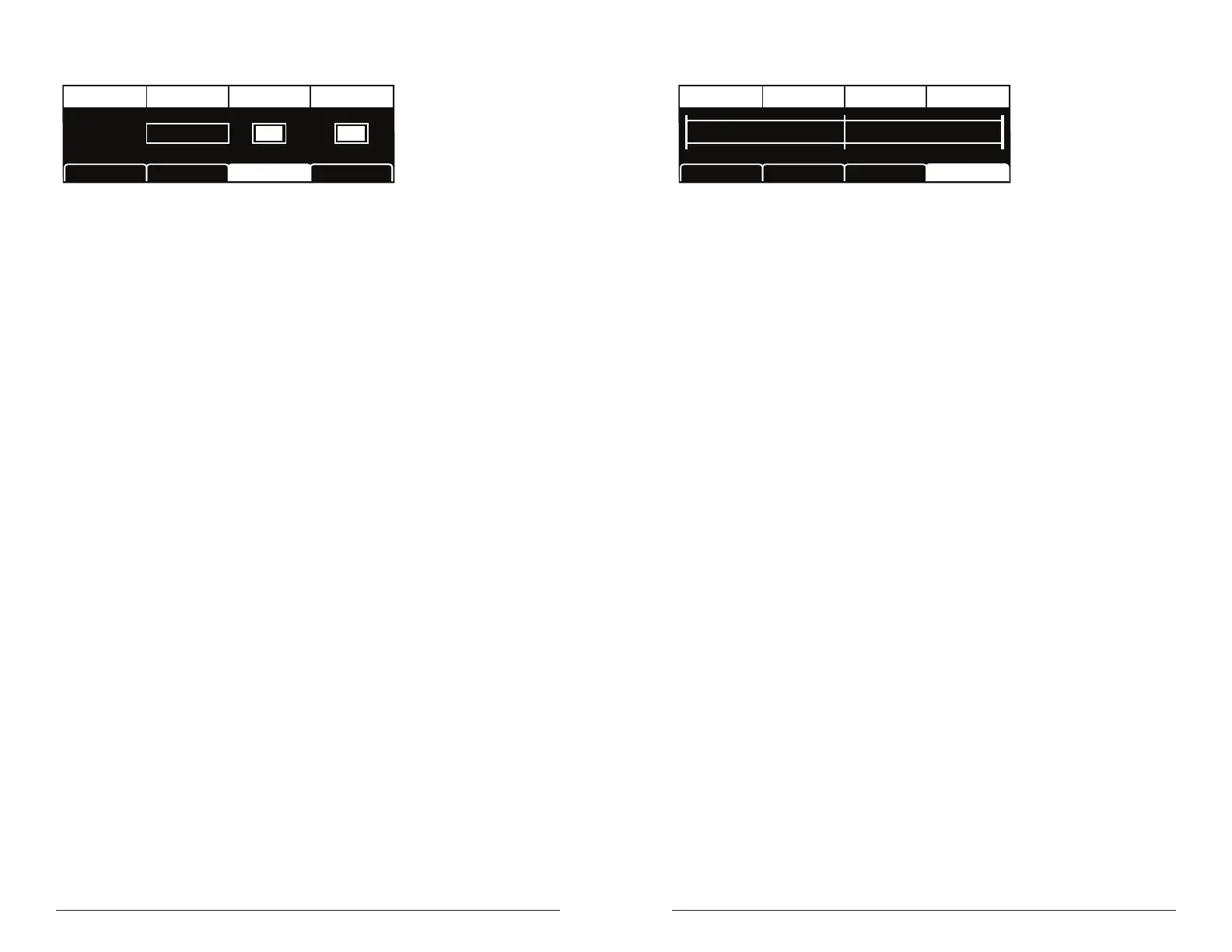
TAB 3 - Inst Loop
XFade Rate Edit SampleLoop Mode Sample Vel
LOOP MODE
Regular
SAMPLE VEL
EDIT SAMPLE
Inst1 Tune Inst1 EditInst1 Misc Inst1 Loop
X FADE RATE
20
XFade Rate: 0...255—If loop is on for a sampled instrument, this
controls the length of the crossfade between the loop start and loop end.
Some sounds benet from longer loops in order to smooth the transition
between these points.
Loop Mode: Regular, Pitched, Sync—Sets how the sustain loop behaves
in an instrument or sample (if a loop exists in the sample). In regular
mode, the loop plays continuously while a key is held. In pitched mode,
the loop becomes a pitch period calculated based on the assigned note of
the sample. You can change the size of this pitch period by pressing Soft
Key 4 (Inst1 Edit) and changing the loop size setting. A loop size setting
of of 1 indicates a single pitch period. In sync mode, the loop plays back
in sync with the master clock BPM. This is useful for loops that consist
of rhythmic material that you wish to synchronize to the sequencer and
arpeggiator.
Edit Sample: On, Off—If you have edited a sample’s start, end, or loop
size or center, turning off edit sample will temporarily ignore the edits
and play the sample in its original, unmodied state.
Sample Vel: On, Off—Toggles velocity sensitivity and velocity-based
multi-sample switching on or off for the selected instrument. Turning
sample velocity off will cause the Prophet X to always play the sample
normally designated to have the greatest velocity. It will not switch
samples based on how hard you play, as it usually would.
TAB 4 - Inst Edit
Start: 0
Sample Start Loop CenterLoop Size Sample End
Center: 1000
End: 999
Size: 499
Inst1 Tune Inst1 EditInst1 Misc Inst1 Loop
Sample Start: Sets the point within instrument samples that sample
playback begins.
Loop Size: Adjusts the size of the looped portion of the instrument
sample by moving both its loop start and loop end points.
Loop Center: Adjusts the location of the loop within the sample. The
size of the loop stays the same, but its location within the sample (as
dened by its center point) is moved when you adjust this control.
Sample End: Sets the point within instrument samples that sample play-
back ends.















 To Next Page