52 53Low Frequency Oscillators
Sequential Prophet X User’s Guide
Low Frequency Oscillators
Additional LFO Parameters (Display Menus)
Additional LFO parameters are accessible through the menus in the main
display. To see these menus, adjust any of the controls in lfo portion of the
front panel.
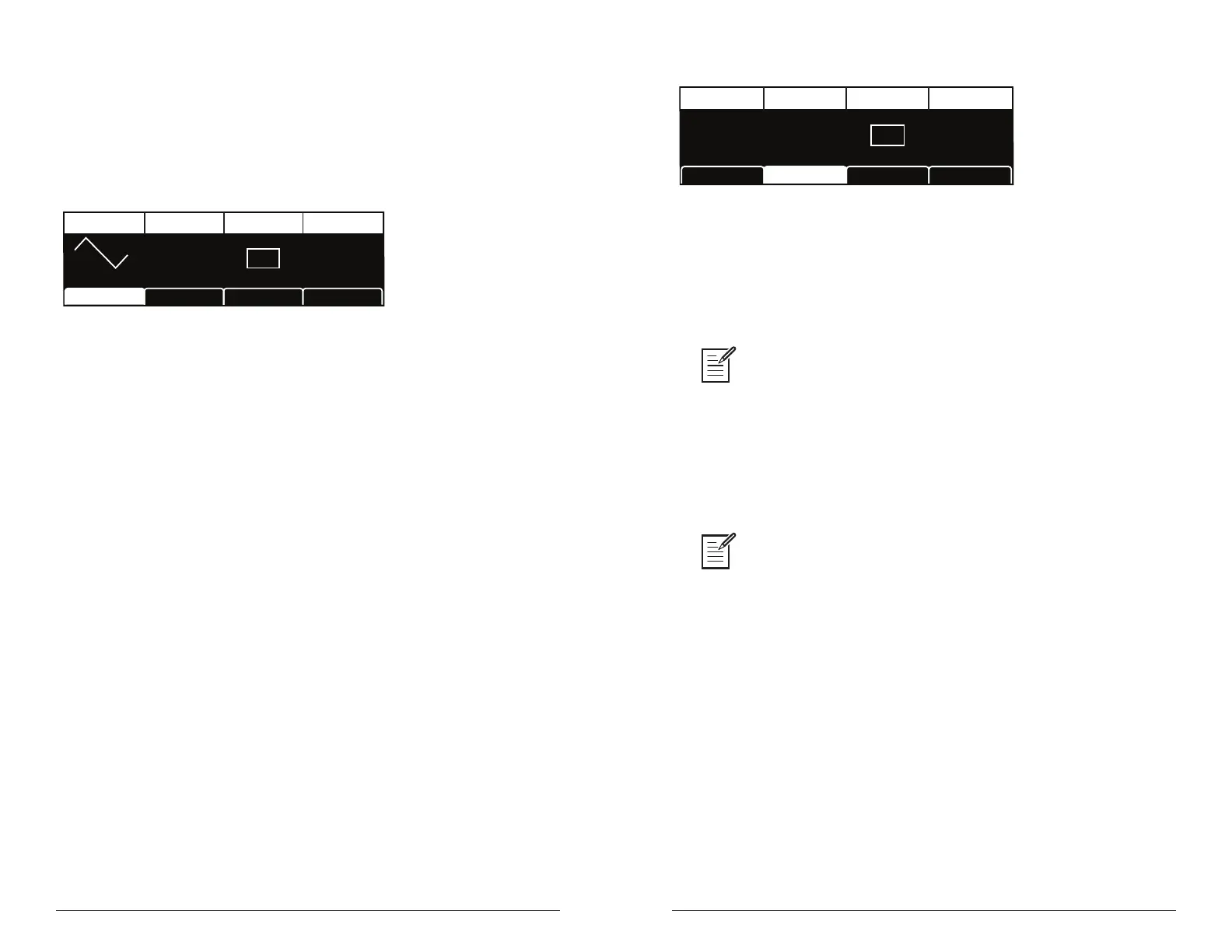
TAB 1 - LFO Shape
Triangle
Shape SyncFrequency Amount
LFO Control LFO Dest
Frequency
LFO Shape
640
AMOUNT
SYNC
Shape: Triangle, Sawtooth, Reverse Sawtooth, Square, Random—This
button sets the waveshape of the selected LFO.
Frequency: Sets the frequency of the selected LFO from a slow .022Hz
to a fast 500Hz. This is affected by the sync (clock sync) parameter as
explained below.
Sync: When on, the LFO synchronizes with the master clock, which
controls the arpeggiator, sequencer, and certain effects.
Amount: Sets the amount of LFO modulation routed to the selected
destination. Setting an amount here applies the selected modulation
continuously. You can also use the modulation matrix to route an LFO to
additional destinations and use a different modulation amount.
TAB 2 - LFO Control
SLEW RATE
Slew Rate Wave ResetPhase
LFO Dest
PHASE
00
WAVE RESET
LFO ControlLFO Shape
Slew Rate: 0...127—Slew rate is dened as the maximum possible
rate of change of a signal. The effect of the Slew Rate control is most
obviously heard on Pulse and Random, shapes that normally change
state virtually instantaneously. As Slew Rate increases, those changes are
drawn out, elongated, and the result is a sort of smoothing effect.
Slew behaves much like a low-pass lter and can be used to “round off” the
triangle wave for a more sine-like shape.
Phase: 0...127—Used in conjunction with Wave Reset, Phase sets the
initial phase, from 0 to 360 degrees, at which the LFO wave shape starts
when keyed on. Each step represents 2.8125°, so a value of 32 equals 90°,
64 equals 180°, and so on.
Use Phase to offset the start point when Wave Reset is on. For Phase to have
any noticeable effect, Wave Reset must also be turned on for that LFO. If the LFO is
free-running—that is, with Wave Reset off—there is no xed start point from which the
phase can be offset.
Wave Reset: Off, On—When off, the LFO is free running. When on,
the LFO is re-started each time a new note is played. wave reset is set
independently for each LFO.















 To Next Page