60 61Effects
Sequential Prophet X User’s Guide
Effects
Effects Parameters (Front Panel)
Effect 1: Turns effect 1 on or off. On stacked or split sounds, enable the
edit layer b button to adjust effects for Layer B.
Effect 2: Turns effect 2 on or off. On stacked or split sounds, enable the
edit layer b button to adjust effects for Layer B.
Effect Type: Selects the effect type.
Select 1/2: Toggles between effect 1 and effect 2 for editing.
Mix: 0...127—Sets the balance between the processed (wet) signal
and unprocessed (dry) signal. Full left is completely dry. Full right is
completely wet.
Sync: On, Off—When a delay effect is chosen, this enables syncing of the
timed delay repeats (feedback) to the arpeggiator, sequencer, or MIDI clock.
When
clk sync is on, delay time (parameter 1) has the following values:
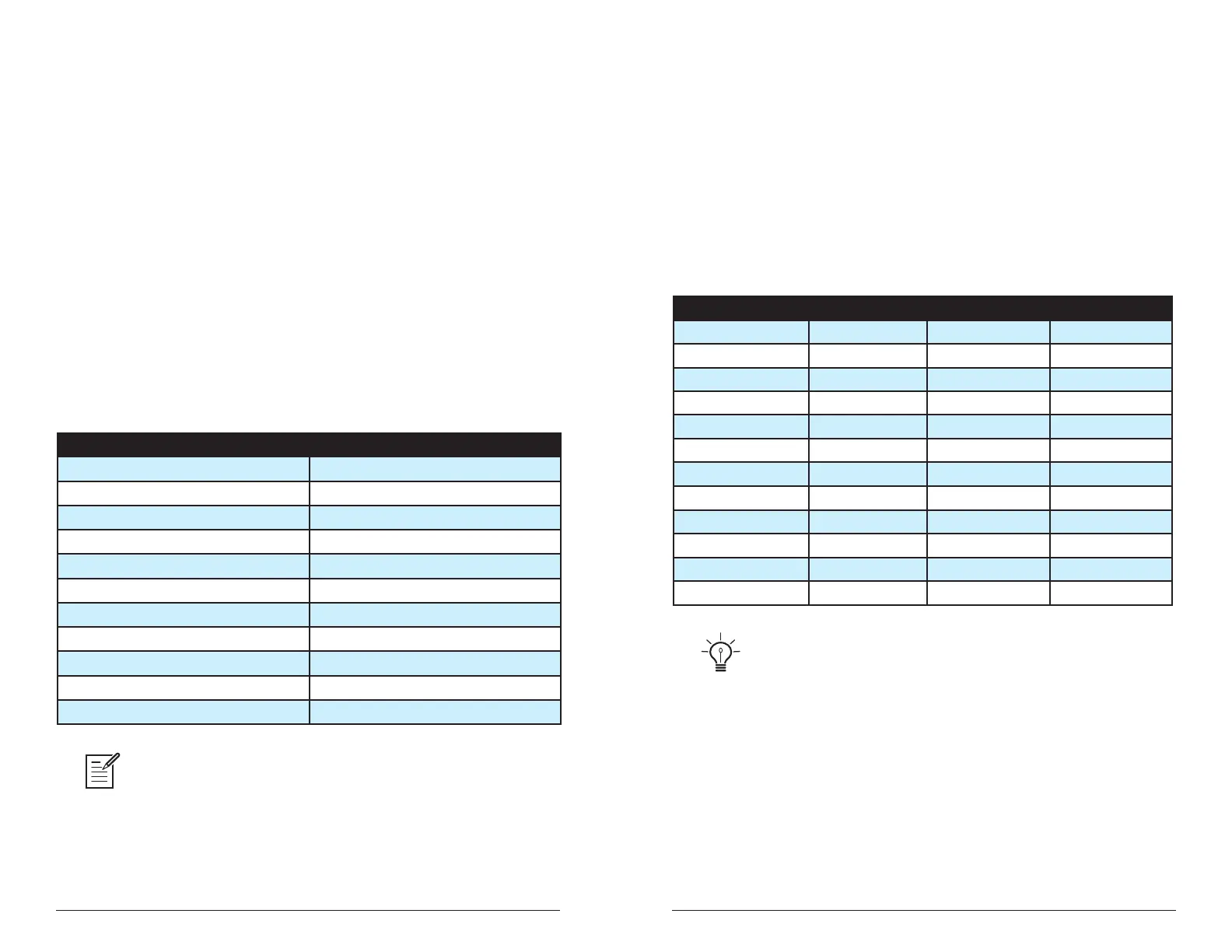
Value Delay Time
Whole 4 beats
Half dot 3 beats
Half 2 beats
Quarter dot 1 1/2 beats
Quarter 1 beat
Quarter triplet 1 1/3 beats
8th dot 3/4 of 1 beat
8th 1/2 of 1 beat
8th triplet 1/3 of 1 beat
16th dot 3/8 of 1 beat
16th 1/4 of 1 beat
Maximum delay time is 1 second. The combination of longer synced delay
times with slower tempos can result in delay times that would be greater than 1
second. When that happens, the delay time is divided by 2 until it no longer exceeds
the 1 second limit. For example, if the BPM is set to 60 and Delay Time (Parameter 1)
is set to Half, the expected delay time would be 2 seconds. The actual delay time will
be 1 second (i.e. 2 seconds divided by 2).
Parameter 1: Variable, depending on the effect—This knob adjusts
parameter 1 for the chosen effect. Each effect has three adjustable
parameters, which differ depending on the effect.
Parameter 2:
Variable, depending on the effect—This knob adjusts
parameter 2 for the chosen effect. Each effect has three adjustable
parameters, which differ depending on the effect.
Parameter 3:
Variable, depending on the effect—This knob adjusts
parameter 3 for the chosen effect. Each effect has three adjustable
parameters, which differ depending on the effect.
Effect Type Param 1 Param 2 Param 3
stereo delay delay time feedback amount low-pass lter
BBD delay delay time feedback amount low-pass lter
chorus depth rate low-pass lter
anger depth rate feedback
phaser depth rate feedback
high-pass lter frequency Q (resonance)
distortion gain tone level
rotating speaker drive speed mic distance
spring reverb tone decay dispersion
room reverb time tone early reections
hall reverb time tone early reections
super plate reverb time tone pre-delay
To recreate a classic time-shifting effect on the stereo or BBD delay, try adjust-
ing the delay time parameter in real time. You can also route an LFO or envelope to
the delay’s Time parameter using the modulation matrix.















 To Next Page