36 37Filter
Sequential Prophet X User’s Guide
Filter Envelope
TAB 4 - LPF Misc
Stereo Split
Stereo Split DriveResonance Key>LPF Freq
0
LP FilterVCF ADSR
LPF MiscVCF Env Amt
Stereo Split: +82... -82—This offsets the lter cutoff frequency between
the Prophet X’s stereo lters. Turning the knob clockwise simultaneously
increases the cutoff frequency in the left channel and reduces the cutoff
frequency in the right channel. Conversely, turning the knob counter-
clockwise simultaneously increases the cutoff frequency in the right
channel and reduces the cutoff frequency in the left channel. This can be
useful for creating additional depth in the stereo eld. This control has no
effect in 16-voice mode since the signal path is monophonic.
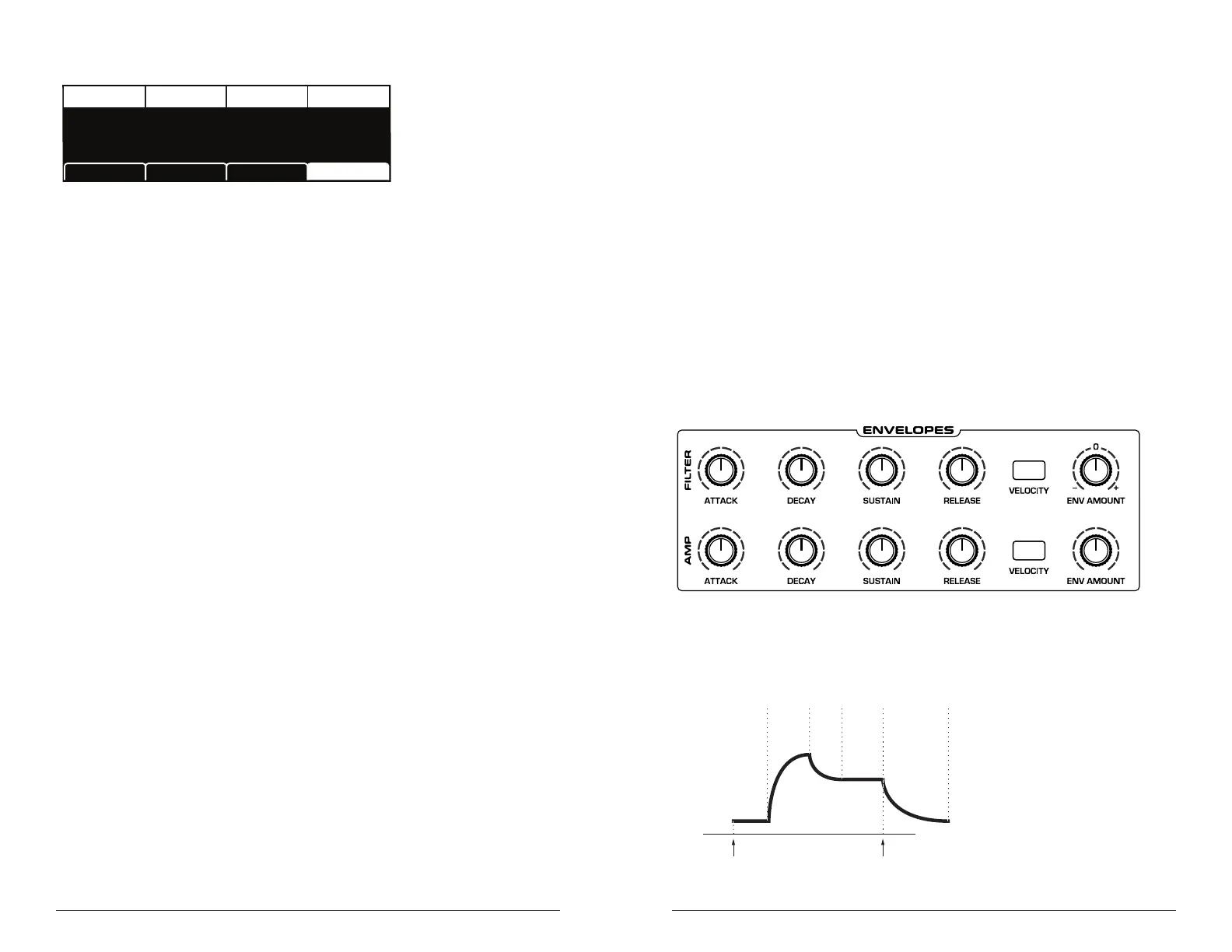
Filter Envelope
The Prophet X lter has a dedicated, 5-stage envelope generator (ADSR
plus delay). The Filter Envelope is used to shape the harmonic charac-
teristics of a synthesized sound by giving you ltering control over its
attack, decay, sustain, and release stages.
This is one of the most important aspects of designing a sound. Without
an envelope, the lters would be completely static. They would stay open
or closed by a xed amount that wouldn’t change over the duration of
a sound. That’s not very interesting to listen to and not how real-world
instruments behave.
In general, sounds produced by an instrument are brighter at their begin-
ning (the attack stage) and grow mellower as they die out (the decay and
release stages). In other words, their harmonic content changes over time.
This is exactly what the lter envelope is designed to emulate.
Filter Envelope
attack
decay
sustain
release
amplitude
time
note offnote on
delay
A typical 5-stage DADSR envelope















 To Next Page