28 29Mixer
Sequential Prophet X User’s Guide
Mixer
Mixer
The Mixer section is where you set the levels of the various sound
generators on the Prophet X. These include Instruments 1 and 2, which
are sampled, and Oscillators 1 and 2, which are digital oscillators. You
must turn up at least one of these sources in order to make sound with
the Prophet X. (Alternatively, you can use the lter to generate its own
sine wave by turning up resonance all the way so that it self-oscillates.)
Rather than limit the outputs of the Prophet X to keep the instrument from
clipping, we allow you to adjust levels at various points in its signal path. This gives
you the option to “overload” things in interesting ways, if you wish to do so. If not,
try reducing the levels of the instruments and oscillators in the mixer section, the env
amount parameter in the Amplier Envelope, or the resonance parameter in the lter.
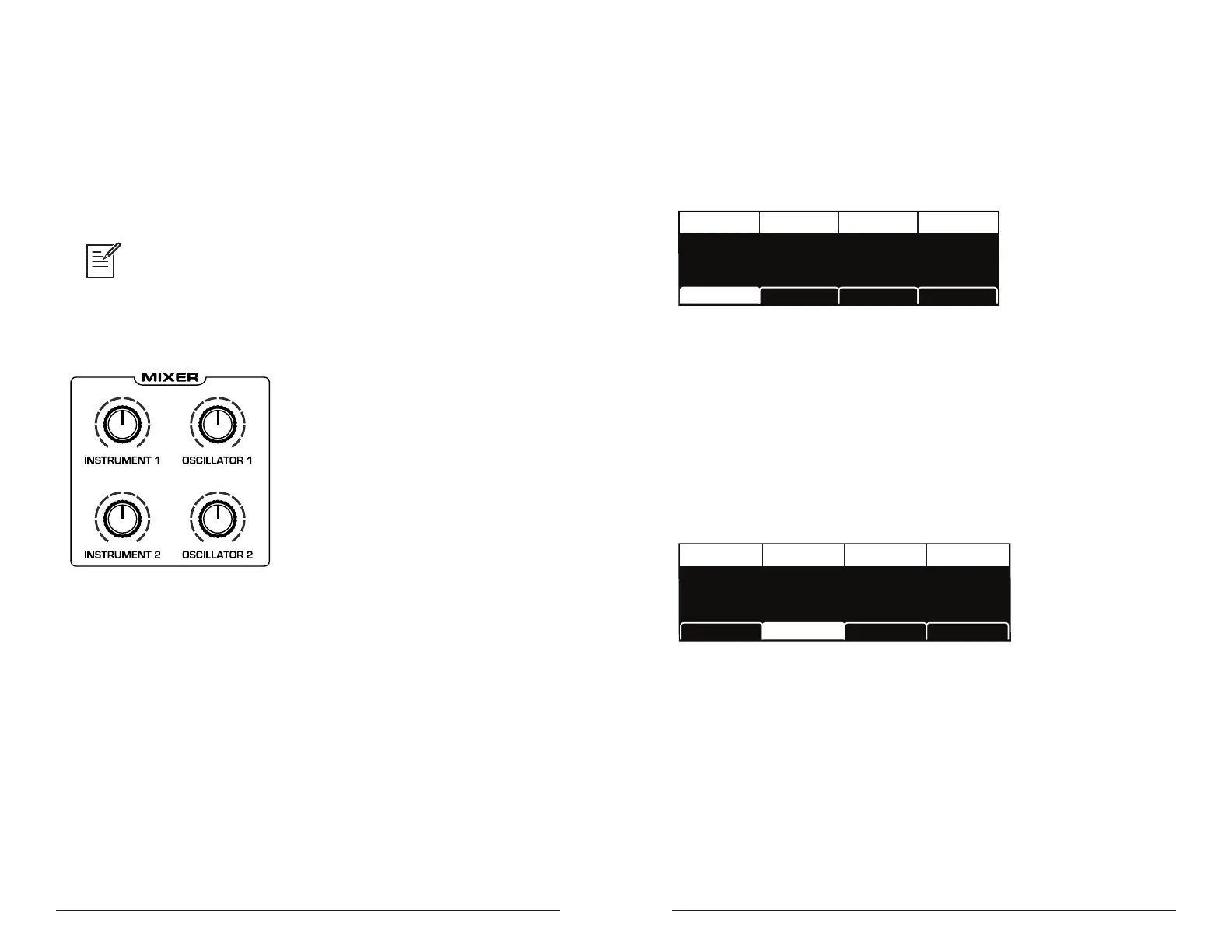
The Prophet X Mixer
Mixer Parameters (Front Panel)
Instrument 1: 0...127—Sets the output level of Instrument 1.
Instrument 2: 0...127—Sets the output level of Instrument 2.
Osc 1: 0...127—Sets the output level of Oscillator 1.
Osc 2: 0...127—Sets the output level of Oscillator 2.
Additional Mixer Parameters (Display Menu)
Additional Mixer parameters are accessible through the menus in the
main display. To see these menus, adjust any control in mixer section of
the front panel.
TAB 1 - Mixer
INST 1 LEVEL
Inst 1 Level Osc 1 LevelInst 2 Level Osc 2 Level
INST 2 LEVEL
60 20 2060
OSC2 LEVEL
OSC1 LEVEL
Env AmtMixer LPF MiscPanning Hack/Deci
Instrument 1 Level: 0...127—Sets the output level of Instrument 1.
Instrument 2 Level: 0...127—Sets the output level of Instrument 2.
Osc 1 Level: 0...127—Sets the output level of Oscillator 1.
Osc 2 Level: 0...127—Sets the output level of Oscillator 2.
TAB 2 - Panning
INST 1 PAN
Inst 1 Pan Osc 1 PanInst 2 Pan Osc 2 Pant
INST 2 PAN
0 -10L 10R0
OSC2 PAN
OSC1 PAN
Hack/DeciMixer
LPF MiscPanning
Inst 1 Pan: -64L...63R—Sets the panning location of the instrument
within the stereo eld. Instrument panning is disabled in 16-voice mode.
Inst 2 Pan: -64L...63R—Sets the panning location of the instrument
within the stereo eld. Instrument panning is disabled in 16-voice mode.
Osc 1 Pan: -64L...63R—Sets the panning location of oscillator 1 within
the stereo eld. Oscillator panning is disabled in 16-voice mode.
Osc 2 Pan: -64L...63R—Sets the panning location of oscillator 2 within
the stereo eld. Oscillator panning is disabled in 16-voice mode.















 To Next Page