70 71Clock
Sequential Prophet X User’s Guide
Unison
Clock
The clock section provides the master timing controls for the Arpeggiator
and Sequencer. If you want to override the Prophet X’s master clock and use
the clock from a DAW or other external controller, you will need to use the
global menu to set the Prophet X to slave mode. To learn more about this,
see MIDI Clock Mode on page 122.
Clock Parameters (Front Panel)
BPM: 30…250—Sets the tempo for the sequencer and arpeggiator in BPM
(beats per minute). The
tap tempo LED ashes at the BPM rate. When lfo
sync is turned on, the BPM rate affects the LFO frequency. When syncing to
an external MIDI clock source, the BPM setting has no effect.
Tap Tempo: 30…250—Press this button 4 times to quickly set the tempo
for the sequencer and arpeggiator. The LED ashes at the BPM rate you
set.
Clock Divide: Sets the note value for each sequencer/arpeggiator step
relative to the BPM. clock divide works with both internal and external
clock sources. The following table lists the values:
Name Tempo Timing Division
Half BPM/2 Half note
Qtr BPM Quarter note
8th BPM x 2 Eighth note
8th Half BPM x 2 Eighth note, half swing timing
8th Swing BPM x 2 Eighth note, full swing timing
8th Trip BPM x 3 Eighth note triplets
16th BPM x 4 Sixteenth note
16th Half BPM x 4 Sixteenth note, half swing timing
16th Swing BPM x 4 Sixteenth note, full swing timing
16th Trip BPM x 6 Sixteenth note triplets
32nd BPM x 8 Thirty-second note
32nd Trip BPM x 12 Thirty-second triplets
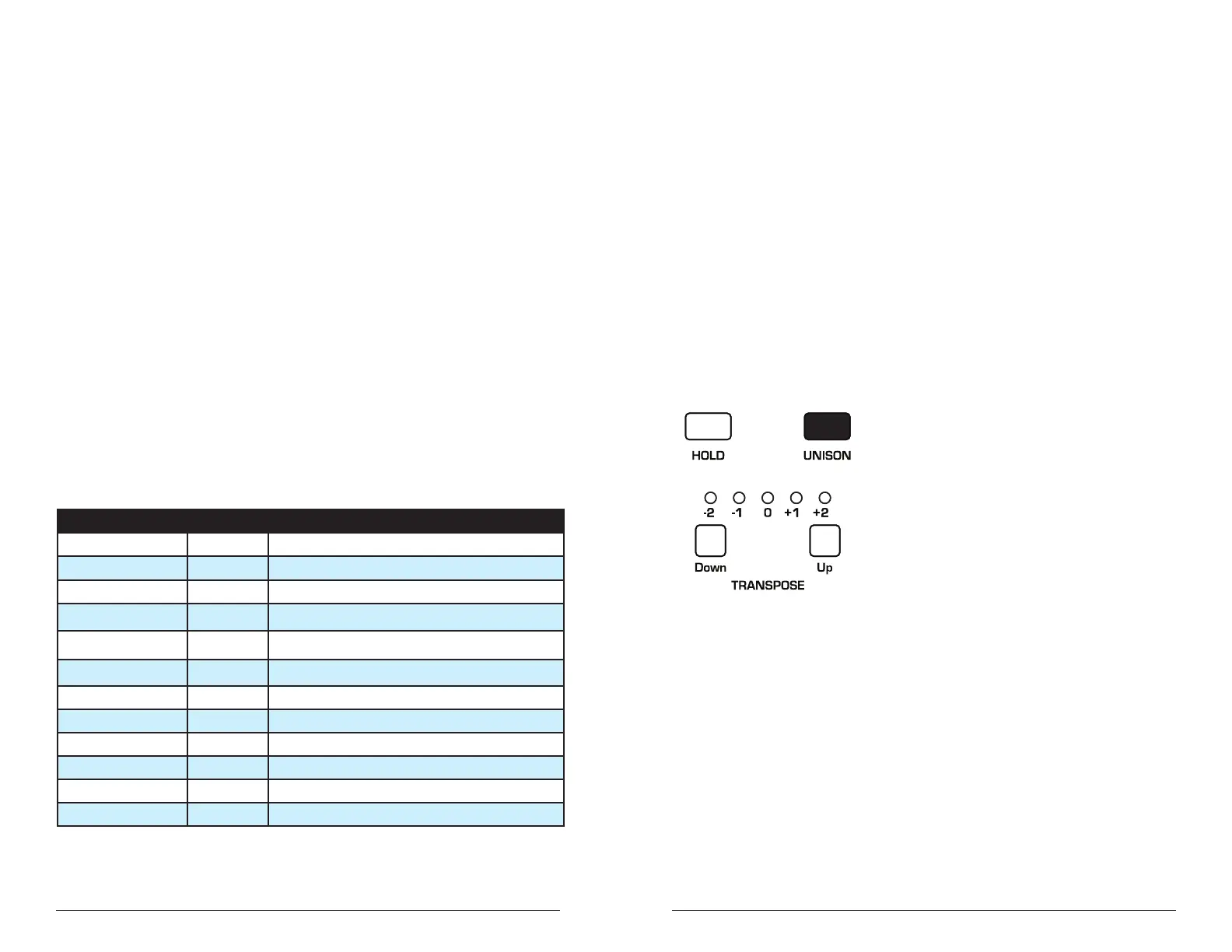
Unison
When unison is on, the Prophet X functions like a monophonic
synthesizer in that only one note can be played at a time. However,
that one note can be powered by as many as 8 or 16 voices, depending
on how many you choose to use (and whether you are in 8 or 16-voice
mode). With many oscillators powering a single note, you can create
some very dense, speaker-rattling sounds. If you want to create an ultra-
heavy synth bass or lead sound, try using Unison.
Unison gives you control over not only how many voices to stack, but
also the amount of detuning between the oscillators (with the
unison
detune parameter in the misc params menu), and what note gets priority
if you happen to play more than one note on the keyboard. (This is
called the key assign mode or note priority. See “Key Modes and Unison
Mode” on page 74 for details.)
The Unison button















 To Next Page