78 79Glide
Sequential Prophet X User’s Guide
16-Voice Mode
Glide Modes
There are four modes that determine how glide behaves:
Fixed Rate: The time to transition between notes varies with the interval
between the notes; the greater the interval, the longer the transition time.
The glide rate is xed. This is the default glide mode.
Fixed Rate A: The same as Fixed Rate, but glide is only applied when
playing legato. That is, glide only occurs when a note is held until the
next note is played. This effectively allows glide to be turned on and off
from the keyboard.
Fixed Time: Glide is set to a xed time, regardless of the interval
between notes.
Fixed Time A: The same as Fixed Time, but glide only occurs when
playing legato.
To select a Glide Mode:
1. Press the glide button.
2. In the display menu, press Soft Key 3 (glide).
3. Turn Soft Knob 2 (glide mode) to select the mode you want.
4. Play a series of notes up and down the keyboard to hear the effect.
Glide On Glide Mode
GLIDE MODE
Fixed Rate
Keyboard Glide RateUnison Glide
GLIDE ON
Choosing the Glide mode
16-Voice Mode
The Prophet X can operate in either 8-voice or 16-voice mode. In many
ways the synth is at its best in 8-voice mode because in 8-voice mode,
the Prophet X has a stereo signal path with stereo lters. This results in a
noticeable increase in richness and depth.
In contrast, 16-voice mode doesn’t provide stereo lters (though the
Prophet X’s digital effects still function in stereo). However, 16-voice
mode is still quite useful for instruments such as piano that benet from
increased polyphony.
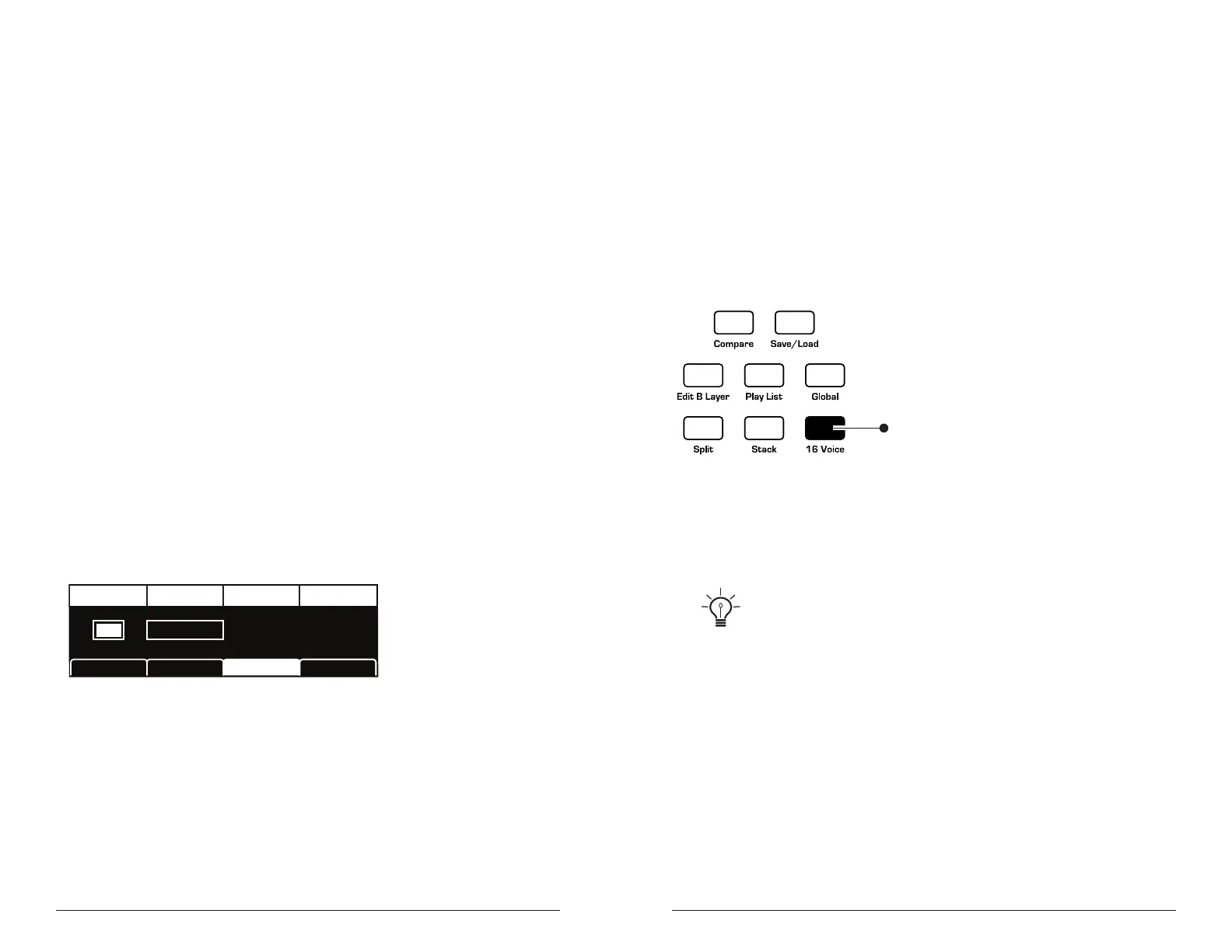
Press to enable
16-voice
mono mode
The Glide controls
To enable 16-voice mode:
• Press the 16 voice button.
With clever use of the mod matrix, it’s possible to simulate a stereo spread in
16-voice mode by modulating panning with note number. With this technique, over the
range of the instrument, notes from low to high are panned progressively left to right.
See “Using 16-Voice Mode” on page 112 for details.















 To Next Page