30 31Mixer
Sequential Prophet X User’s Guide
Filter
To create super-wide stereo synth sounds, pan oscillator 1 hard left (-64L) and
oscillator 2 hard right (63R).
TAB 3 - Hack/Deci
BIT HACK
Bit Hack Decimate
DECIMATE
00
Hack/DeciMixer LPF MiscPanning
Bit Hack: 0...15—Reduces the bit depth of the original 16-bit samples
by a selectable number of bits, so that a value of 15 results in extremely
coarse 1-bit delity. This has the effect of reducing delity and increas-
ing “noisiness.” The more harmonics there are in a sound, the more effect
bit hack has. Higher settings can sound quite nasty. Bit hack occurs
pre-lter and pre-effects, so you can lter the bit-hacked sound and add
digital effects such as reverb and delay.
Decimate: 0...127—Reduces the sample rate of the samples and the
digital oscillators. This has the effect of reducing delity and adding
digital artifacts. Higher settings can sound very harsh. Decimation, like
Bit Hack, occurs pre-lter and pre-effects, so you can lter the decimated
sound and add digital effects.
Filter
The Filter takes the basic, raw sound of the samples and digital oscil-
lators and subtracts frequencies, changing their harmonic content and
the character of their sound. This change can be varied over time using
the Filter Envelope to produce more dynamic, animated timbres. The
Prophet X’s lter is a classic, 4-pole, resonant low-pass lter that can self-
oscillate (generate a sine wave) when resonance is set to its maximum.
In addition, when used in 8-voice mode, the Prophet X lter has a stereo
signal path. This results in a noticeable increase in richness and depth.
This also gives you the ability to pan instruments 1 and 2 and/or oscil-
lators 1 and 2 to different positions in the stereo eld. (See “TAB 2 -
Panning” on page 29.)
In addition to the low-pass lter, there is a resonant high-pass lter available
in the effects section. If you want to sweep this lter using an envelope as you would
typically do on the low-pass lter, use the Modulation Matrix to route the Filter Enve-
lope or one of the Auxiliary Envelopes to it. Each sample instrument also has its own
Tone control which provides low-pass and high-pass ltering (without resonance).
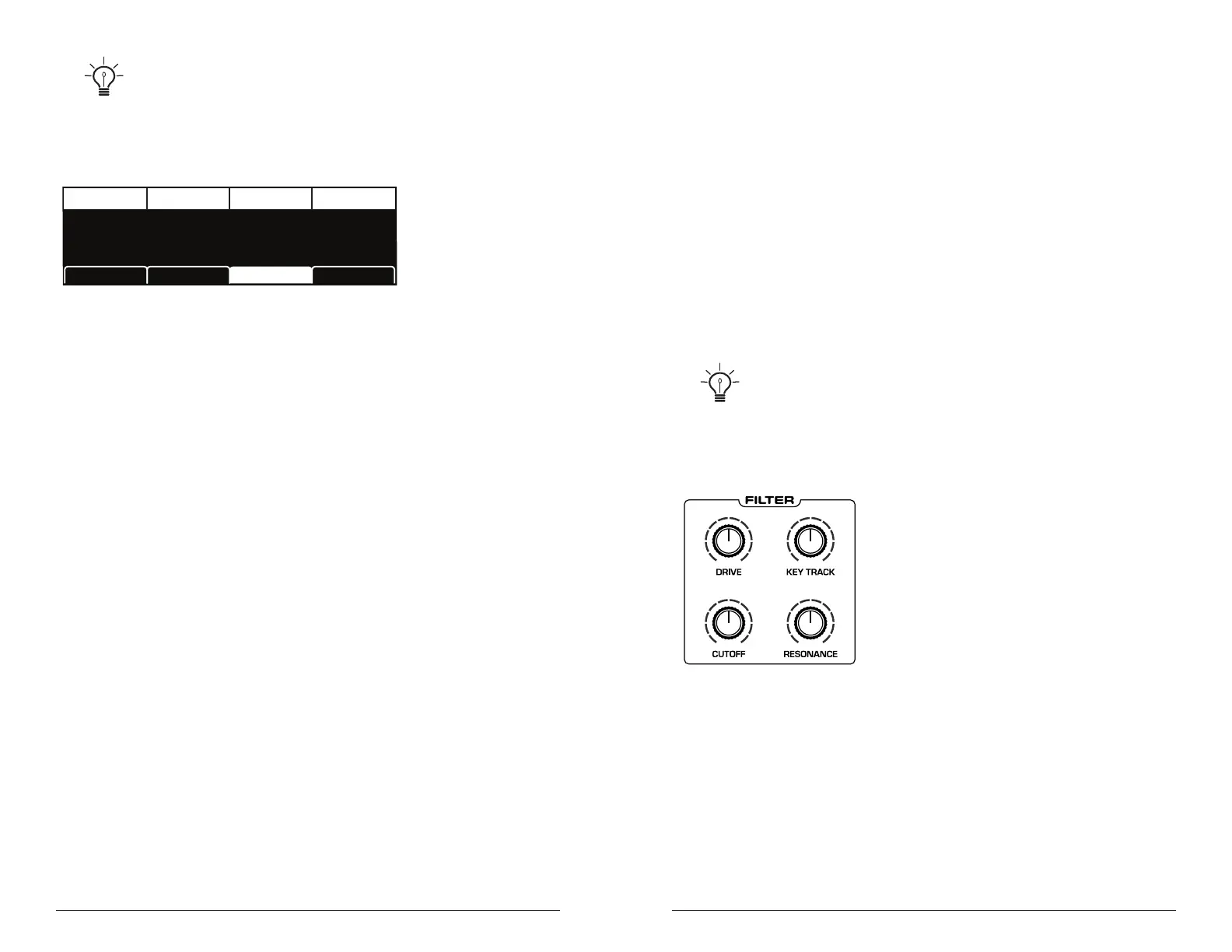
The Prophet X Filter
To hear the effect of the lter:
1. Press the global button and use Soft Knob 1 to navigate to the basic
program command, then press Soft Key 1 (write now).
2. Hold down a note and rotate the lter’s cutoff knob. Notice how it cuts
the high frequencies as you rotate counter-clockwise, making the sound
of the oscillator less bright. If you turn the cutoff knob fully counter-
clockwise you’ll lter out all frequencies and hear nothing.















 To Next Page