34 35Filter
Sequential Prophet X User’s Guide
Filter
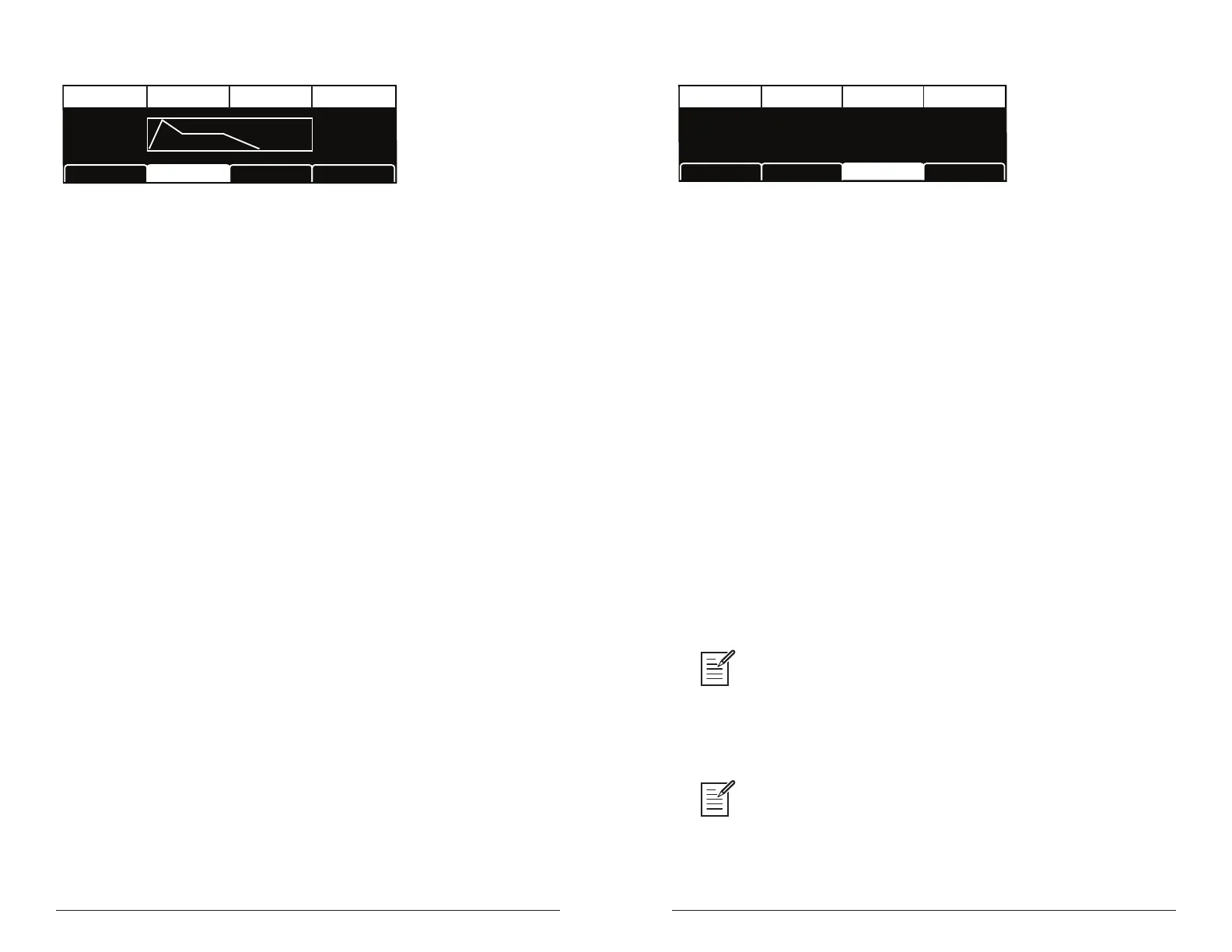
TAB 2 - VCF Envelope Amount
Amt:71
Amount DelayVel On/Off Env Repeat
Vel On/Off: On
Rept: Off
Del:24
LP Filter LPF MiscVCF Env AmtVCF ADSR
Env Amount: -127...127—Sets the amount of modulation from the lter
envelope to the lter’s cutoff frequency. Any setting above zero means
that each time you strike a key, the lter envelope controls how the lter
opens and closes. Higher amounts more dramatically affect the cutoff
frequency. This control is bipolar. Positive settings produce standard
behavior. Negative settings invert the envelope.
Velocity On/Off: On, Off—Allows key velocity to inuence lter cutoff
frequency. If on, the harder you play, the more the lter will open and the
brighter the sound will be. If off, key velocity will not affect the lter.
This control allows for more touch-sensitive sounds.
Delay: 0...127—Sets a delay between the time the envelope is triggered
(note on) and when the attack portion actually begins.
Env Repeat: Off, On—When on, the Delay, Attack, and Decay segments
of the envelope repeat. Sustain still affects the level at which the Decay
segment ends, but instead of sustaining at a xed level while a note is
gated on, Delay, Attack, and Decay loop until the note is turned off. The
Release segment begins when the note is gated off, just as it does when
Repeat is off.
TAB 3 - LP Filter
CUTOFF
Cutoff DriveResonance Key>LPF Freq
RESONANCE
0 0 4328
KEY>LPF FREQ
DRIVE
LP FilterVCF ADSR LPF MiscVCF Env Amt
Cutoff: 0...164—Sets the lter’s cutoff frequency. Frequencies are
reduced from the top down, cutting the high frequencies and passing the
low frequencies, hence the name “low-pass.”
Resonance: 0...255—Emphasizes a narrow band of frequencies around
the cutoff frequency. High levels of resonance can cause the lter to self-
oscillate and generate its own pitch.
Drive: 0...127—Increases signal input to the lter, boosting volume and
adding harmonic saturation and warmth.
Key>LPF Freq: 0...127—Sets the amount of modulation from the
keyboard to the lter’s cutoff frequency. Any setting above zero means
that the higher the note played on the keyboard, the more the lter opens.
This is useful for adding brightness to a sound as higher notes are played,
which is typically how acoustic instruments behave. When set to zero,
keyboard lter tracking is off, meaning that lter frequency is unaffected by
playing higher or lower notes on the keyboard. When set to 127, the lter
will track in half-step increments, which can be useful if you are using
the lter to generate a pitch through self-oscillation.
The description of envelope behavior just given is true when the amount param-
eter is set to a positive value. But since this control is actually bipolar, it is possible to
set a negative amount of modulation. In this case, the envelopes are inverted and their
behavior changes. The best way to get a feel for the difference is to experiment with
both positive and negative settings of the env amount parameter.
The cutoff frequency setting may limit the effect of the envelope on the lter. For
example, in low-pass lter mode , if cutoff is at its highest setting, a positive envelope
amount will have no effect on the lter since the lter is already completely open.















 To Next Page