54 55Low Frequency Oscillators
Sequential Prophet X User’s Guide
Modulation
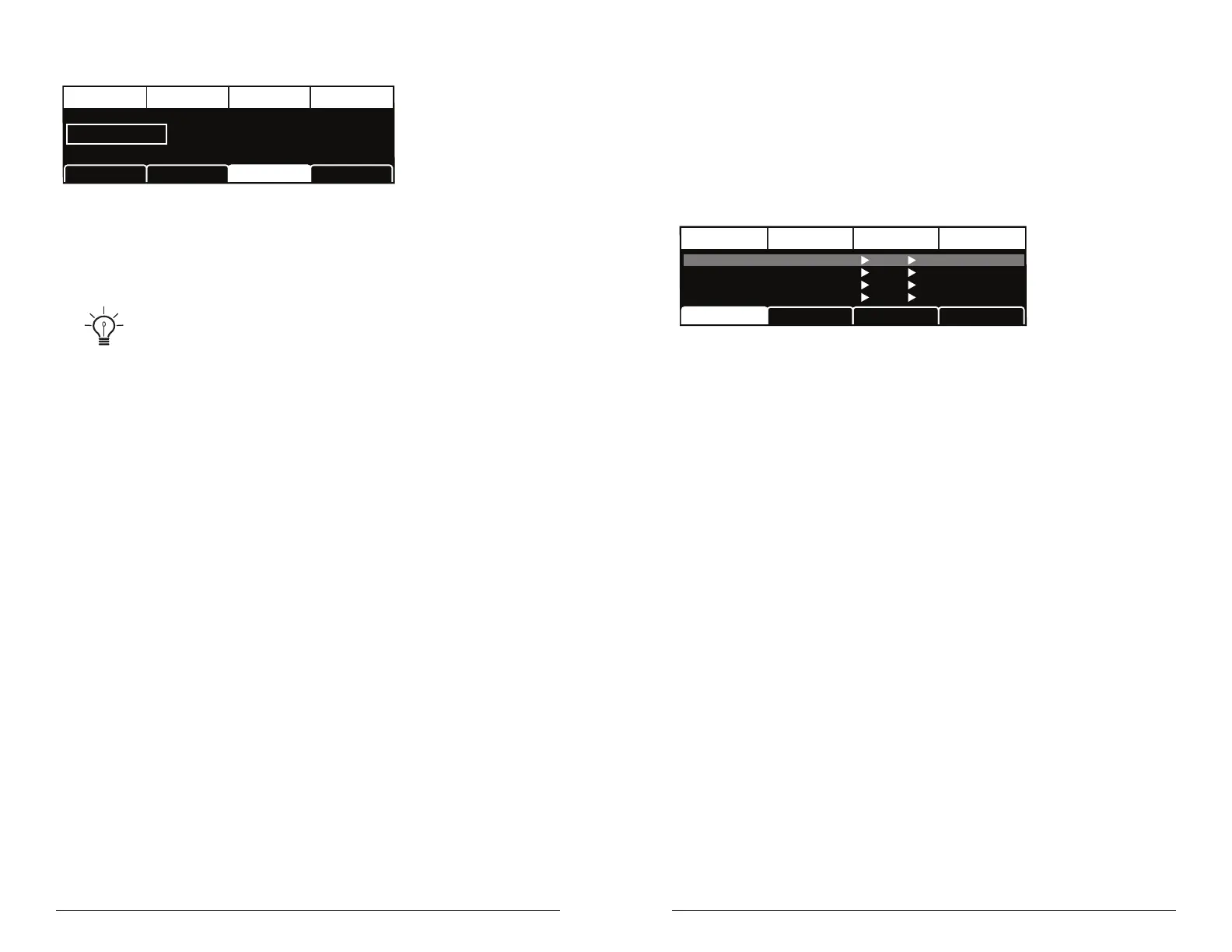
TAB 3 - LFO Dest
Destination
LFO ControlLFO Shape
DESTINATION
Osc All Freq
LFO Dest
Destination: Routes the selected LFO to one of the many modulatable
destinations within the synthesizer. You can also use the modulation
matrix to route an LFO to additional destinations.
There is a shortcut for routing an LFO to a front-panel destination (provided
that the destination is a valid destination). Simply hold down the selector button of the
desired LFO, then and move the knob or control you want to use as a destination (the
lter cutoff, for example). Set the amount using the LFO amount knobs. Be aware that
not all front-panel controls can be used as a modulation destinations.
Modulation
Although the overall sonic character of the Prophet X is determined
by its samples, oscillators, and lters, much of its power to make truly
unique sounds comes from creative use of modulation. Modulation is
the process of routing one parameter (as a control voltage) to another in
order to change the way the targeted parameter behaves.
DestinationEdit Mod 1 Source Amount
Sort SourceSlot Sort
Mod 1
Mod 2
Mod 3
Mod4
Slider 1
Slider 2
Aftertouch
Mod Wheel
60
35
25
80
Cutoff
Osc1 Shape
Drive
LFO1 Amt
Sort Dest
The Modulation Matrix
The concept is simple:
1. Choose a source.
2. Choose a destination.
3. Set an amount. The amount can either be positive or negative.
You already understand and apply the concept of modulation whenever
you use the lter envelope to control the lter’s cutoff frequency. In this
case, the modulation source is the lter envelope (or more precisely, any
of its controls, such as attack, decay, sustain, or release). The modulation
destination is the lter’s cutoff frequency. The modulation amount is set
with the env amount knob.
There are 28 different modulation sources and 88 different destinations
to choose from. (See “Appendix A:
Modulation Sources” on page 130 for a complete list.) There are 16
freely assignable modulation paths (mod slots 1-16) as well as 11 addi-
tional dedicated mod sources including the Mod Wheel, Pressure (after-
touch), Breath Controller, Velocity, and MIDI Footswitch. This gives you
a large number of sound-shaping options.















 To Next Page