Doc# E145701 6 - 29
6: Using the Shark® 100 Meter
Electro Industries/GaugeTech
The Leader In Power Monitoring and Smart Grid Solutions
Electro Industries/GaugeTech
The Leader In Power Monitoring and Smart Grid Solutions
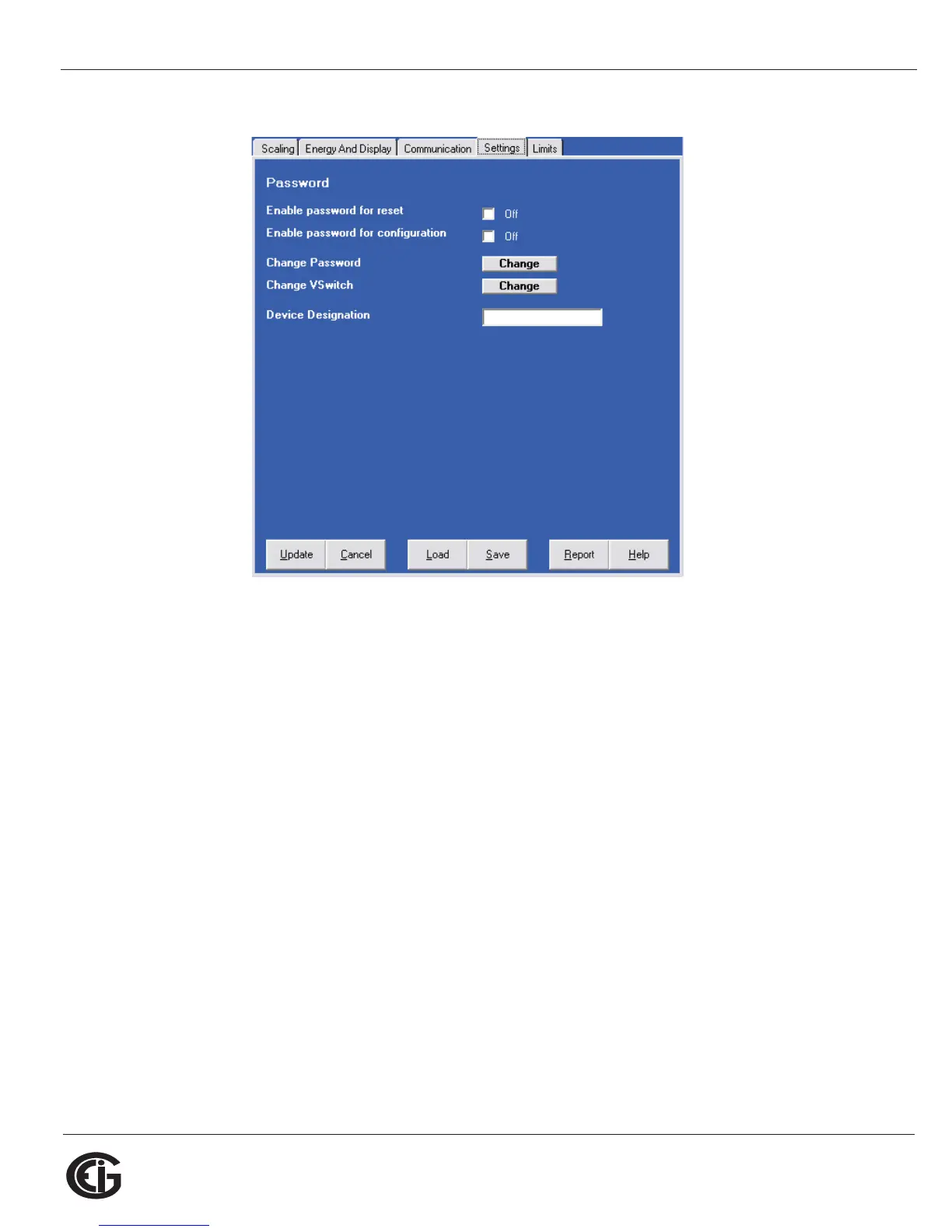
Settings
The screen fields are as follows:
Password
NOTE: The meter is shipped with Password Disabled. There is NO DEFAULT
PASSWORD.
Enable Password for Reset: click to enable.
Enable Password for Configuration: click to enable.
Change Password: click to change.
Change VSwitch: click to change (see Section 2.1.3 for instructions).
Device Designation: optional user-assigned label.



 To Next Page