Doc# E145701 6 - 30
6: Using the Shark® 100 Meter
Electro Industries/GaugeTech
The Leader In Power Monitoring and Smart Grid Solutions
Electro Industries/GaugeTech
The Leader In Power Monitoring and Smart Grid Solutions
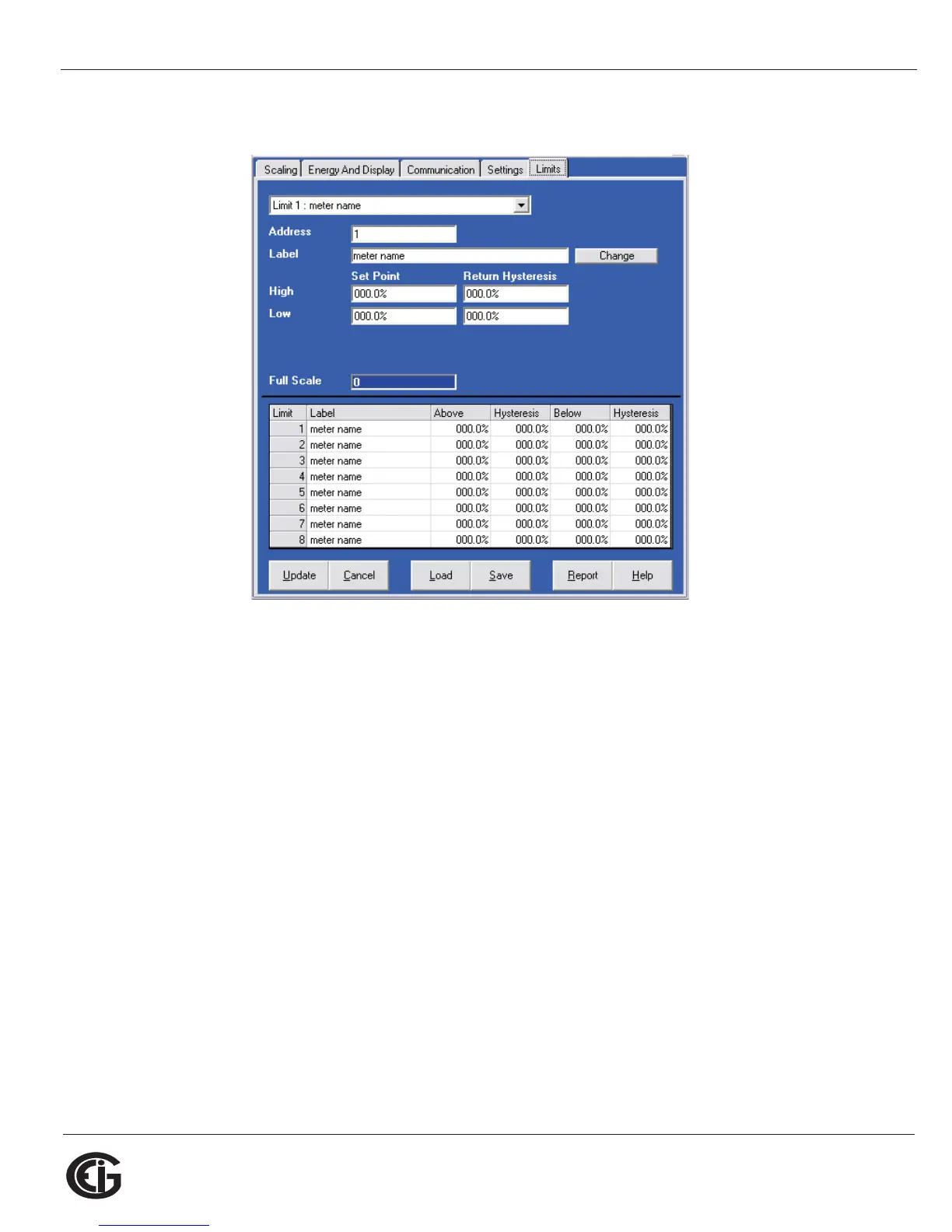
Limits (V-Switch 4 Only)
Limits are transition points used to divide acceptable and unacceptable measure-
ments. When a value goes above or below the limit, an out-of-limit condition occurs.
Once they are configured, you can view the out-of-Limits (or Alarm) conditions in the
Limits Log or Limits Polling screen. You can also use Limits to trigger relays. See the
Communicator EXT
TM
Software User Manual for details.
For up to 8 Limits, set:
Address: Modbus Address (1 based)
Label: Your designation for the limit
High Set Point: % of Full Scale
Example: 100% of 120VFS = 120V; 90% of 120V FS = 108V
Return Hysteresis: Point to go back in Limit
Example: High Set Point = 110% (Out of Limit at 132V);Return Hysteresis =
105%(Stay Out until 126V)



 To Next Page