Doc# E145701 7 - 14
7: Using the Shark® 100B Meter
Electro Industries/GaugeTech
The Leader In Power Monitoring and Smart Grid Solutions
Electro Industries/GaugeTech
The Leader In Power Monitoring and Smart Grid Solutions
BACnet Objects Status Webpage
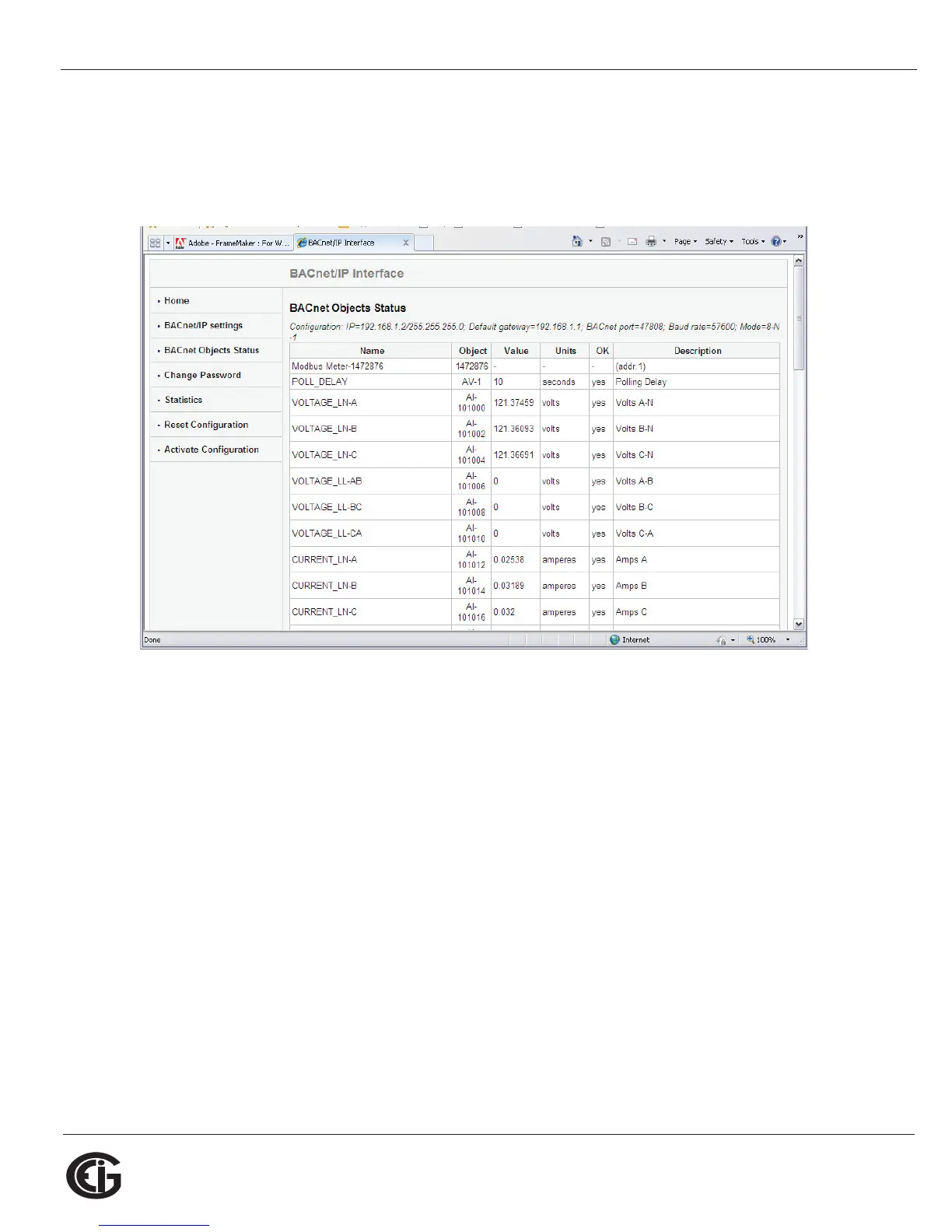
Click BACnet Objects Status on the left side of the webpage to view readings for the
meter’s embedded BACnet objects. You will see a screen like the one shown below.
Scroll to see all of the objects on the screen. The following items are shown for each
BACnet Object:
• Name
• Object
• Value
• Units
• OK (Reliability)
• Description



 To Next Page