Doc# E145701 7 - 15
7: Using the Shark® 100B Meter
Electro Industries/GaugeTech
The Leader In Power Monitoring and Smart Grid Solutions
Electro Industries/GaugeTech
The Leader In Power Monitoring and Smart Grid Solutions
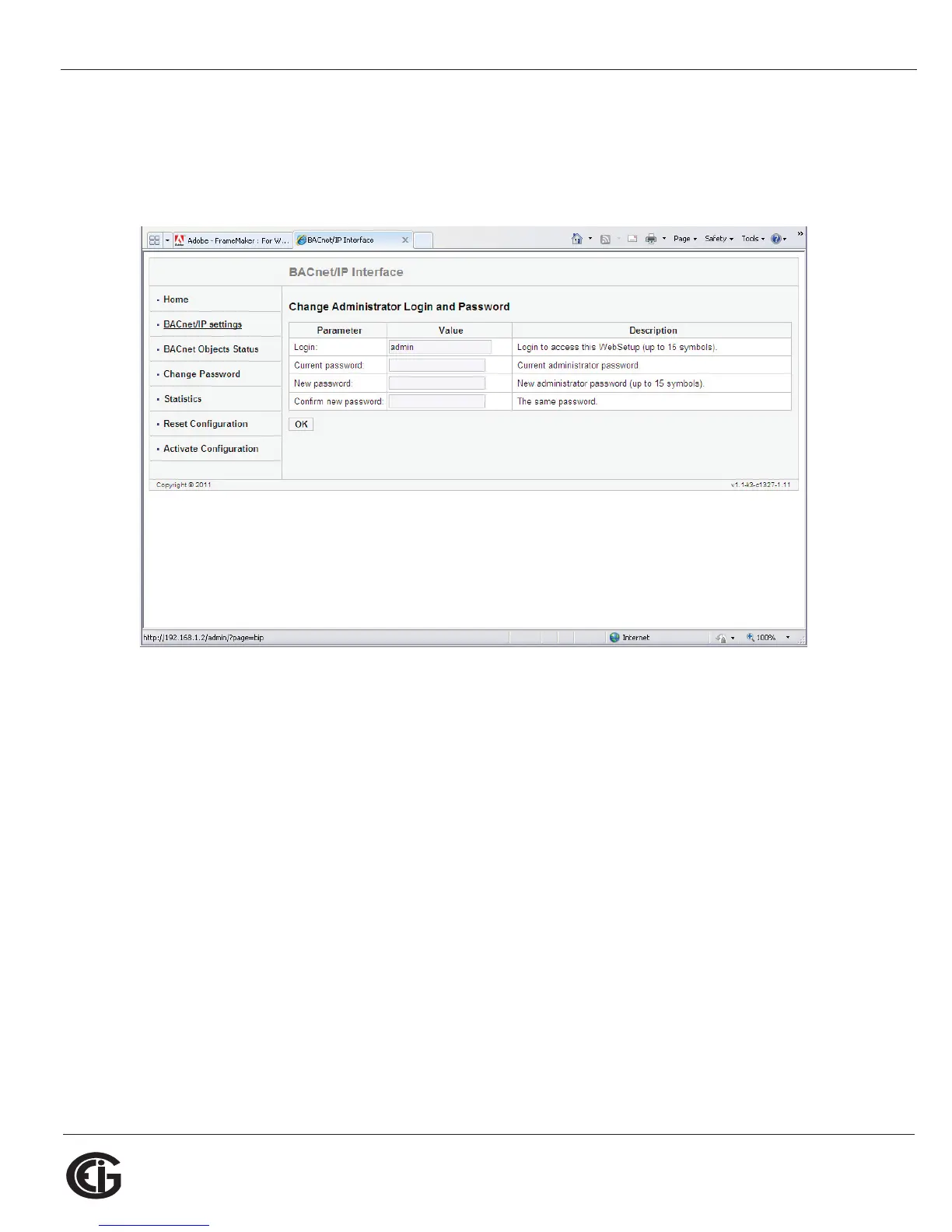
Change Password Webpage
Click Change Password on the left side of the webpage to access the page shown
below.
Use this page to change the Administrator Login and Password for this interface. We
recommend that you change the Login and Password rather than continuing to use
the default sign-on (be sure to store this information someplace safe).



 To Next Page