Doc# E145701 E - 4
E: Using the USB to IrDA Adapter CAB6490
Electro Industries/GaugeTech
The Leader In Power Monitoring and Smart Grid Solutions
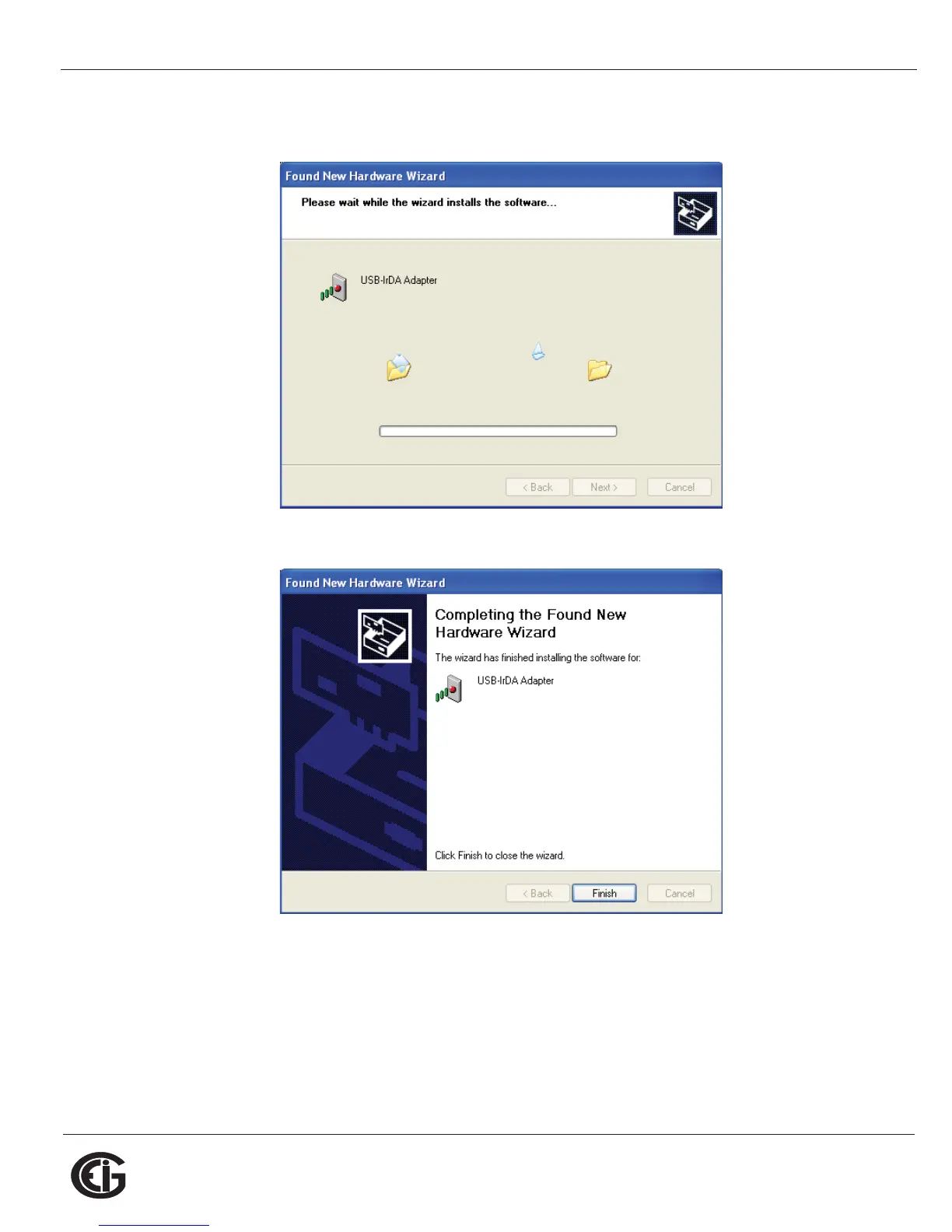
10.You will see the screen shown below while the Adapter's driver is being installed on
your PC.
11.When driver installation is complete, you will see the screen shown below.
12.Click Finish to close the Found New Hardware Wizard.
IMPORTANT! Do NOT remove the Installation CD until the entire procedure
has been completed.



 To Next Page