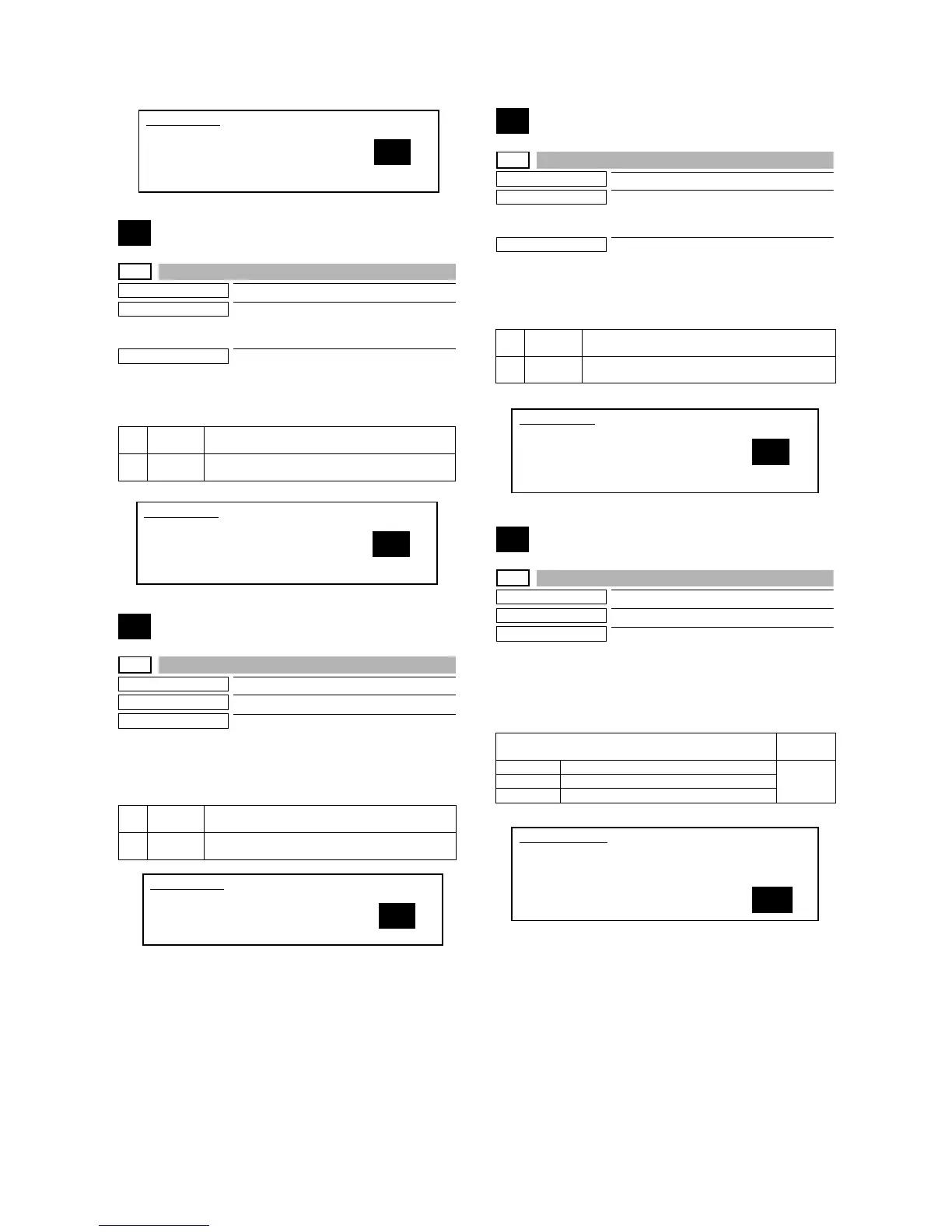
MX-M700N SIMULATION 7 – 17
15
15-0
Purpose
Clear/Cancel (Trouble etc.)
Function (Purpose)
Used to cancel the self-diag ”U6-09, F3-12,
22” (large capacity paper feed tray, paper
feed trays 1, 2) troubles.
Section
LCC
Operation/Procedure
1) Select 1 (YES) with 10-key.
2) Press [START] key. (The trouble display is canceled.)
16
16-0
Purpose
Clear/Cancel (Trouble etc.)
Function (Purpose)
Used to cancel the self-diag U2 troubles.
Section
MFP control PWB, PCU PWB, scanner
control PWB
Operation/Procedure
1) Select 1 (YES) with 10-key.
2) Press [START] key. (The trouble display is canceled.)
17
17-0
Purpose
Clear/Cancel (Trouble etc.)
Function (Purpose)
Used to cancel the PF troubles (when the
copy inhibit command from the host com-
puter is received).
Section
Communication unit
(RIC/MODEM etc.)
Operation/Procedure
1) Select 1 (YES) with 10-key.
2) Press [START] key. (The trouble display is canceled.)
21
21-1
Purpose
Setting
Function (Purpose)
Used to set the maintenance cycle.
Section
Specifications - Counter
Operation/Procedure
1) Enter the number corresponding to the maintenance timing
display.
2) Press [START] key. The condition entered in procedure 1) is
set.
1 YES After canceling the LCC trouble, the machine returns
to the main code entry standby mode.
2 NO Without canceling the trouble, the machine returns to
the main code entry standby mode.
1 YES After canceling the U2 trouble, the machine returns to
the main code entry standby mode.
2 NO Without canceling the trouble, the machine returns to
the main code entry standby mode.
SIMULATION 14
TROUBLE CANCELLATION. (OTHERS)
ARE YOU SURE?
1. YES
2. NO
1
SIMULATION 15
LCC TROUBLE CANCELLATION.
ARE YOU SURE?
1. YES
2. NO
1
SIMULATION 16
U2 TROUBLE CANCELLATION.
ARE YOU SURE?
1. YES
2. NO
1
1 YES After canceling the PF trouble, the machine returns to
the main code entry standby mode.
2 NO Without canceling the trouble, the machine returns to
the main code entry standby mode.
Maintenance timing display
Setting
range
0 Default (Differs depending on the model.) 0 - 999
1 - 300 Maintenance display at 1K - 300K
999 No maintenance display
SIMULATION 17
PF TROUBLE CANCELLATION.
ARE YOU SURE?
1. YES
2. NO
1
SIMULATION 21-1
MAINTENANCE CYCLE SETUP. INPUT VALUE 0-999, AND PRESS
START.
0: DEFAULT
1-300: MAINTENANCE CYCLE (1K-300K)
999: FREE
0



 To Next Page