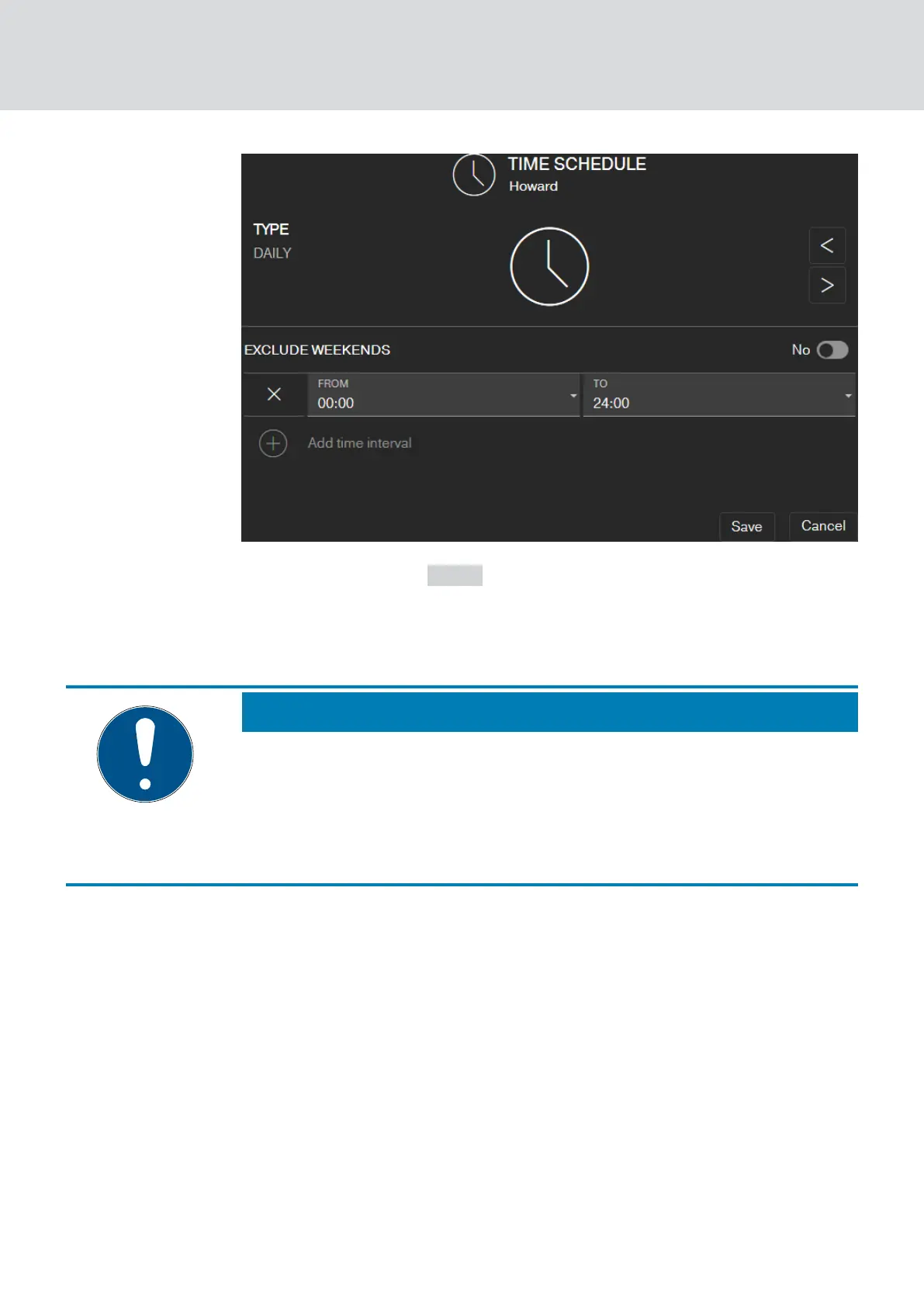
4. Click on the button SAVE .
9 Key is saved.
9 Matrix screen is displayed.
9 Key is assigned to the time schedule.
NOTE
Time intervals around midnight
If a time interval exceeds midnight, it cannot be programmed with a day.
You must split such a time interval into two days:
1. Create a time interval from "time before midnight" to "midnight".
2. Create a second time interval from "Midnight" to "Time after midnight".
MobileKey (Manual)
5. Basic functions
26 / 75



 To Next Page