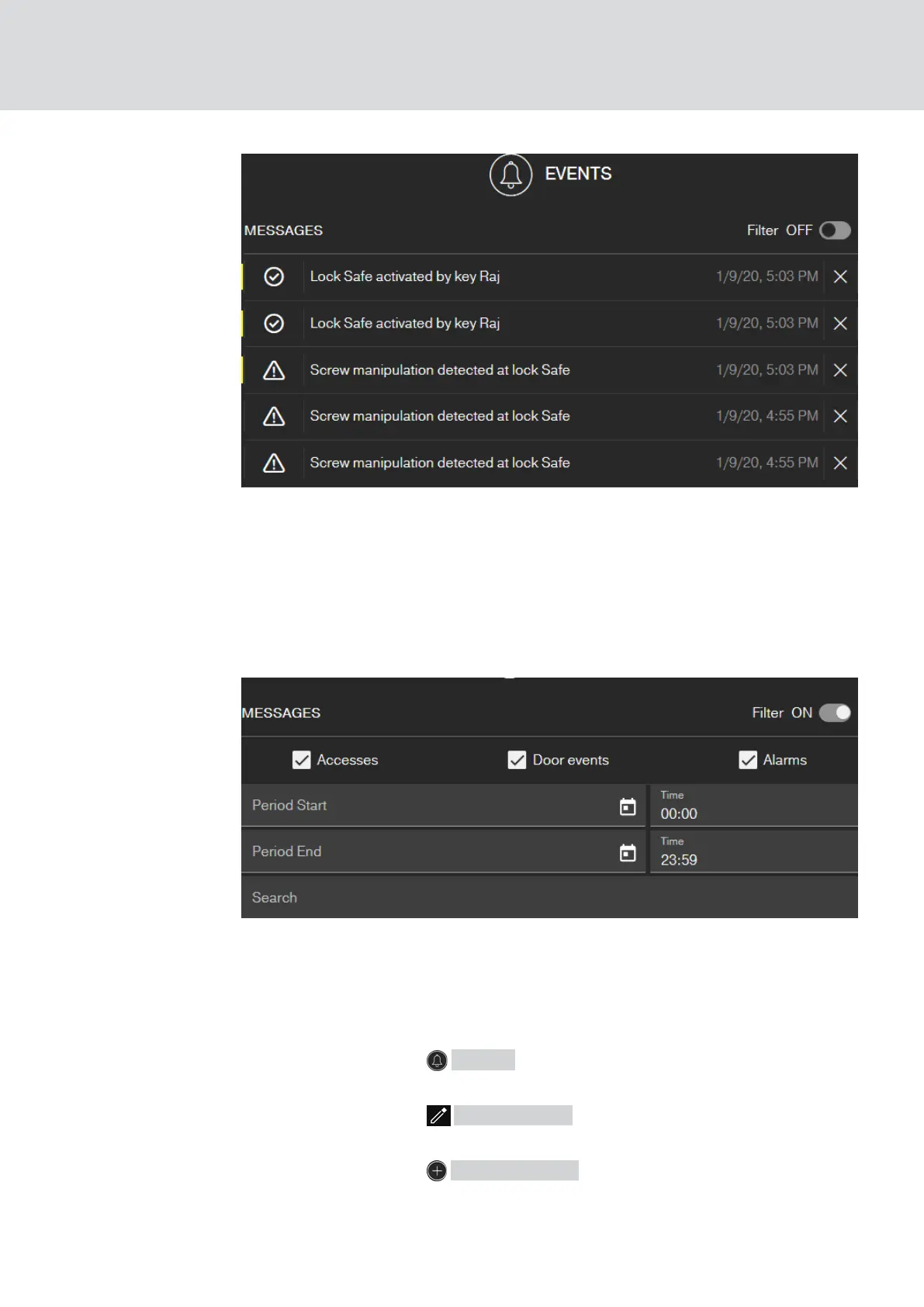
This symbol also shows you if there are new events that you have not yet
seen.
Filter
You can filter the events displayed. To do this, activate the filter and set it
as needed.
7.1 Creating rules
Create individual events:
ü Matrix screen open
1. Click on the button Events .
9 The event overview opens.
2. Click on the button Manage rules .
9 Rule administration opens.
3. Click on the button Add event rule .
MobileKey (Manual)
7. Event management
56 / 75



 To Next Page