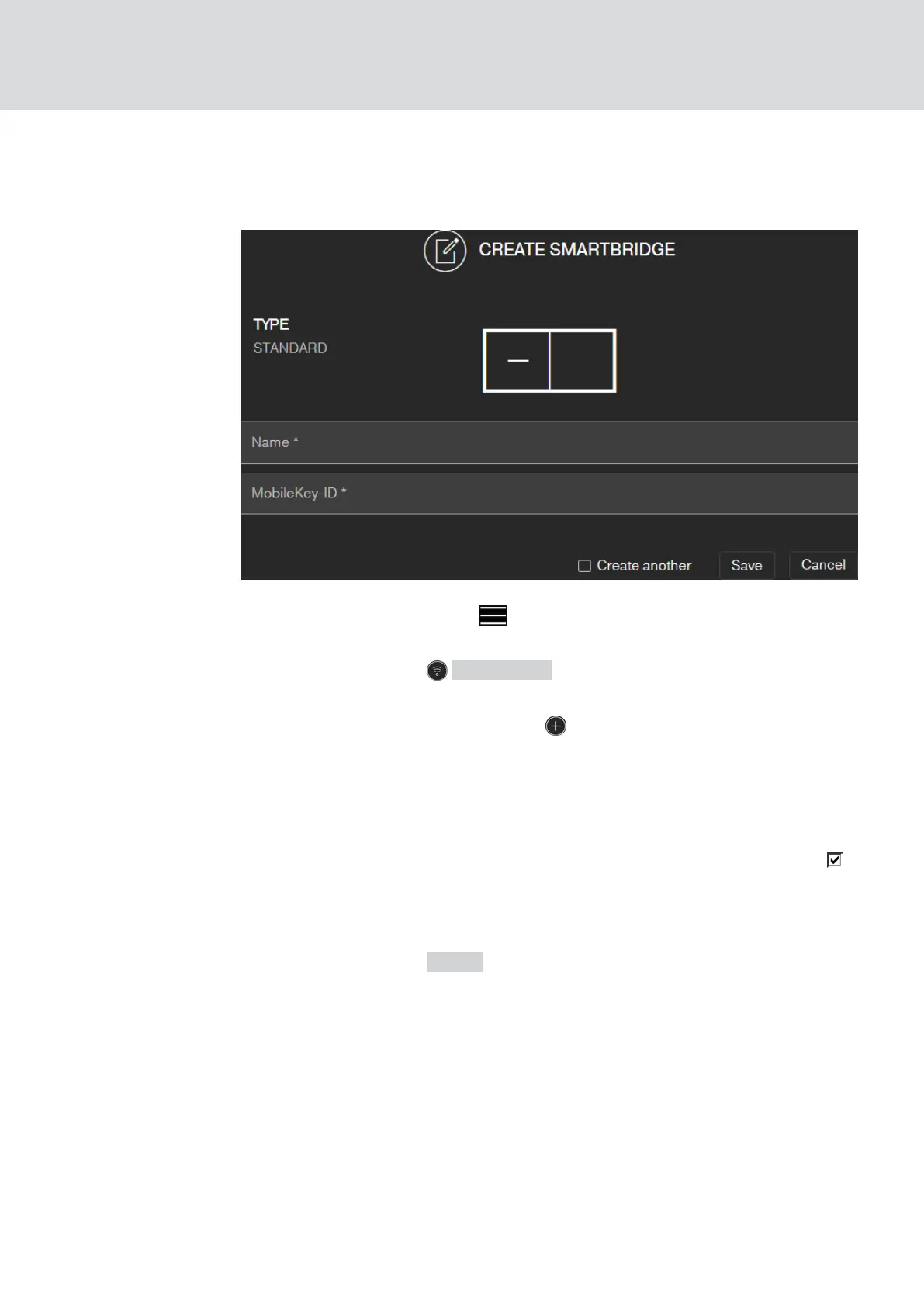
6.1.2 Setting up SmartBridges
This how you add a new SmartBridge to the web app:
1. Click on the menu button .
9 Menu opens.
2. Click on the button NETWORK .
9 The network view opens.
3. Add a new SmartBridge using the button on SmartBridges.
9 Dialogue for adding a new SmartBridge starts.
4. Assign a unique name (e.g. "SmartBridge Office 2").
5. Enter the MobileKey ID (see packaging or back of the SmartBridge,
format XXXX-XXXX-XXXX-XXXX).
6. If you want to create another PIN code keypad, select the checkbox
Create another.
9 With this checkbox you remain in this view after saving and can
immediately create another SmartBridge
7. Click on the button SAVE .
9 SmartBridge is created.
MobileKey (Manual)
6. MobileKey online upgrade
39 / 75



 To Next Page