9.2 Defective lock
Locking devices or locking cylinders may present a defect. First, change the
batteries of the lock (see the quick guide supplied). Then try to program
the lock again.
If the locking device still doesn't work correctly, it needs to be replaced.
You can also simply replace the lock if you want to use a lock with different
properties.
Proceed as follows to replace a locking device:
ü Matrix screen open
1. Remove the locking device concerned from the door.
It may be difficult to remove a lock from a locked door. If necessary, ask
the dealer who installed the SimonsVoss products for advice.
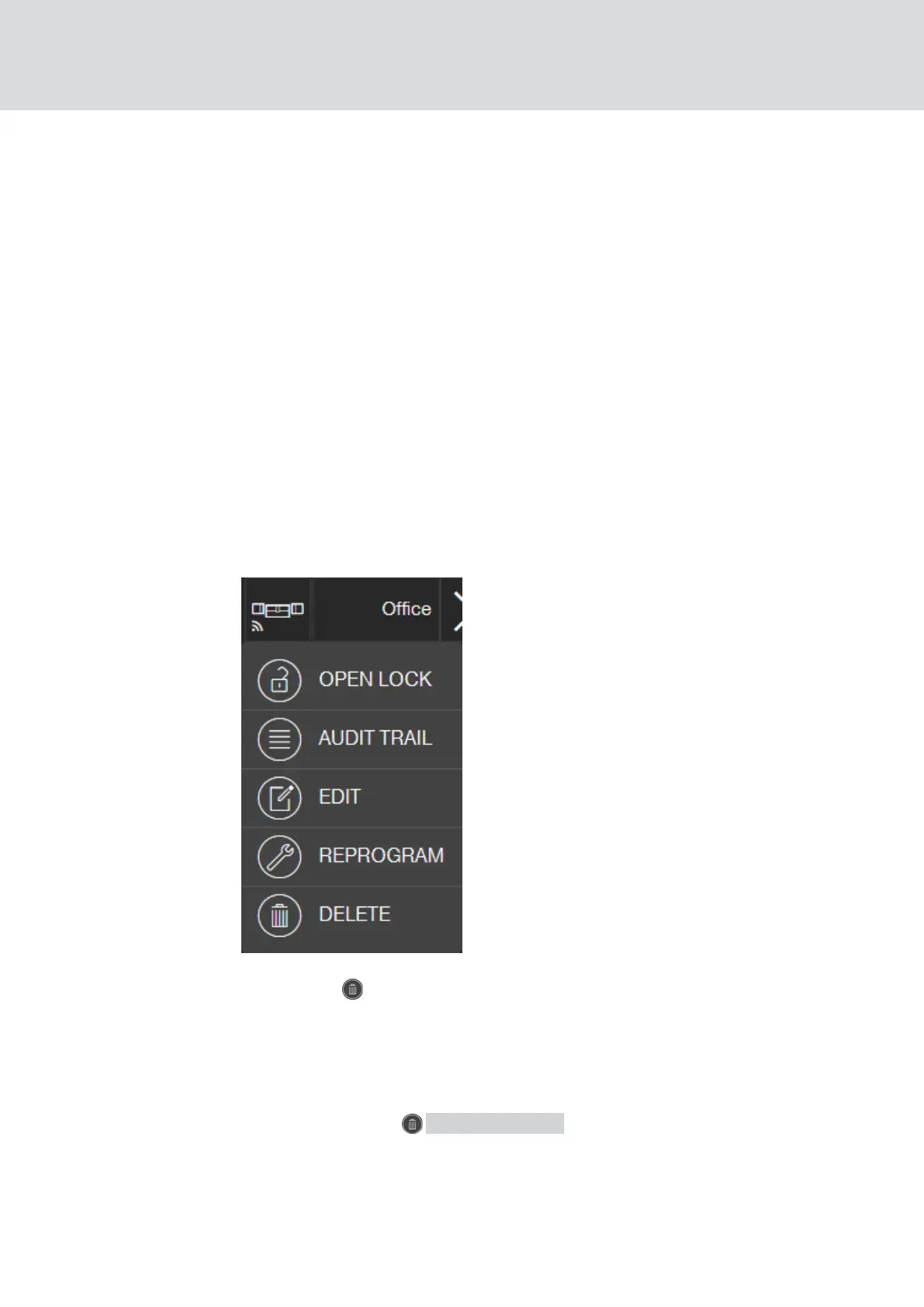
2. Click on the lock concerned in the locking plan.
9 The context menu opens.
3. Click the DELETE button.
9 The lock is flagged for reset.
9 Task will be completed in the programming app at a later stage.
4. If the locking device is defective: Click on the lock.
9 The context menu opens.
5. Click the button FORCE DELETE ".
9 Lock is permanently deleted in the locking plan.
6. Create a new lock (see
Creating a lock [}18]
oder
Creating a lock with
online upgrade [}41]
).
MobileKey (Manual)
9. Fault rectification
63 / 75



 To Next Page