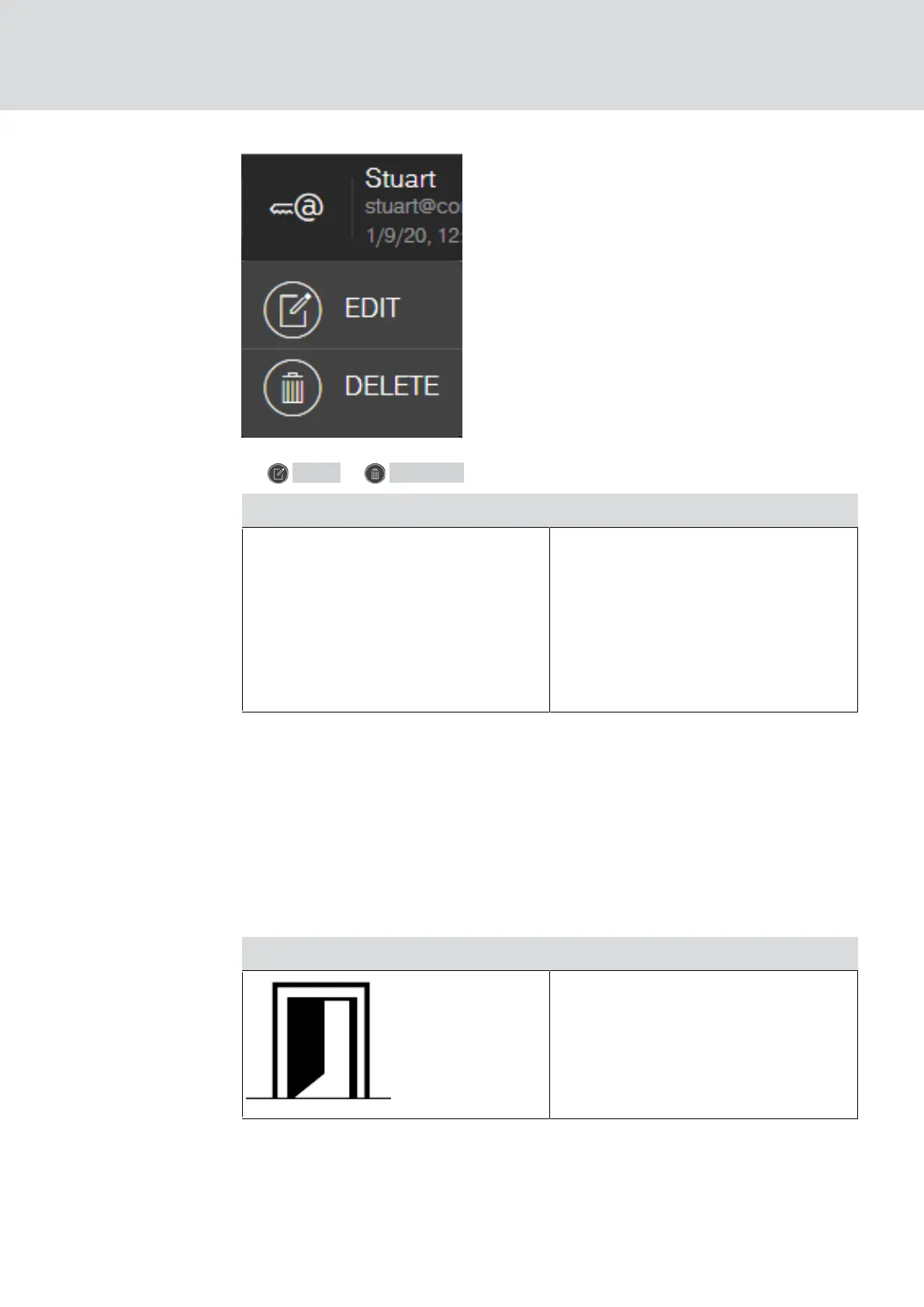
4. EDIT or DELETE Sie den Key4Friend.
EDIT DELETE
With this you edit the properties of
the Key4Friend:
Name
Validity
Locks that are valid for the
Key4Friend
This will delete the Key4Friend. No
more locks can be opened with this
Key4Friend.
6.11 DoorMonitoring locking device - displayed locking statuses
Locking devices with a DoorMonitoring option use a special fastening screw
to communicate door statuses. These locking devices are ready designed
for use with MobileKey ONLINE as they already feature what is known as a
LockNode.
The following door states of the DoorMonitoring lock are displayed (partly
combined) via a corresponding icon in the matrix of the web app:
Icon Description
Door open.
MobileKey (Manual)
6. MobileKey online upgrade
52 / 75



 To Next Page