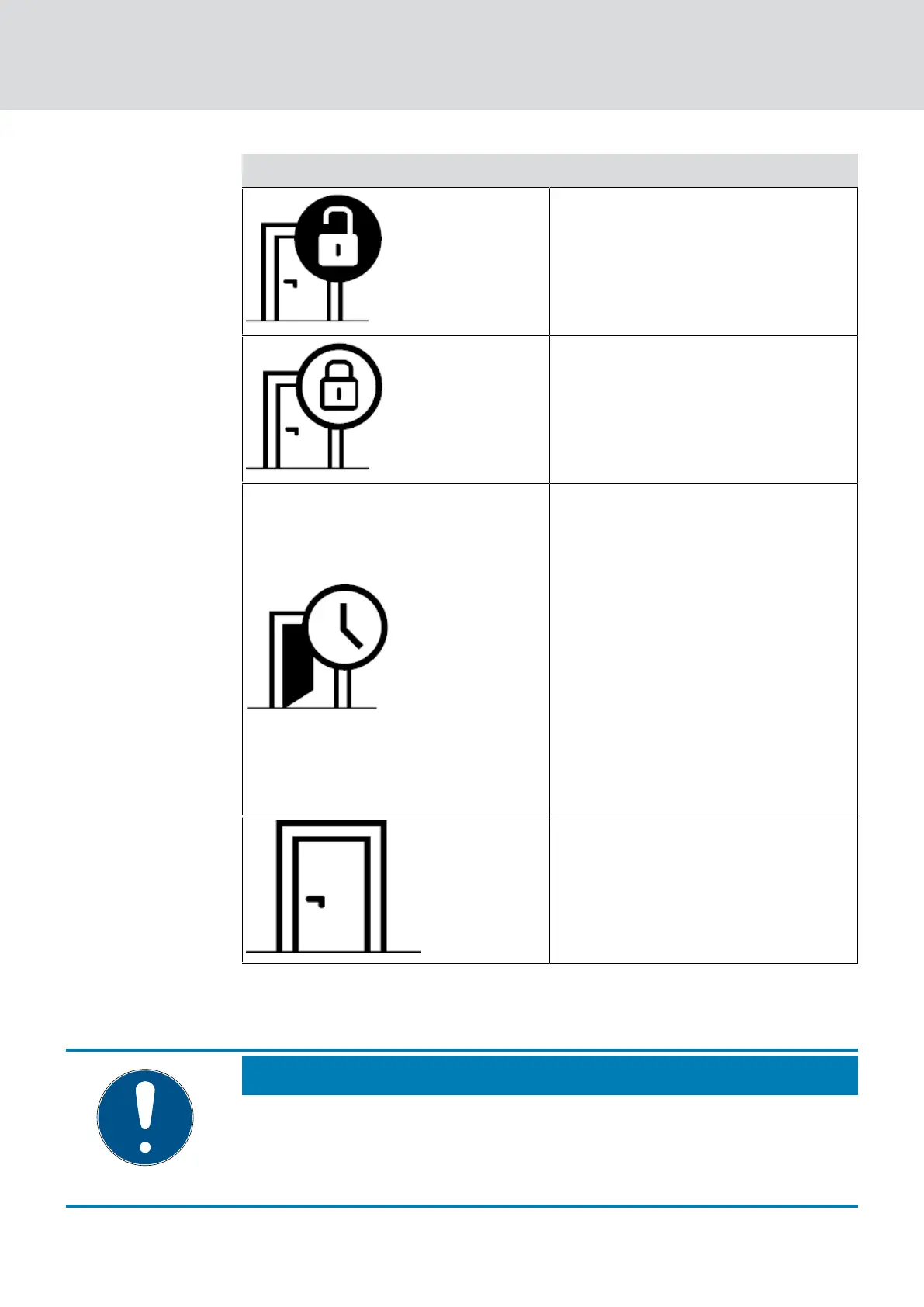
Icon Description
Door closed but not locked.
Door securely closed and locking
device locked.
Door open too long.
Set the time after initial program-
ming (see
Programming of com-
ponents with online upgrade [}46]
)
in the lock settings (see
Creating a
lock with online upgrade [}41]
):
Never
30 seconds
One minute
Two minutes
Five minutes
Door closed. Locking status not
monitored.
In addition, further warnings can be displayed for your DoorMonitoring lock.
NOTE
If there has been a break-in or deliberate manipulation of the DoorMonitor-
ing locking device, the corresponding door must be checked immediately.
Look for any damage to the door or locking device. The locking device must
then be reset.
See Programming of components with online upgrade [}46]
MobileKey (Manual)
6. MobileKey online upgrade
53 / 75



 To Next Page