8 Settings
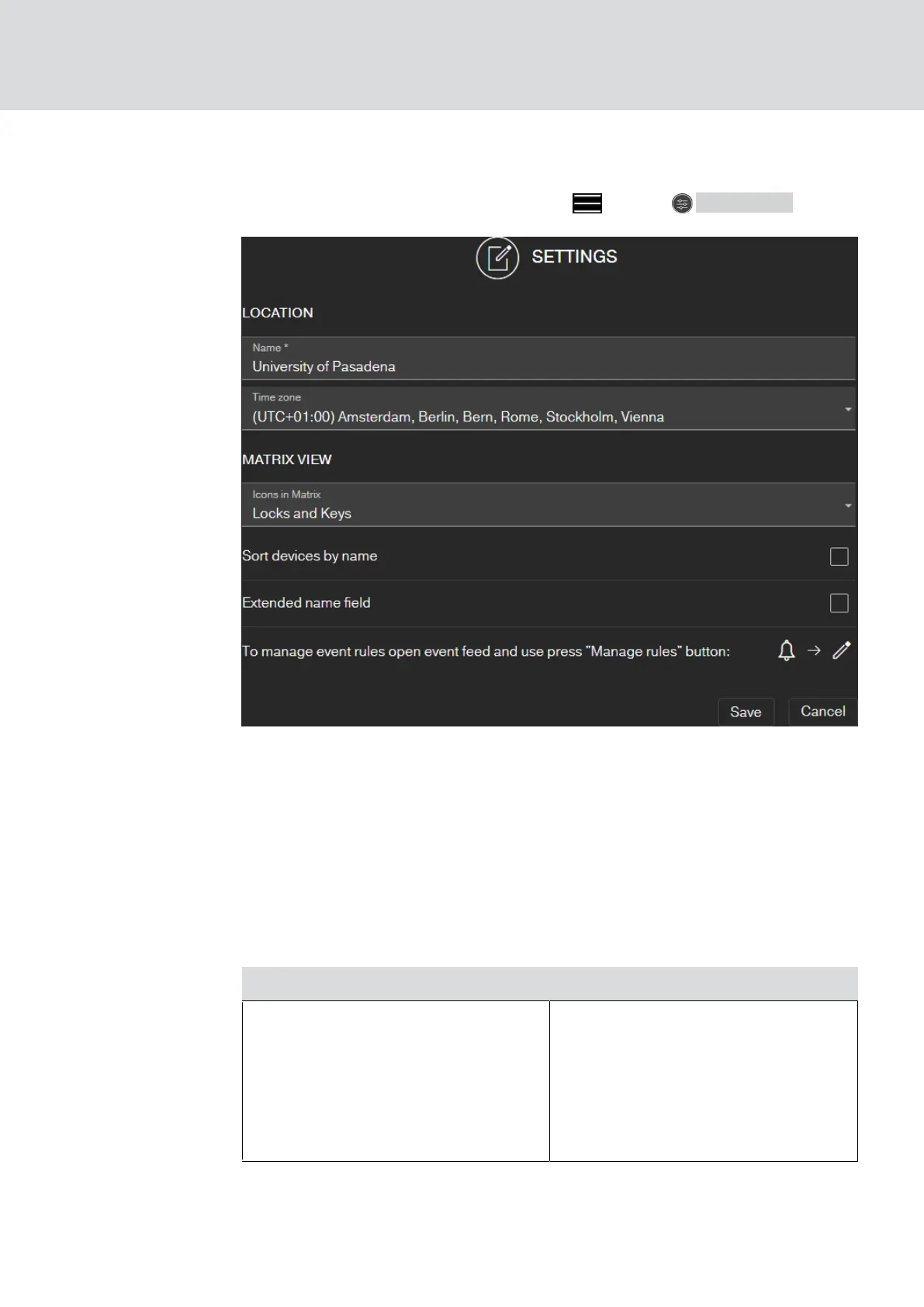
Call up the settings via the menu button and the SETTINGS button:
Location of the locking system
Enter the
name of the location
(e.g. Office) and the time zone of the
location.
The location specification is also used in the exported component list (see
Exporting the component list [}30]
).
Matrix view
Adjust the display of your matrix here:
setting Effect
Icons in the matrix
Choose between the following dis-
play options:
Locks and keys (standard)
Locks only
All hidden
MobileKey (Manual)
8. Settings
59 / 75



 To Next Page