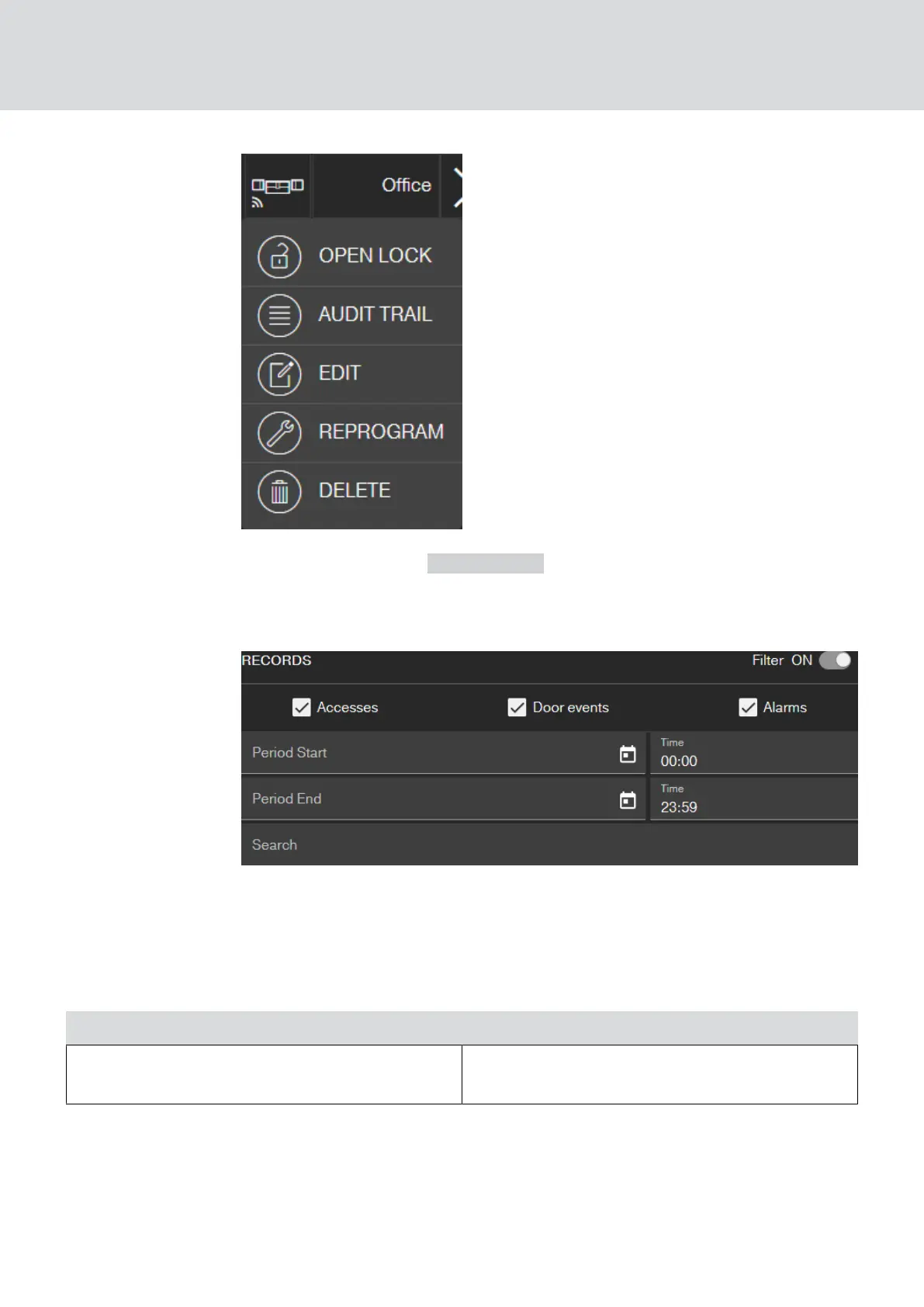
9. Click on the button AUDIT TRAIL .
9 Access event log is displayed.
10. If necessary, filter the entries.
9 Filtered access log is displayed.
5.11 Changing the colour scheme
Two colour schemes are available:
Dark Light
Light font and symbols on dark grey back-
ground (default after login or page refresh)
Dark font and symbols on white background
MobileKey (Manual)
5. Basic functions
35 / 75



 To Next Page