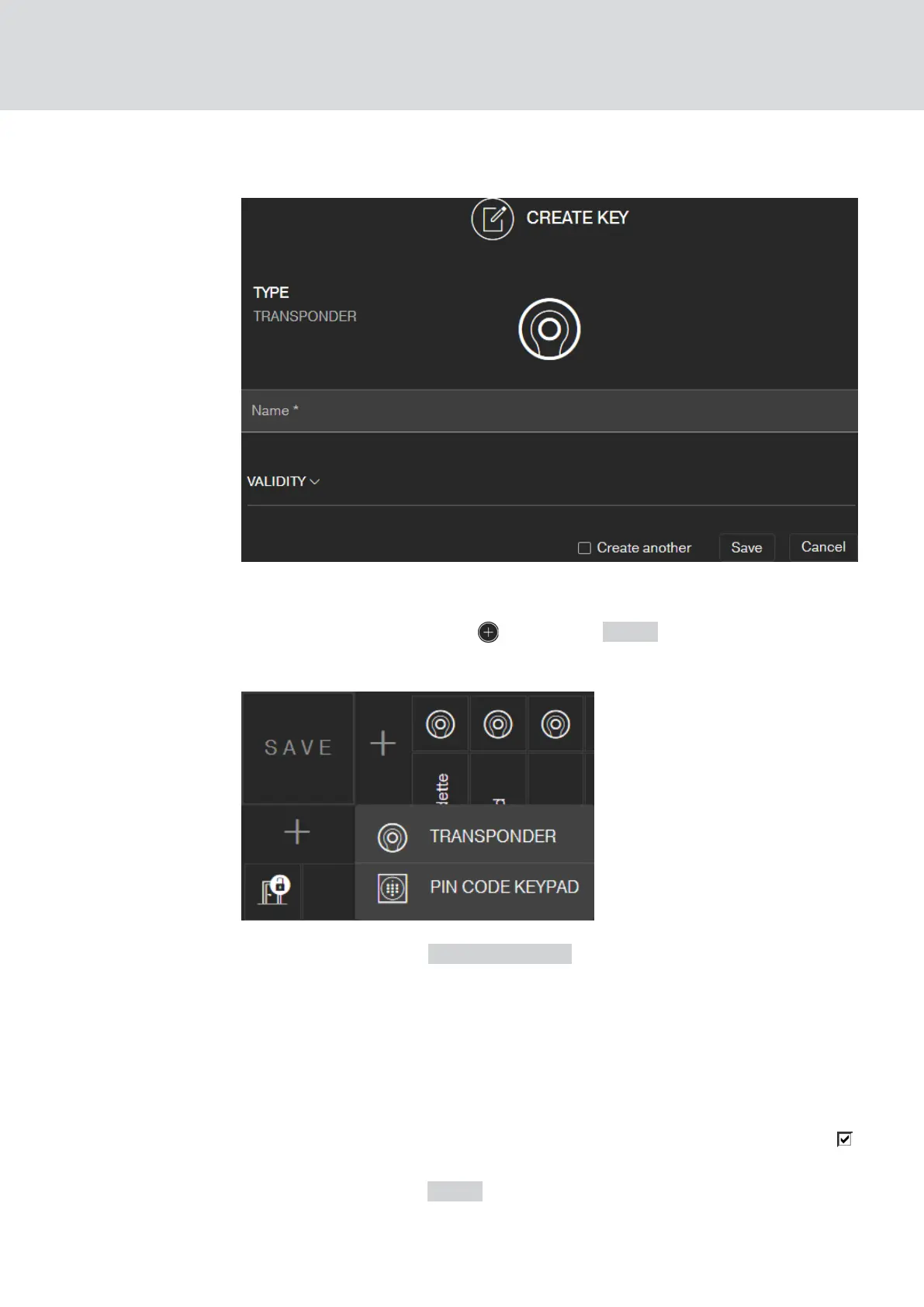
5.2 Add key
ü Matrix screen open
1. Click on the Add Key icon (next to the SAVE button).
9 The context menu opens.
2. Select the key type TRANSPONDER .
3. Assign a name, e.g. "John Smith".
4. Specify the validity if necessary.
9 "Valid from": From this date, the key is authorised in the locking
system.
9 "Valid to": From this date, the key is no longer authorised in the
locking system.
5. If you want to create another key (transponder), select the checkbox
Create another.
6. Click on the button SAVE .
9 The key is added.
MobileKey (Manual)
5. Basic functions
20 / 75



 To Next Page