NOTE
Forced deletion disables a (still) programmed component, so it can no
longer be used. You should only use this procedure on defective compon-
ents!
You can reset the components using the programming app (see
Reset
or re-use deleted components [}64]
).
5.9 Exporting the component list
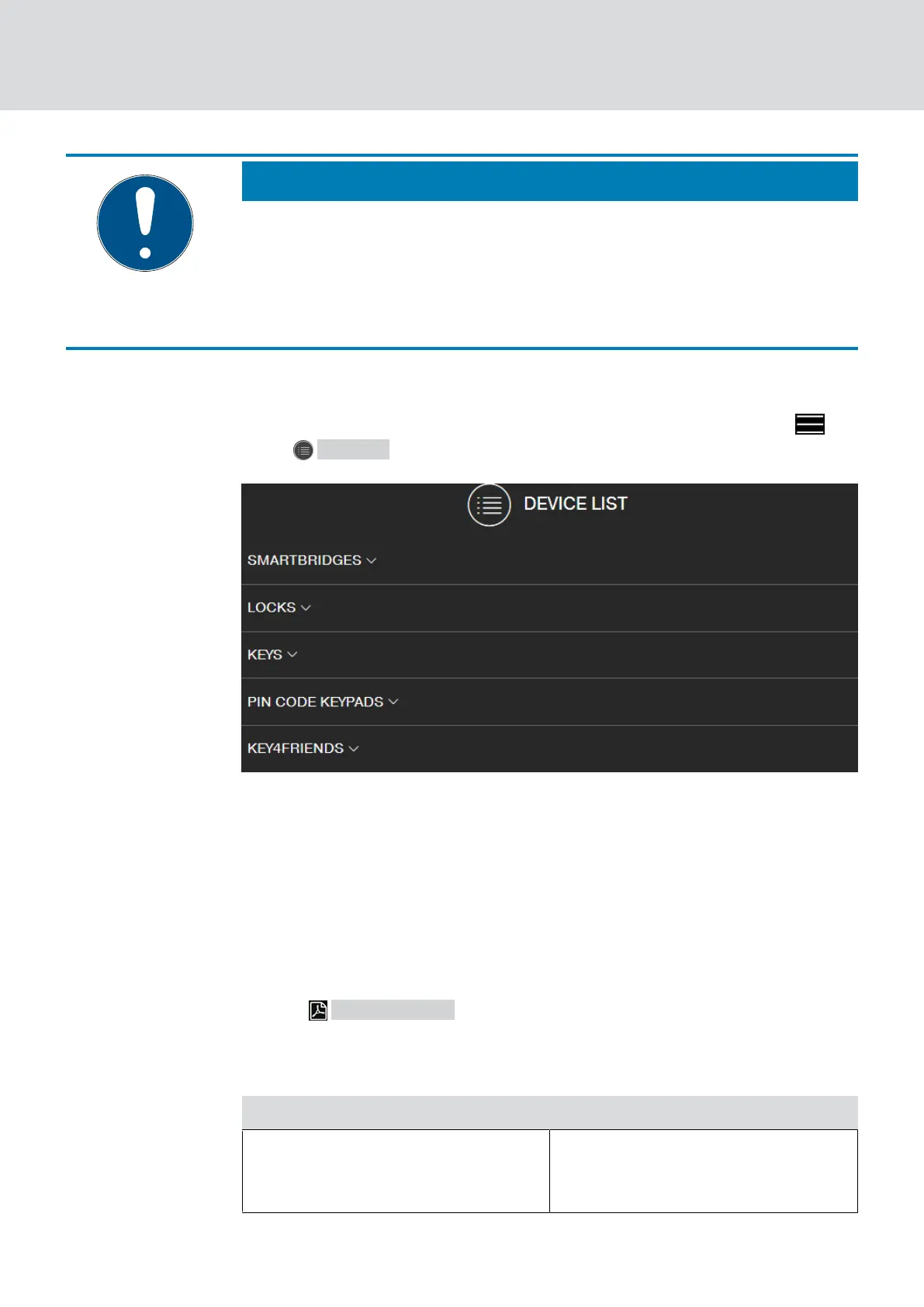
You can see what is available in your MobileKey locking plan via the
menu Devices :
You can see the components by opening the drop-down menus:
▼ SMARTBRIDGES
▼ LOCKS
▼ KEYS
▼ PIN CODE KEYPADS
▼ KEY4FRIENDS
Use the Generate PDF button to create a PDF with detailed
information:
Location and account
Information Meaning
Location
Location of the components (Here
the location specification in the set-
tings is used, see
Settings [}59]
).
MobileKey (Manual)
5. Basic functions
30 / 75



 To Next Page