5.6.1 IMPORTANT: Programming on a Windows device
You must download and install the programming app once. Then log in.
The USB config device must be connected to the computer's USB port to
programme.
The installation is indicated as soon as you click on the menu and
PROGRAMMING . The download of the installation file starts after clicking
on
Installieren/Reparieren [offen] . Install the programming app
(administrator rights required).
Take hardware requirements into account:
Programming [}6]
5.6.2 IMPORTANT: Programming on an Android device
Download the free MobileKey app from the
Google Play Store
and connect
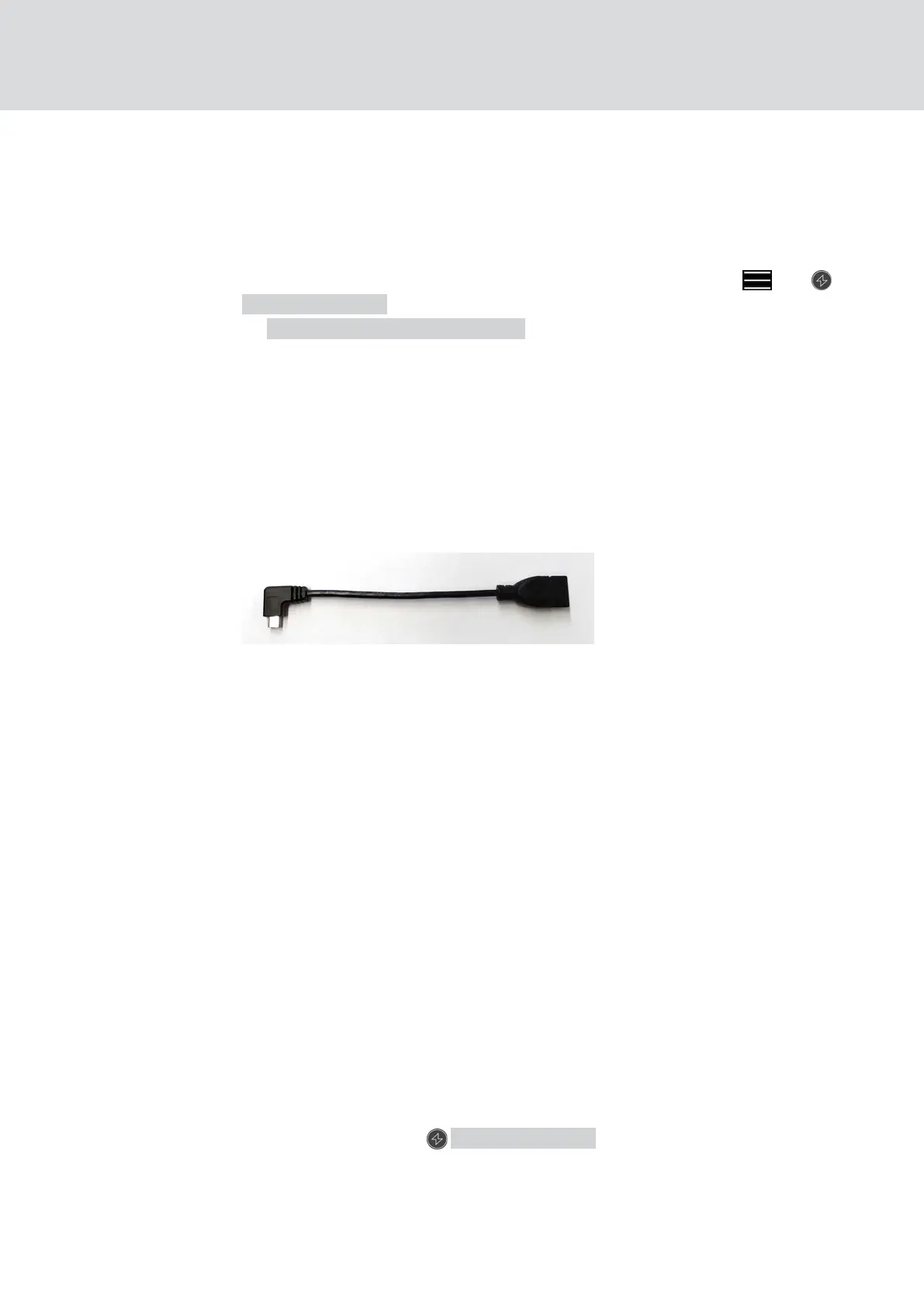
the programming stick to the Android device. You may need a separately
available USB-On-The-Go cable (OTG):
Launch the app one time to enter your user name and password.
Take hardware requirements into account:
Programming [}6]
5.6.3 IMPORTANT: Programming on a macOS device
You need to install a service one time for programming in macOS. A
prompt will appear if the service has not yet been installed or has not been
launched. You must not quit the browser when the service is running.
Devices with an activated online extension do not need to be programmed.
There are two options for programming keys and locks without an online
extension in macOS.
Take hardware requirements into account:
Programming [}6]
Programming in the menu
The first option is to programme using the context menu. This method is
suitable if few keys or locks have been changed.
1. Click on the components which need to be programmed.
9 Menu opens.
2. Click on the button PROGRAMMING .
9 Programming window opens.
3. Follow the instructions on the screen.
9 Programming is complete.
MobileKey (Manual)
5. Basic functions
28 / 75



 To Next Page