5.6 Programming components
NOTE
Programme each lock or Online PIN Code Keypad before installing it.
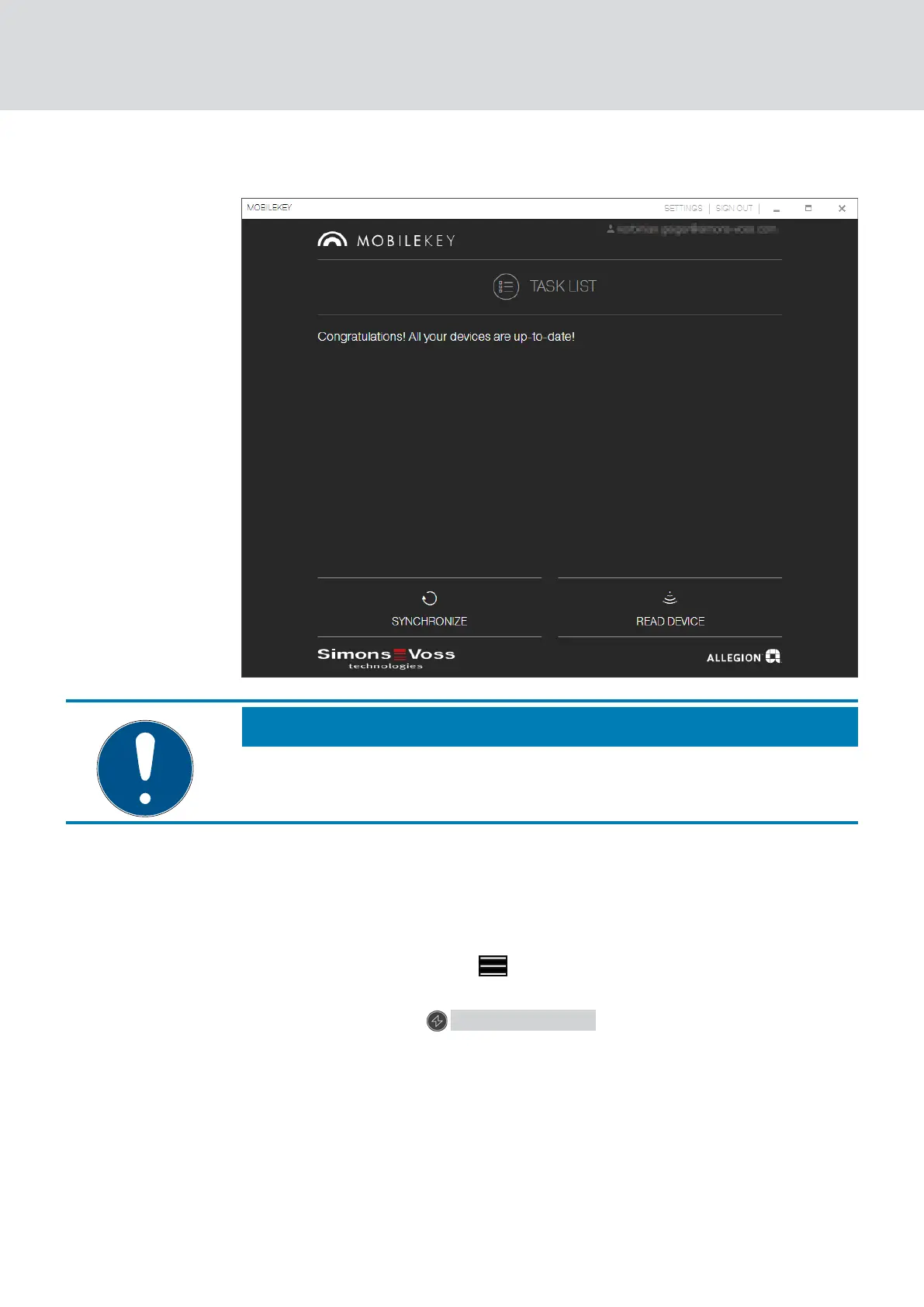
Proceed as follows to launch the programming app from the MobileKey
web app and thus complete the individual programming tasks:
ü Programming tasks pending (shown on respective components in
matrix)
1. Click on the menu button .
9 Menu opens.
2. Click on the button PROGRAMMING .
9 The programming app launches.
3. Log on if required.
9 Task list shows components requiring programming.
4. Execute all pending tasks.
5. Click on the first component to start programming it.
6. Then follow the instructions in the programming app.
MobileKey (Manual)
5. Basic functions
27 / 75



 To Next Page