9 Fault rectification
Help for possible day-to-day problems are shown below.
9.1 Key lost, damaged or stolen
Keys or transponders may get lost, stolen or damaged at some point.
Whatever the case, the old key needs to be deleted in the locking plan and
a replacement key needs to be created. The deleted key's authorisations
must be removed from all locking devices for security reasons. You can do
this by programming all locks.
This is how you replace a key that no longer exists or is defective:
ü Matrix screen open
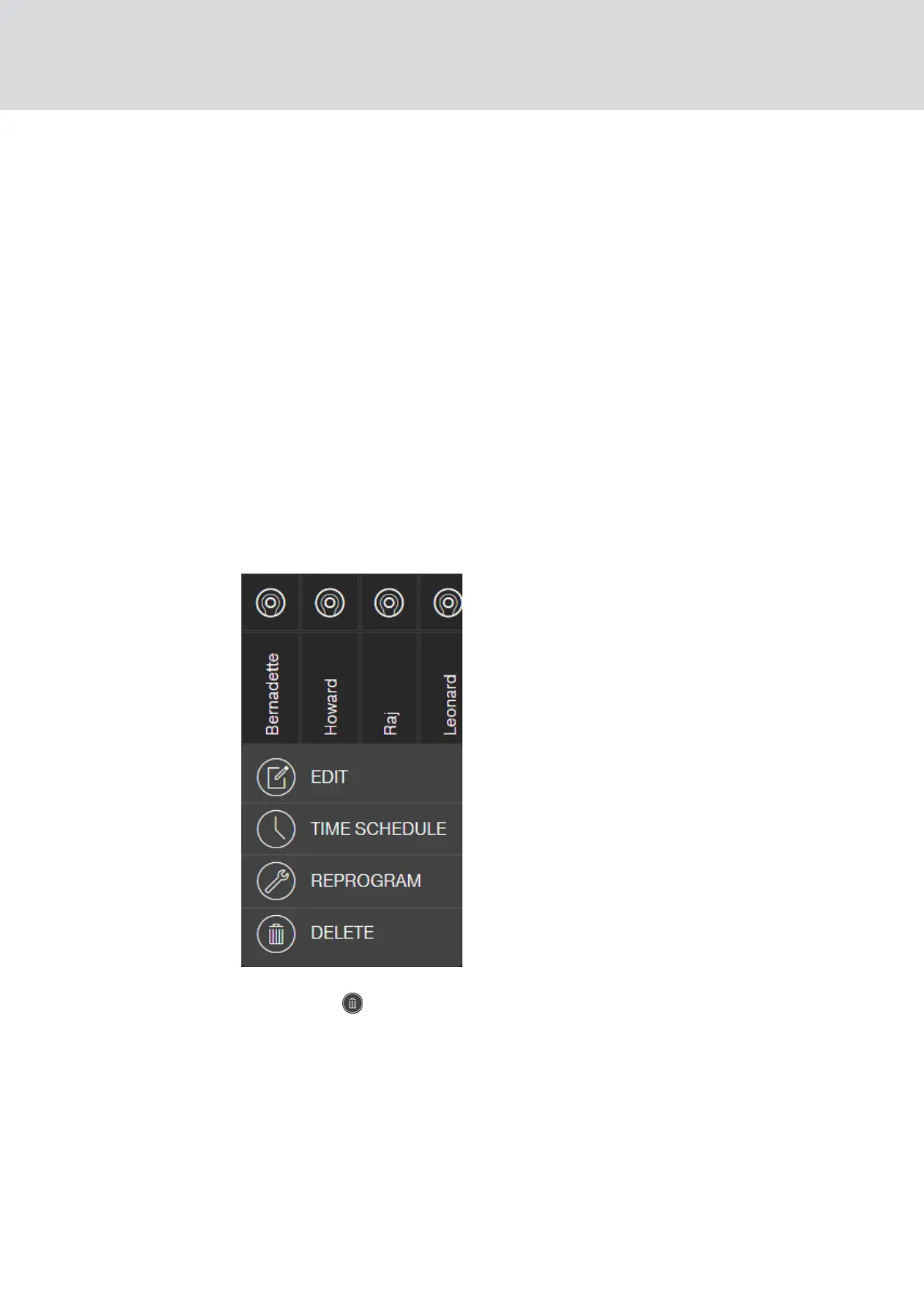
1. Search for the key concerned in the locking plan.
2. Click on the key in the locking plan.
9 The context menu opens.
3. Click the DELETE button.
9 Key is now flagged for reset.
9 Task will be completed in the programming app at a later stage.
4. Click on the key concerned in the locking plan.
9 The context menu opens.
MobileKey (Manual)
9. Fault rectification
61 / 75



 To Next Page