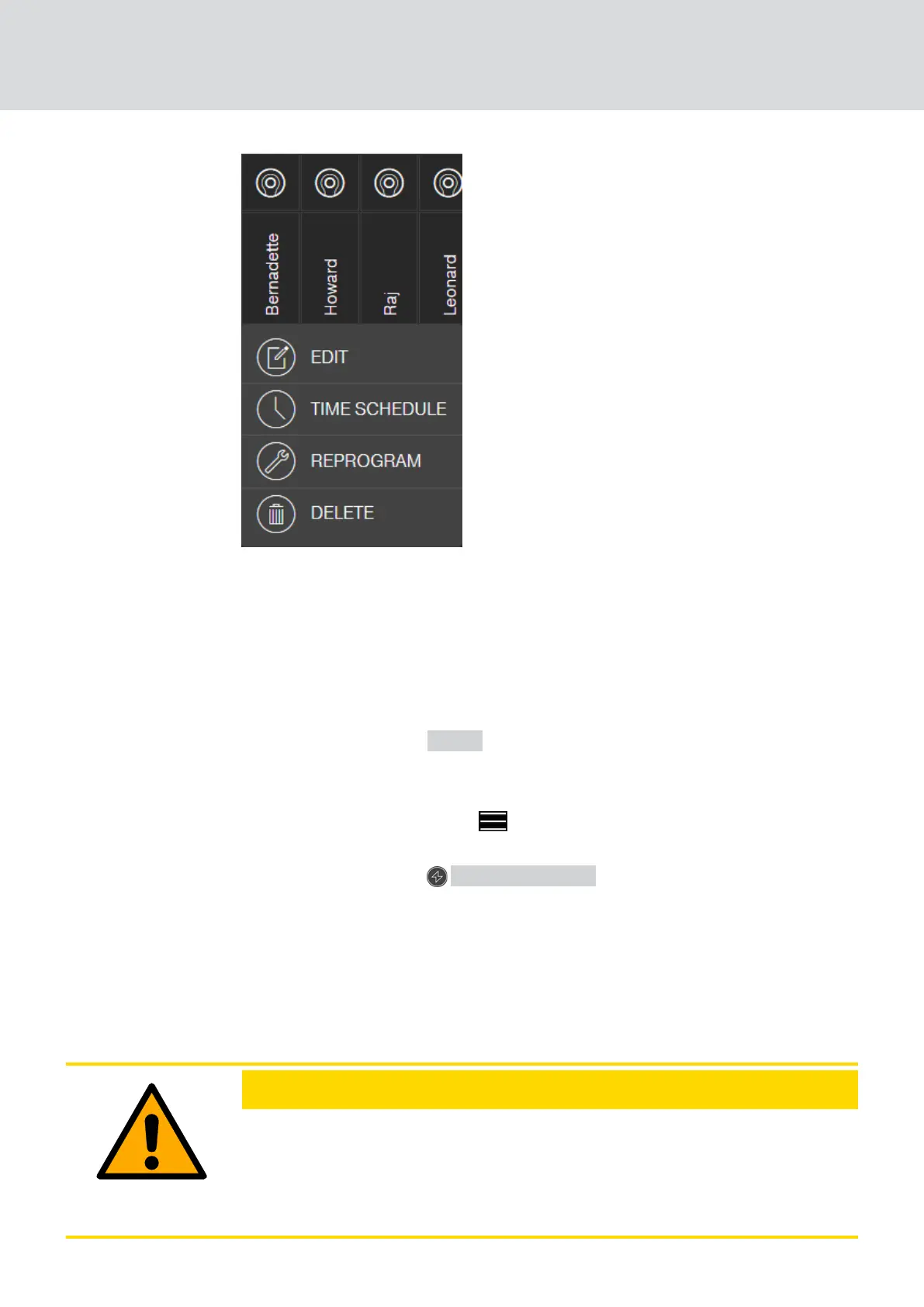
5. Click on the "FORCE DELETE" button.
9 Key is deleted in the locking plan.
9 Key is not yet deactivated in the lock.
6. If necessary, create a new key (see
Add key [}20]
).
7. Assign any necessary authorisations (see
Issue authorisation and save
[}22]
).
8. Click on the button SAVE .
9 Changes are saved (locks with online extension are automatically
programmed when a network connection is established).
9. Click on the menu button .
9 Menu opens.
10. Click on the button PROGRAMMING .
9 The programming app launches.
11. Carry out all tasks.
9 The following programming tasks can be expected: Removing
authorisations for the deleted key from all locking devices and
authorise a new key for the locking devices if required.
9 Programming is performed.
CAUTION
Unauthorised access after theft
A stolen key is authorised at the locking system until the key is deleted and
the locks are reprogrammed.
Re-programme all authorised keys immediately if a key is lost.
MobileKey (Manual)
9. Fault rectification
62 / 75



 To Next Page