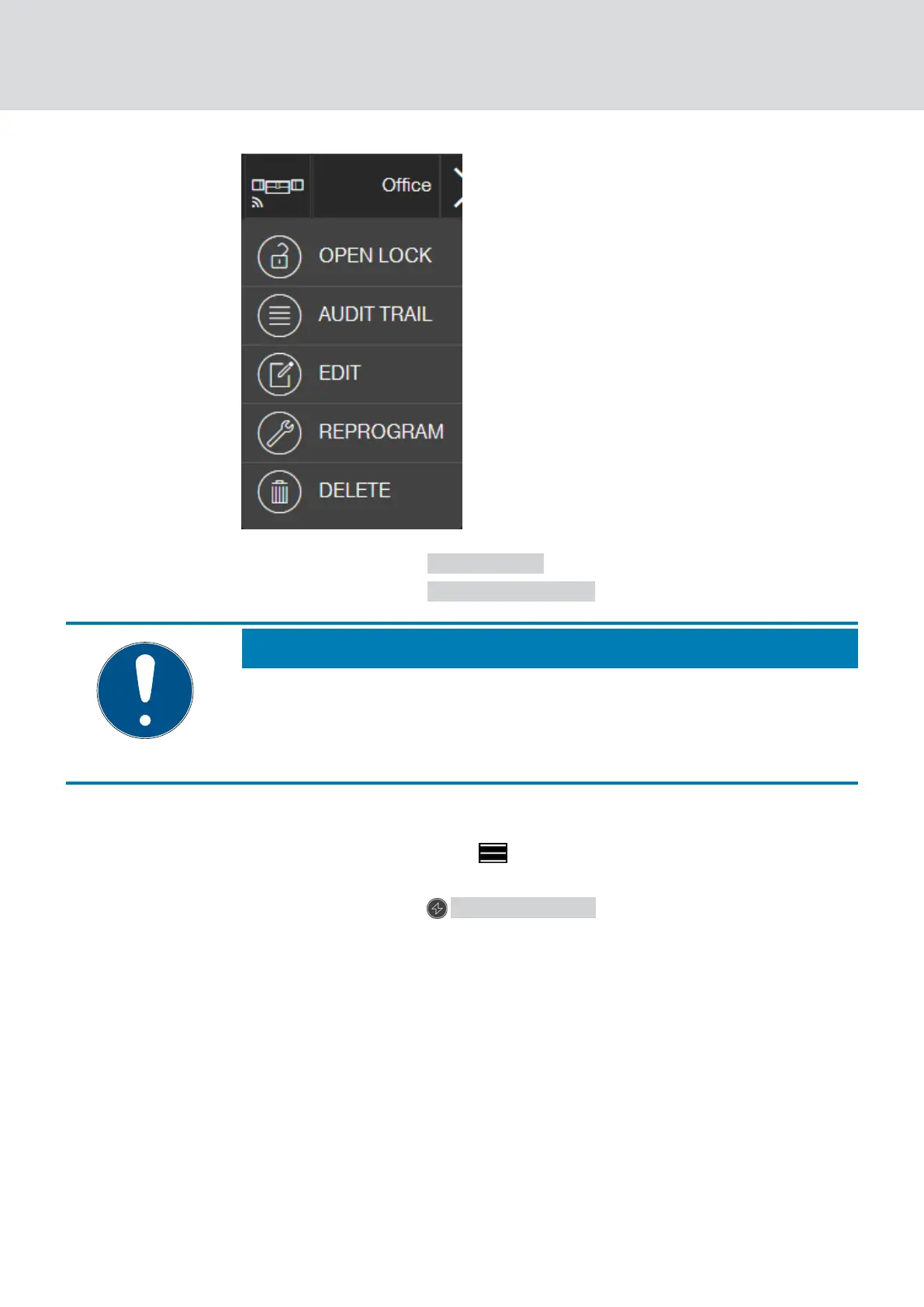
2. Click on the button AUDIT TRAIL .
3. Click on the button READ AUDIT TRAIL .
NOTE
Reading out locks with online upgrade
Locks with online upgrade are automatically read out via the SmartBridge.
You do not need to read these locks with the programming app and the
USB config device.
9 The "Read access log" command is sent to the programming app as
a task.
4. Click on the menu button .
9 Menu opens.
5. Click on the button PROGRAMMING .
9 The programming app launches.
6. Execute the programming task.
7. Open the matrix.
8. Click on the required lock to read its log.
9 Menu opens.
MobileKey (Manual)
5. Basic functions
34 / 75



 To Next Page