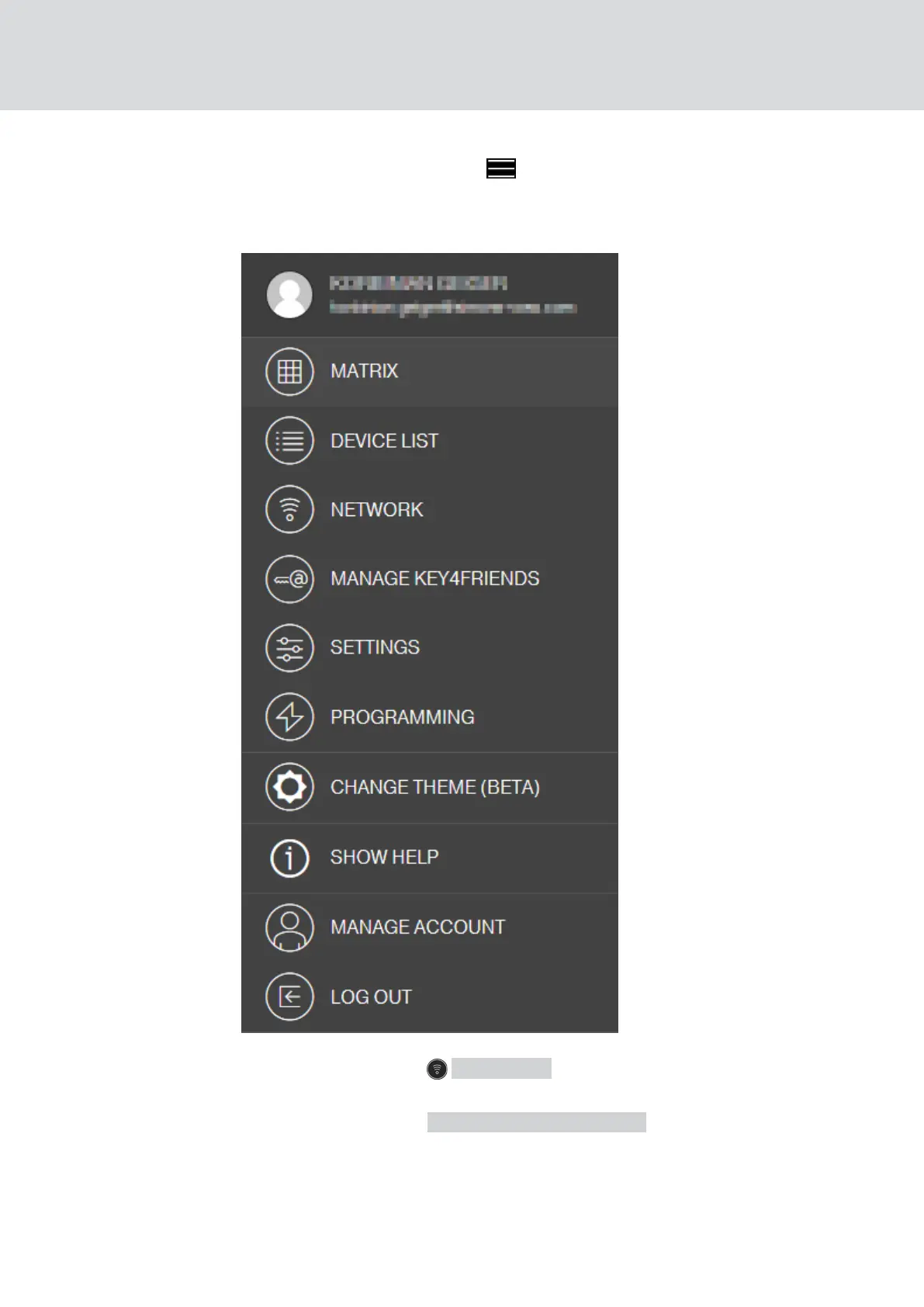
3. Click on the menu button ( ).
9 Menu opens.
9 Programming process starts via SmartBridge.
4. Click on the button NETWORK .
9 Network overview opens.
5. Click on the button START CONFIGURATION .
9 Configuration with new component starts.
9 Completion of the configuration is signalled by a fast tone that
repeats itself three times (
beep-beep-beep
).
MobileKey (Manual)
6. MobileKey online upgrade
47 / 75



 To Next Page