Printer Management
4-6
4
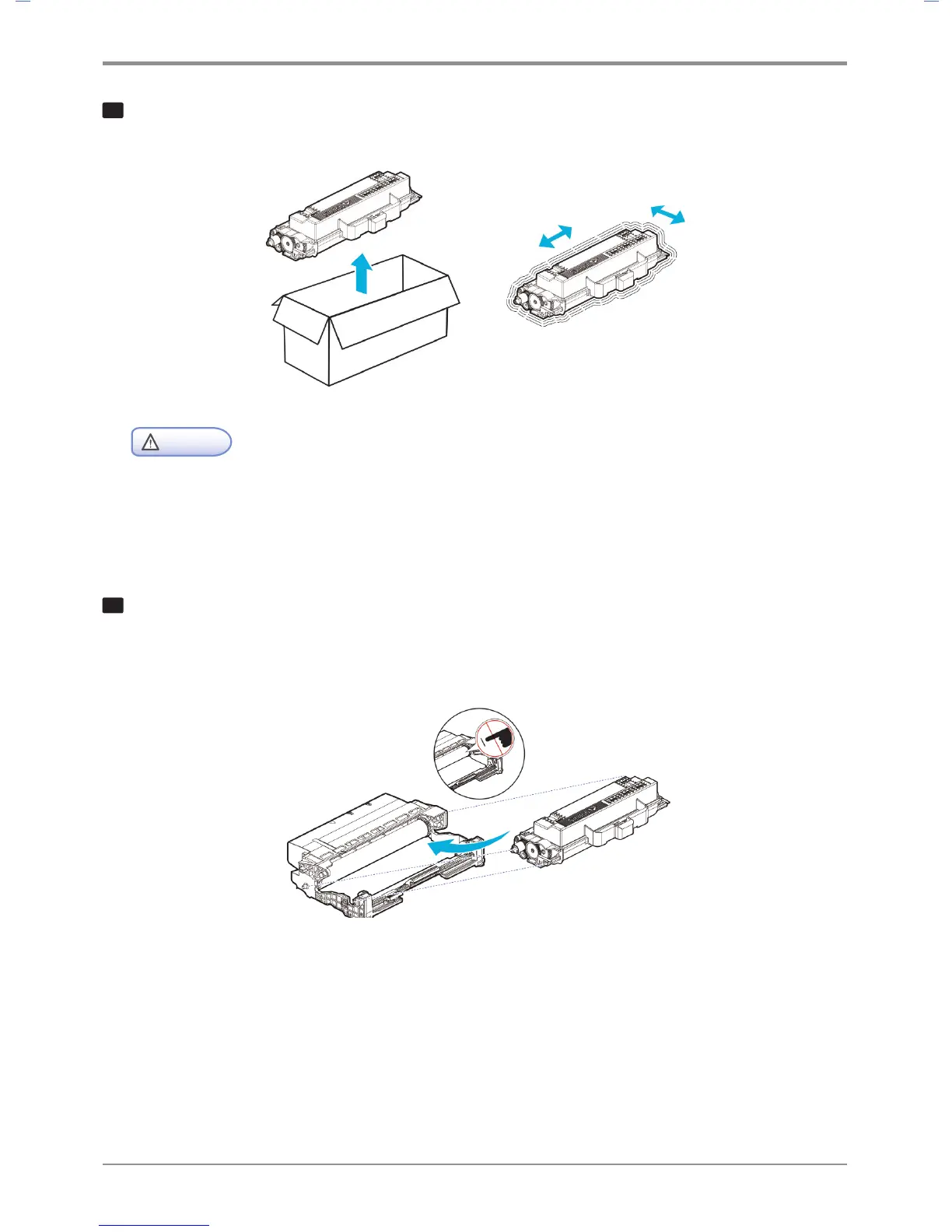
Pull out the new toner cartridge from the box.
Gently shake the new toner cartridge to distribute toners evenly within the cartridge.
Warning
Damage Risk
- Do not expose the drum cartridge to direct sunlight for a long time.
Long term exposure to direct sunlight may damage the photoconductor’s coating film,
causing print quality problems.
5
Hold the handles of the toner cartridge, align the tabs (white) of the toner cartridge on either side with
the track (arrow sticker) of the drum cartridge, and push the toner cartridge into the drum cartridge.
The toner cartridge is properly installed into the drum cartridge when you hear a click.



 To Next Page