Troubleshooting
5-16
Problem 4: Vertical or horizontal line appears on the page.
Solution: 1) The toner may be running out. To use the remaining toner, remove the
cartridge and gently shake before reinstalling.
2) The toner cartridge may be defective. Replace with a new one.
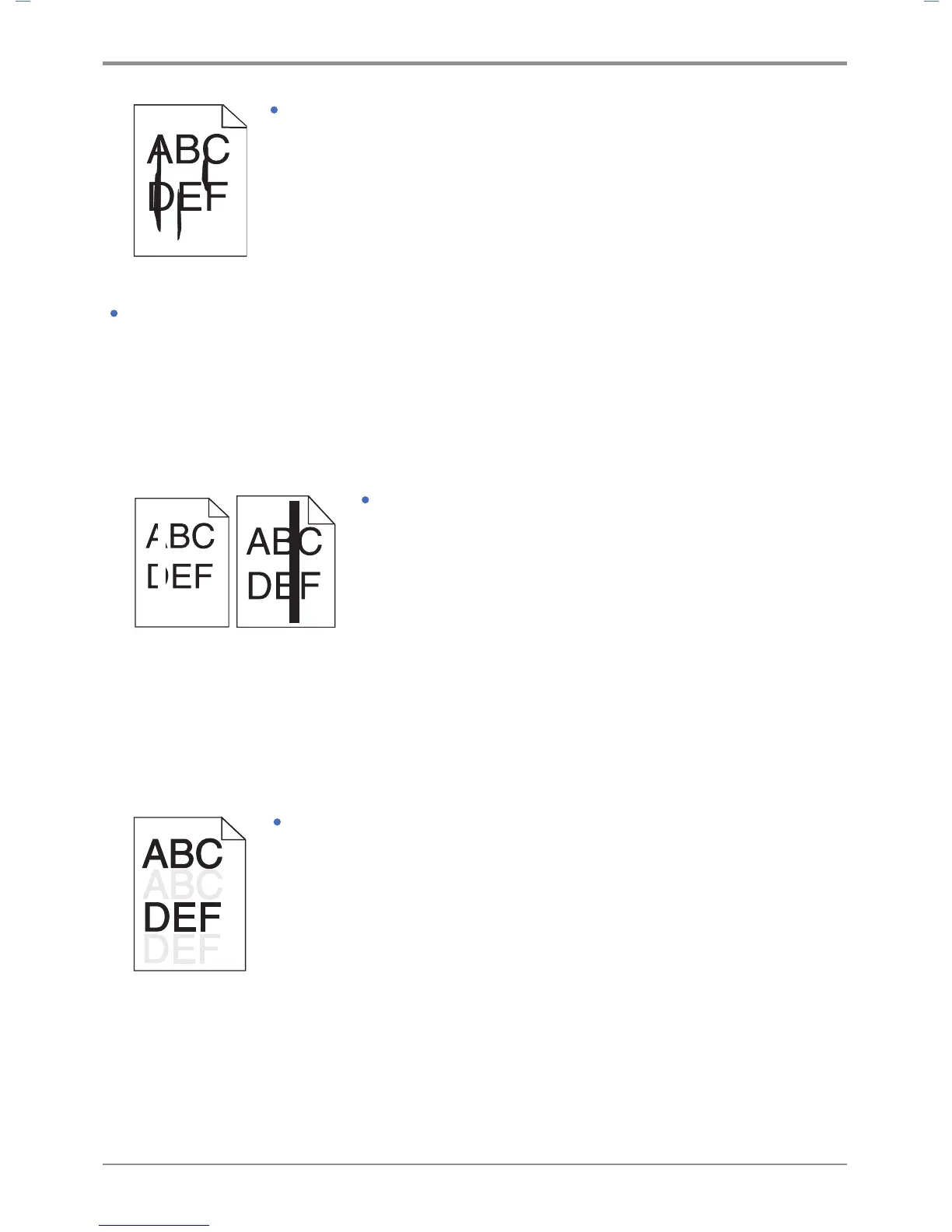
Problem 5: When pie charts, bar graphs or other gray graphics are printed, vertical lines of various widths
appear.
Solution: 1) Contaminants such as paper powder or lint are on the head lens. Clean the head lens.
2) The toner cartridge may be defective. Replace with a new one.
3) The drum cartridge may be defective. Replace with a new one.
Problem 6: White or black lines are printed on the tracing paper(OHP)
or paper.
Solution: 1) The toner may be running out.
To use the remaining toner, remove the cartridge and
gently shake before reinstalling.
2) The toner cartridge may be defective.
Replace with a new one.
3) The drum cartridge may be defective.
Replace with a new one.
Problem 7: Pale images or repeated spots are printed on paper.
Solution: 1) The toner cartridge may be defective.
Replace with a new one.
2) The drum cartridge may be defective.
Replace with a new one.



 To Next Page